

























Arrow:Best auto dealer website template for full-service dealerships
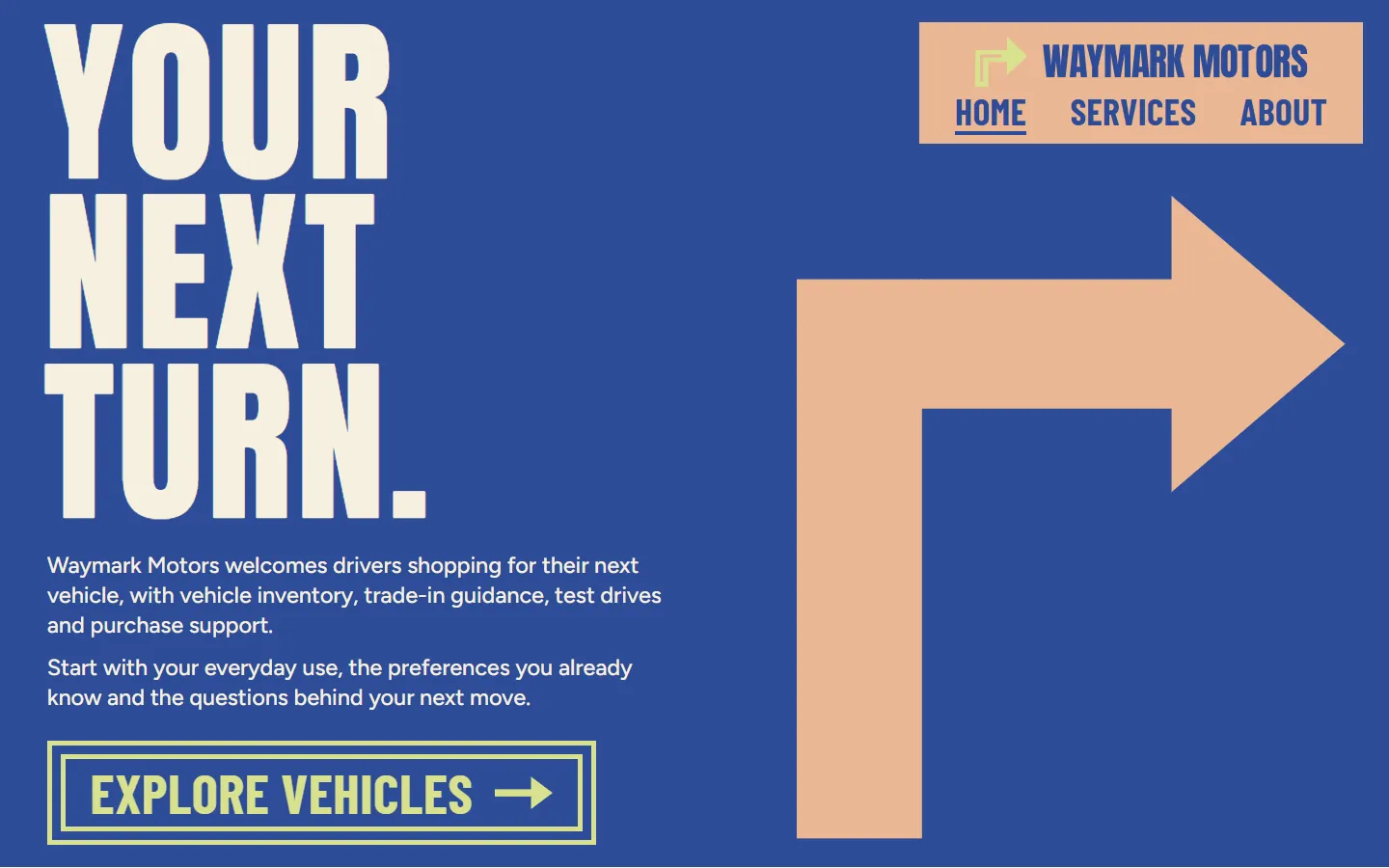
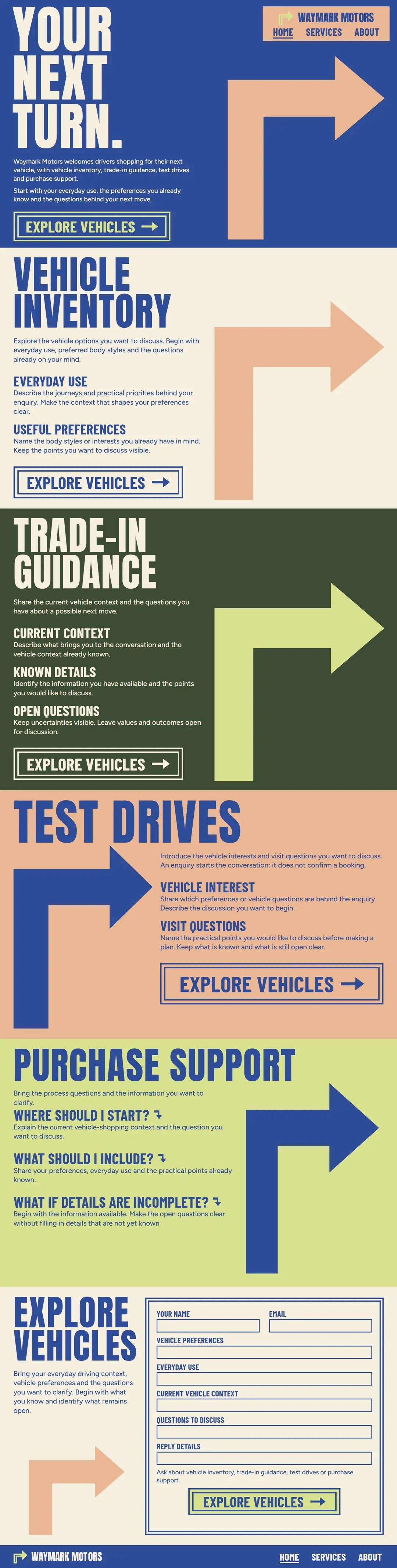
Arrow uses no photos at all: tall Anton capitals and big peach and lime turn arrows on cobalt, olive and bone, like road signs. Each of the four service areas gets its own colored band with its own arrow, which suits a full-service dealership that wants every part of the business to stand out.
An auto dealer website made of road signs. Tall Anton capitals and large drawn turn arrows fill each band in cobalt, bone, olive, peach and lime, and boxed condensed buttons lead every section to the form.
- Pages
- Home, Services, About, 26 sections in all
- Editable fields
- 204 in HubSpot and WordPress
- Typefaces
- Anton, Barlow Condensed, Figtree Light
- Image files
- Downloads
- Astro 98 KB, HubSpot 201 KB, WordPress 172 KB
- Look
- Dark and light sections
- Collections
- Auto dealer
- Framer
- Coming soon
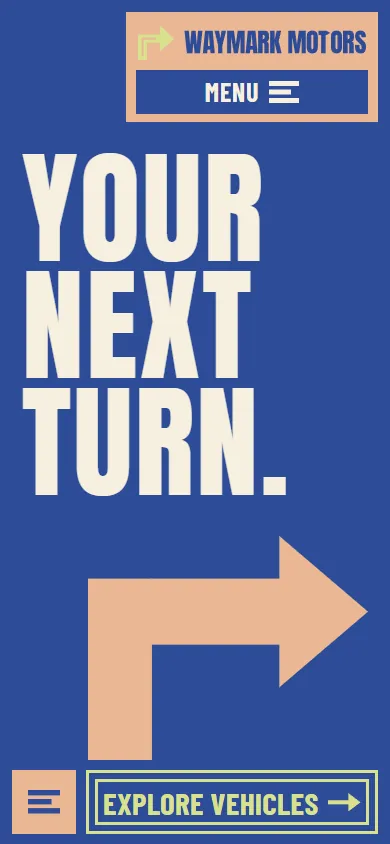
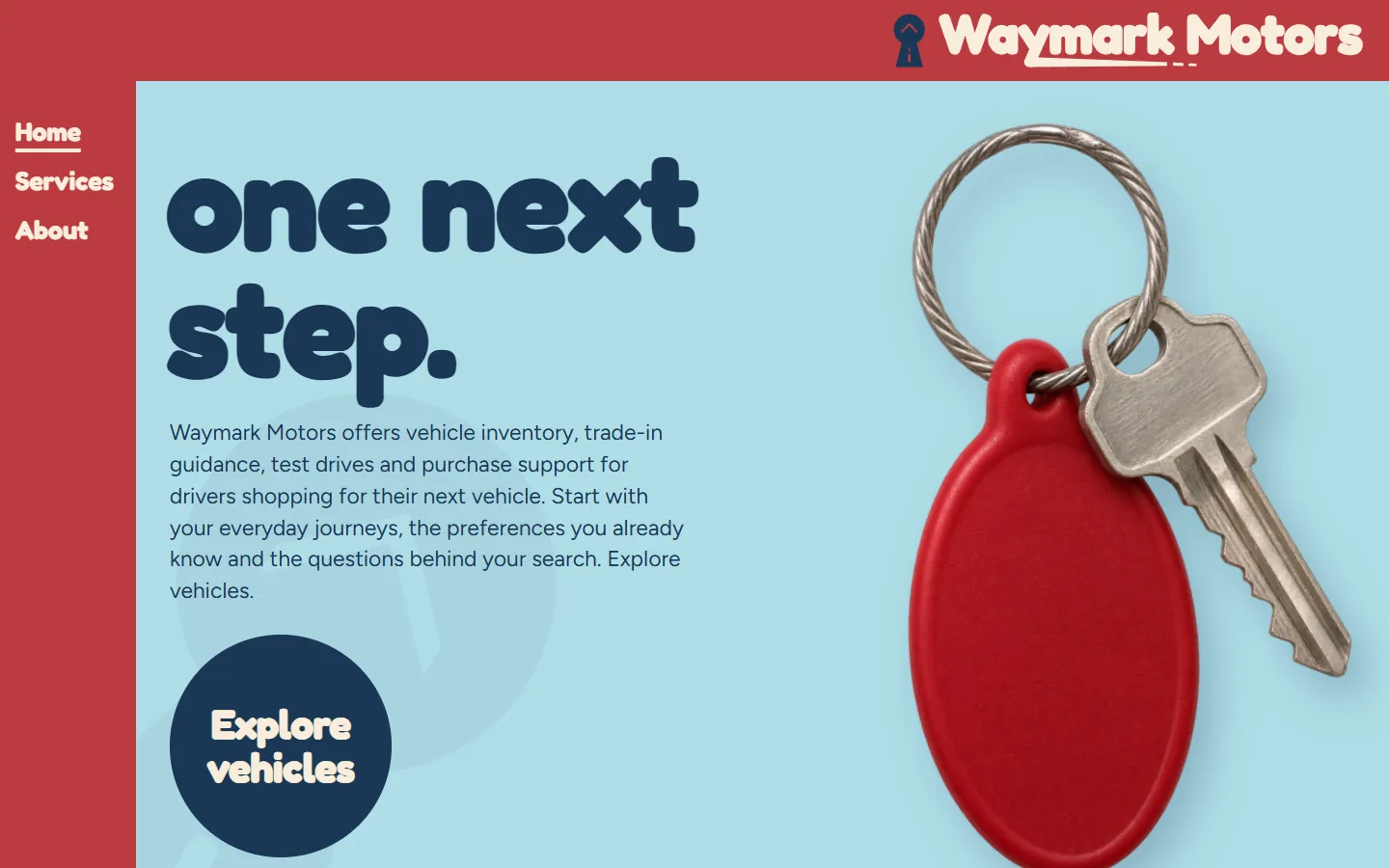
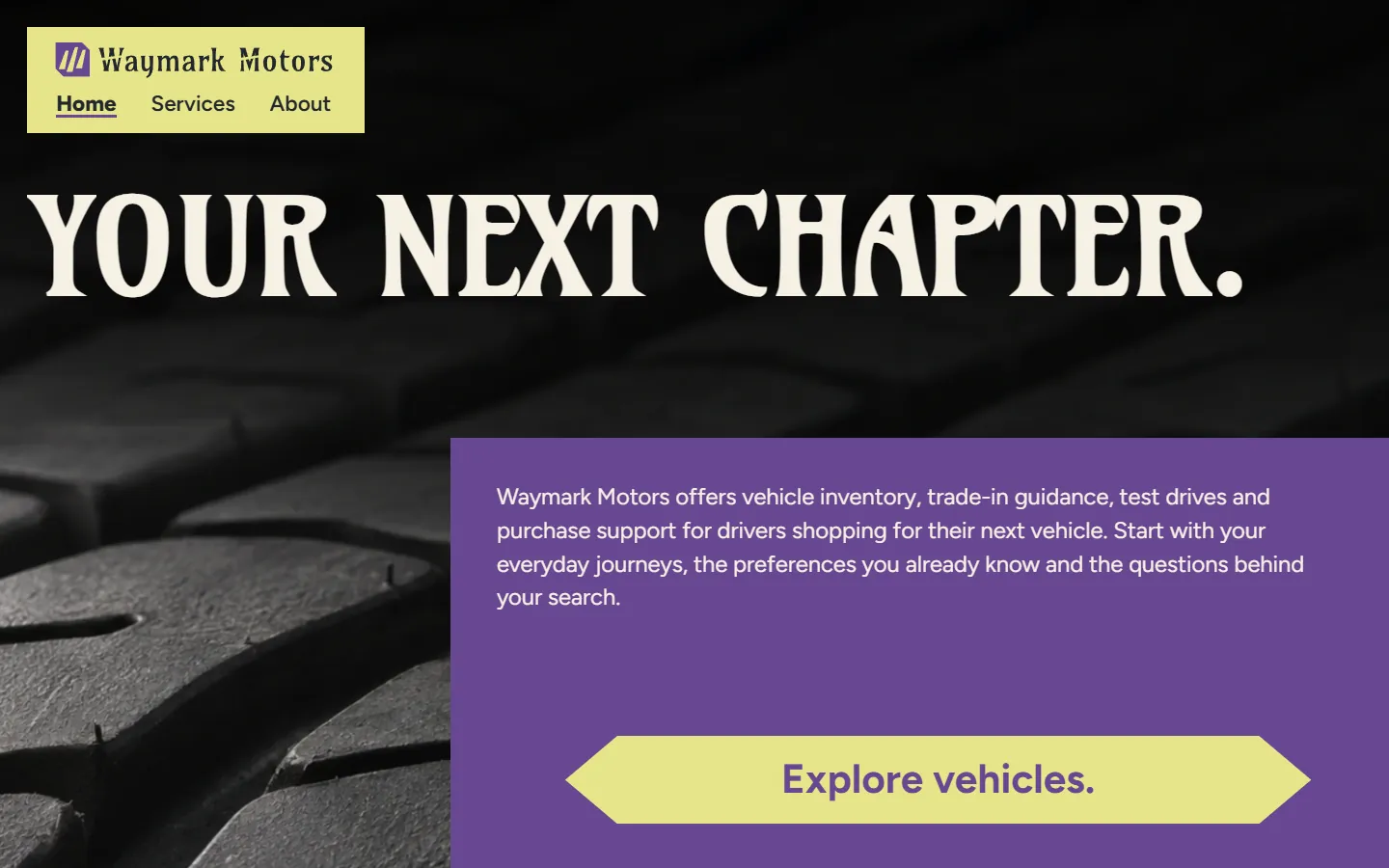
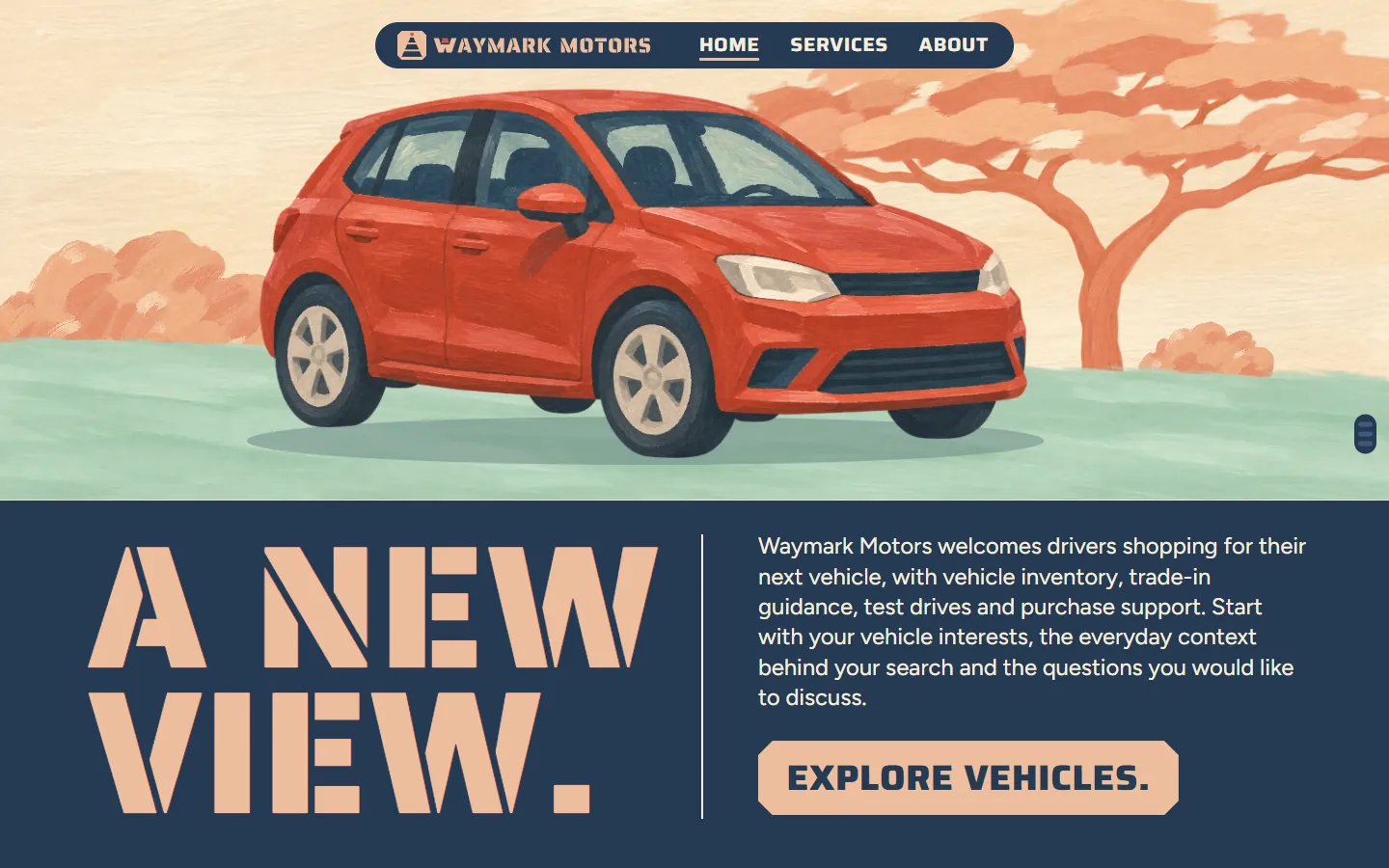
Screenshots of the live demo at 1440 and 390 pixels. The content is placeholder: Waymark Motors, a fictional dealership for drivers shopping for their next vehicle that discusses vehicle inventory, trade-in guidance, test drives and purchase support.
Download Arrow
Free: a short form (first name and work email) once, then every zip downloads straight away. Free to use and adapt for personal and commercial sites. Each zip holds one folder, arrow-auto-dealer, with a README; the install steps below are condensed from it.
An Astro project: one page file each for Home, Services and About, one component per section, the CSS, scripts, fonts and images in public/.
Needs Node 22.12 or newer.
- Unzip arrow-auto-dealer-astro.zip; it holds one folder, arrow-auto-dealer.
- In that folder run npm install (Node 22.12 or newer).
- Run npm run dev and open http://localhost:4321; the pages are /, /services/ and /about/.
- Edit the copy in src/components (one file per section), the colors and type in public/css, and the images in public/images.
- Run npm run build; the static site is written to dist/.
More from the Astro README
What is where
- src/pages: one file per page (index, services, about), with its head and its sections in order.
- src/components: one file per section; the skip link and the footer are shared by the three pages.
- public/css and public/js: the stylesheets and scripts. public/fonts: the typefaces, open source (see LICENSE.md). public/images: the pictures and the logo.
- CLAUDE.md and AGENTS.md: notes that tell Claude Code or Codex how the project is organized.
Make it yours
- Repeated items (cards, steps, questions) share the same markup: copy one to add another.
- Each page has its own header and footer, because each marks its own page as current in the menu. Change all three when you change one.
- Remove a section by deleting its tag and its import in the page file.
- Set the title and meta description of each page. The forms check their fields and send nothing: connect them to your form service.
How it was checked
- Built with astro build and compared with the static site page by page at desktop and phone widths, with the links between the three pages checked.
A HubSpot CMS theme: Home, Services and About templates plus a Page template, one module per section, each with its own fields.
Needs a free HubSpot account and Node.js 20 or newer for the HubSpot CLI.
- Install the HubSpot CLI: npm install -g @hubspot/cli (Node.js 20 or newer), then run hs account auth.
- Unzip arrow-auto-dealer-hubspot.zip, then from the folder that holds arrow-auto-dealer run hs cms upload arrow-auto-dealer arrow-auto-dealer.
- In HubSpot go to Content > Website Pages > Create > Website page and set Arrow Auto Dealer as the active theme.
- Create three pages from the templates Arrow Auto Dealer - Home (at /), Arrow Auto Dealer - Services (at /services) and Arrow Auto Dealer - About (at /about).
- Give each page its title and meta description in Settings, then publish.
More from the HubSpot README
Change the content
- Each section is a module with its own fields, 204 in all. Click a section in the page editor and its fields open on the left, grouped by item.
- The sections in the page body sit in a drag and drop area: move, remove or add them, and add HubSpot modules such as forms between them.
- Images: an empty image field shows the template's own picture. Links: /services, /about and / are the pages of the site; #faq jumps within a page.
- The forms are demonstrations. Swap one for a HubSpot form module to collect answers.
What is in the theme
- templates/home.html, services.html and about.html, plus page.html for any other page with the same header and footer.
- modules/<name>.module: one per section, its markup and its fields. css, js, fonts and images: the site's own files.
- HubSpot takes no WebP in a theme, so the images are PNG and JPEG copies.
How it was checked
- Converted from the static site by the same script as every template here, with every module and its fields generated from the page.
- Not checked yet: uploading to a HubSpot account and HubSpot's own preview, the page editor and publishing.
A WordPress block theme: Home, Services and About with one block per section, plus page, post, blog and 404 templates.
Needs WordPress 6.6 or newer and PHP 7.4 or newer.
- In WordPress go to Appearance > Themes > Add New Theme > Upload Theme.
- Choose arrow-auto-dealer-wordpress.zip, then Install Now and Activate.
- The homepage shows the template, and activating the theme creates the Services (/services/) and About (/about/) pages if they do not exist yet.
- Edit each page in Appearance > Editor > Templates: Front Page, Page: services or Page: about. Click a section, change its fields in the Block tab, then Save.
More from the WordPress README
Change the content
- Each section is a block with its own fields, 204 in all, listed in the Block tab and grouped by item. The page updates as you type.
- Header and footer: each page has its own, because each marks its own page as current in the menu. Change all three.
- Empty a field to remove its element; clear every field of a card and the card goes. Move sections with the arrows in the toolbar, or add one back from the block inserter.
- The forms are demonstrations: connect them to a form plugin or service before going live.
What the fields do not cover
- More items than the template has needs an edit in sections/<name>.php (markup) and inc/sections.php (fields).
- Icons and drawings are inline SVG; colors, fonts and spacing are in the stylesheets in css/.
- The theme prints each page title and description; an SEO plugin takes over the description when active. Functions and blocks are prefixed arrow_auto_dealer_ and arrow-auto-dealer/.
How it was checked
- Installed from the zip in WordPress Playground on WordPress 7.1.4 with PHP 8.3: the theme activates, creates the Services and About pages, and each page matches the static version at 1440 and 390 pixels.
- Not checked: a real hosting account, browsers other than Chromium, other plugins and multisite.
Framer
Framer version coming soon. It will be listed here next to the other three downloads.
The three pages of Arrow and their sections
In page order. In HubSpot each section is a module and in WordPress a block, 204 fields in all; in Astro each is one component file. The live demo has all three pages: use the links in its header.
Home · 10 sections
Home page
- HeaderWordmark and the Home, Services and About links · 8 fields
- Your next turn Heading, text and links · 7 fields
- Vehicle inventoryEveryday use, Useful preferences · 9 fields
- Trade-in guidanceCurrent context, Known details, Open questions · 11 fields
- Test drivesVehicle interest, Visit questions · 9 fields
- Purchase supportWhere should I start?, What should I include?, What if details are incomplete? · 9 fields
- Explore vehiclesHeading, text and links · 12 fields
- FooterWordmark, page links and the closing line · 7 fields
- Phone menuThe menu that opens from the header on phones · 8 fields
- Phone action barA request button fixed to the bottom of the screen on phones · 2 fields
Services · 8 sections
Services page
- HeaderWordmark and the Home, Services and About links · 8 fields
- Vehicle inventoryEveryday context, Preferences · 8 fields
- Trade-in guidanceCurrent context, Questions · 7 fields
- Test drivesVehicle interest, Visit questions · 7 fields
- Purchase supportPreparation, Questions · 9 fields
- FooterWordmark, page links and the closing line · 7 fields
- Phone menuThe menu that opens from the header on phones · 8 fields
- Phone action barA request button fixed to the bottom of the screen on phones · 2 fields
About · 8 sections
About page
- HeaderWordmark and the Home, Services and About links · 8 fields
- A starting point for your next turnHeading, text and links · 6 fields
- Everyday context comes firstUseful context, Clear preferences, Visible questions · 11 fields
- Bring the questions with youDescribe everyday use, Name the discussion, Add reply details · 10 fields
- Start with what you knowHeading, text and links · 12 fields
- FooterWordmark, page links and the closing line · 7 fields
- Phone menuThe menu that opens from the header on phones · 8 fields
- Phone action barA request button fixed to the bottom of the screen on phones · 2 fields
Design notes
The first screen is cobalt, with "YOUR NEXT TURN." in tall cream capitals on the left, a short intro, a boxed "EXPLORE VEHICLES" button and a large peach turn arrow on the right; a peach header block holds the wordmark and links.
Below, "VEHICLE INVENTORY" on bone, "TRADE-IN GUIDANCE" on olive, "TEST DRIVES" on peach and "PURCHASE SUPPORT" on lime each take a full band with short points and an arrow turning a different way; the purchase questions open and close.
The form closes the page under "EXPLORE VEHICLES", in a boxed frame with one more arrow.
Shape and spacing
Boxed square buttons with a double outline and an arrow, a full band per service area and large drawn arrows turning left or right.
Images
No photos: the arrows and the logo are drawn in SVG inside the page, so the theme is the smallest in the collection (about 0.2 MB).
Typefaces
- AntonTall condensed capital headings
- Barlow CondensedLabels, small headings and buttons
- Figtree LightBody copy and the form
Open source, included as WOFF2 files in the fonts folder (see LICENSE.md in each zip).
Colors
- Cobalt
#2E4C98Hero, text and arrows - Peach
#EAB794Arrows, header block and the test drive band - Lime
#D9E18FArrows and the purchase band - Olive
#3D4B35The trade-in band - Bone
#F6EFDEPage background and the form
What works on the page
- On phones the links open from a "MENU" button as a sheet, and an "EXPLORE VEHICLES" bar with a menu button stays at the bottom of the screen.
- The three questions under "PURCHASE SUPPORT" open and close.
- The form closes the home page, and the "Explore vehicles" buttons on every page lead to it.
- Sections ease in as they scroll into view; the motion turns off under reduced-motion settings.
- The form checks its fields in the browser and confirms on the page. It sends nothing until you connect it.
Who Arrow fits
A full-service dealer who wants each service area to stand out.
Anyone without photos yet: the type and arrows carry the page.
A dealer who wants a fast, light page.
A brand in blue with orange or yellow.
See the whole page as one image (1080 by 4269 pixels, 196 KB)
Questions about Arrow
Can I add car photos?
Yes. Add an image to any band in the editor or the component file; the layout keeps its arrows beside it. Many dealers keep it type only and link to their inventory pages for the photos.
Can I change the arrow colors?
Yes. The arrows are drawn in SVG and take their colors from the stylesheet, so one change in css/site.css recolors them all.
What does the form ask?
Name, email, vehicle preferences, everyday use, the current vehicle, questions and reply details. It sends nothing until you connect it.
Is the content real?
No. Waymark Motors and every detail are placeholders. Free to use and adapt for personal and commercial sites.
More auto dealer templates like Arrow
Same content, different designs. Arrow is listed in Auto dealer website templates. Or browse the full gallery.

Start with one process.
We learn the business and build your first go-to-market process on us this month.
Template
growigami.com