





























Free business homepage templates for company websites
A business homepage template is a finished first page for a company website: who you are, what you do, how you work, proof and a contact form, in a layout you install and edit instead of designing. These 10 are free, clear and easy to adapt to a small business or a larger company, for Astro, HubSpot and WordPress.
- Free for commercial sites
- One page, one contact form
- 8 to 9 sections each
- No coding needed on WordPress
10 templates
Switchyard
A forest green AI services page built on model railway photos: rails, points and lime wagons, with an ivory middle.
- Astro
- HubSpot
- WordPress
- Framer soon
Breakwater
An aerial photo of a curved concrete breakwater fills the first screen, then cream pages with petrol and coral serif type.
- Astro
- HubSpot
- WordPress
- Framer soon
Human Handoff
A tangerine campaign page: huge black italic headline over two hands passing an ivory block, then cream and orange bands.
- Astro
- HubSpot
- WordPress
- Framer soon
Possibility Shelter
A cut-paper illustrated page on ivory: a coral canopy shields four people at work from a storm of cobalt brush marks.
- Astro
- HubSpot
- WordPress
- Framer soon
Continuity Board
Black and ivory AI services homepage with a full-width split-flap board spelling WORK and small electric violet squares.
- Astro
- HubSpot
- WordPress
- Framer soon
Working Day
Graphite AI services homepage with giant citron headlines and documentary photos of people in service, billing and warehouses.
- Astro
- HubSpot
- WordPress
- Framer soon
Load Bearing
A high-key architectural page: a symmetrical concrete viaduct frames a centered olive serif headline on ivory and sage.
- Astro
- HubSpot
- WordPress
- Framer soon
Continuity Splice
Warm ivory page with a looping amber film strip of workplace frames, chocolate serif headings and powder-blue buttons.
- Astro
- HubSpot
- WordPress
- Framer soon
Working World
Pale lavender page with an isometric pixel-art office island, forest green type and a coral route line down the left.
- Astro
- HubSpot
- WordPress
- Framer soon
No template matches these filters. Choose another look or type.
The 10 business homepage templates compared
Editable fields are the fields of the HubSpot modules and WordPress blocks, where words, links and images change without code. The sizes are the download links.
| Template | Look | Sections | Editable fields | Typefaces | Palette | Image files | Astro zip | HubSpot zip | WordPress zip |
|---|---|---|---|---|---|---|---|---|---|
| The Loom | DarkCobalt editorial | 9 | 100 | Inter | 2 | 313 KB | 1.3 MB | 1.1 MB | |
| Switchyard | Dark and lightForest green model railway | 9 | 105 | Inter | 4 | 403 KB | 1.3 MB | 990 KB | |
| Breakwater | Dark and lightPetrol coastal editorial | 8 | 94 | Libre Caslon Text, DM Sans | 2 | 382 KB | 1.9 MB | 1.6 MB | |
| Human Handoff | LightTangerine campaign editorial | 8 | 116 | Bodoni Moda, DM Sans | 8 | 221 KB | 836 KB | 551 KB | |
| Possibility Shelter | LightCoral cobalt illustrated | 8 | 93 | Roboto | 7 | 513 KB | 1.3 MB | 876 KB | |
| Continuity Board | LightBlack and ivory industrial | 9 | 97 | Inter, Anton | 3 | 387 KB | 1.0 MB | 744 KB | |
| Working Day | DarkGraphite citron documentary | 8 | 118 | Inter | 7 | 385 KB | 1.2 MB | 835 KB | |
| Load Bearing | LightArchitectural ivory editorial | 9 | 106 | Libre Caslon Display, DM Sans | 2 | 321 KB | 1.6 MB | 1.3 MB | |
| Continuity Splice | LightWarm ivory cinematic serif | 8 | 98 | STIX Two Text, DM Sans | 4 | 295 KB | 1.4 MB | 1.1 MB | |
| Working World | LightIsometric pixel art | 9 | 125 | DM Sans | 9 | 877 KB | 2.1 MB | 1.7 MB |
How to choose a business homepage template
Choose by how your customers buy: a quick call, a quote request or a longer sale with a few conversations.
Small business
Keep the hero, how we work, the examples and the form; remove the rest. Each section stands on its own, so the page still looks finished.
Company website
Keep every section and add pages for services, about and contact with the WordPress page template or the HubSpot Page template.
Who will edit it
In WordPress and HubSpot every word, link and image is a field in the editor, so whoever runs the business can change it without code.
WordPress
Pick it if a marketer will edit the site: every section is a block with its own fields in the editor, and the theme has page, post, blog and 404 templates.
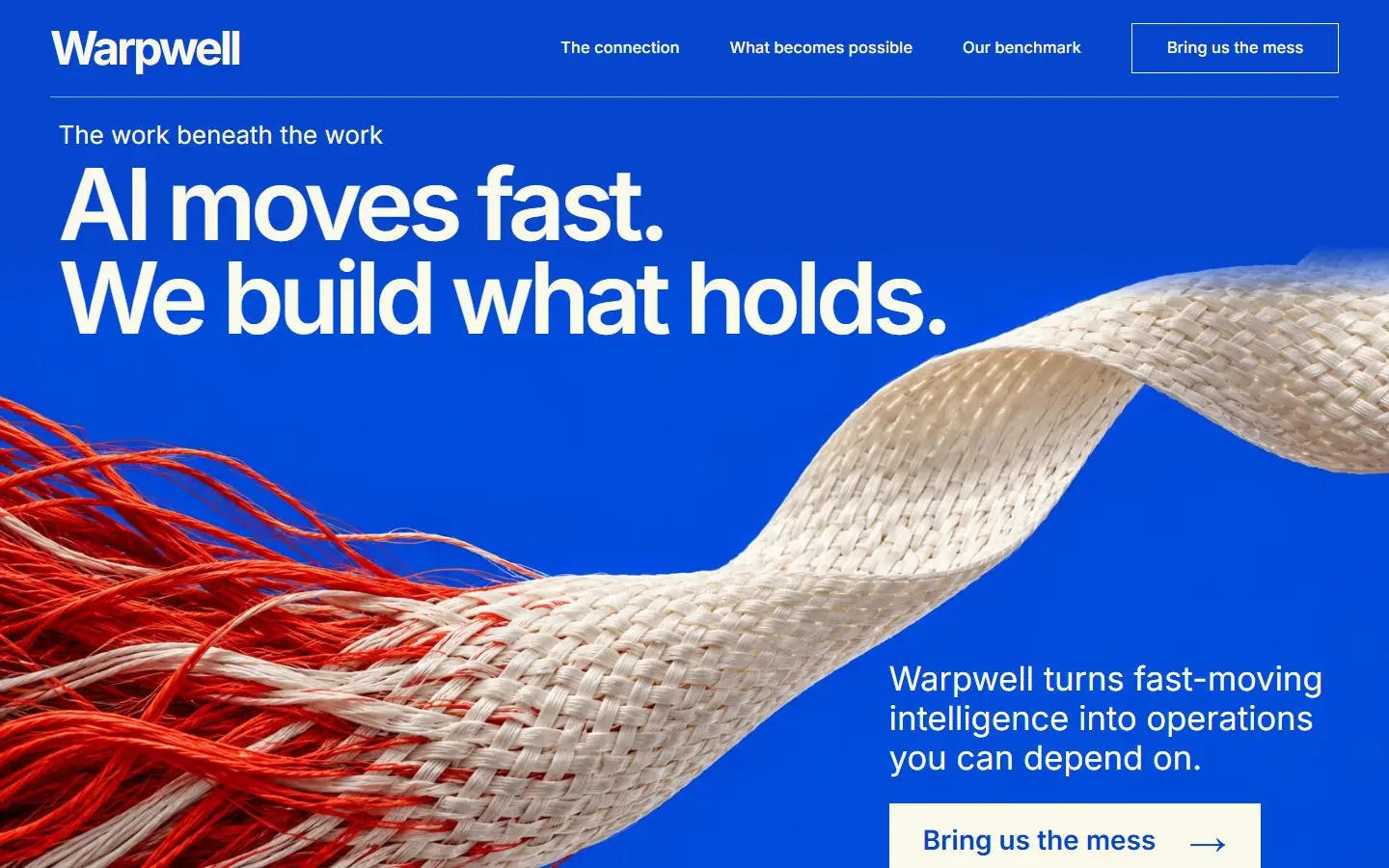 The LoomAn AI consultancy or automation studio that wants one bold brand color and a single strong photograph instead of a gallery to source.
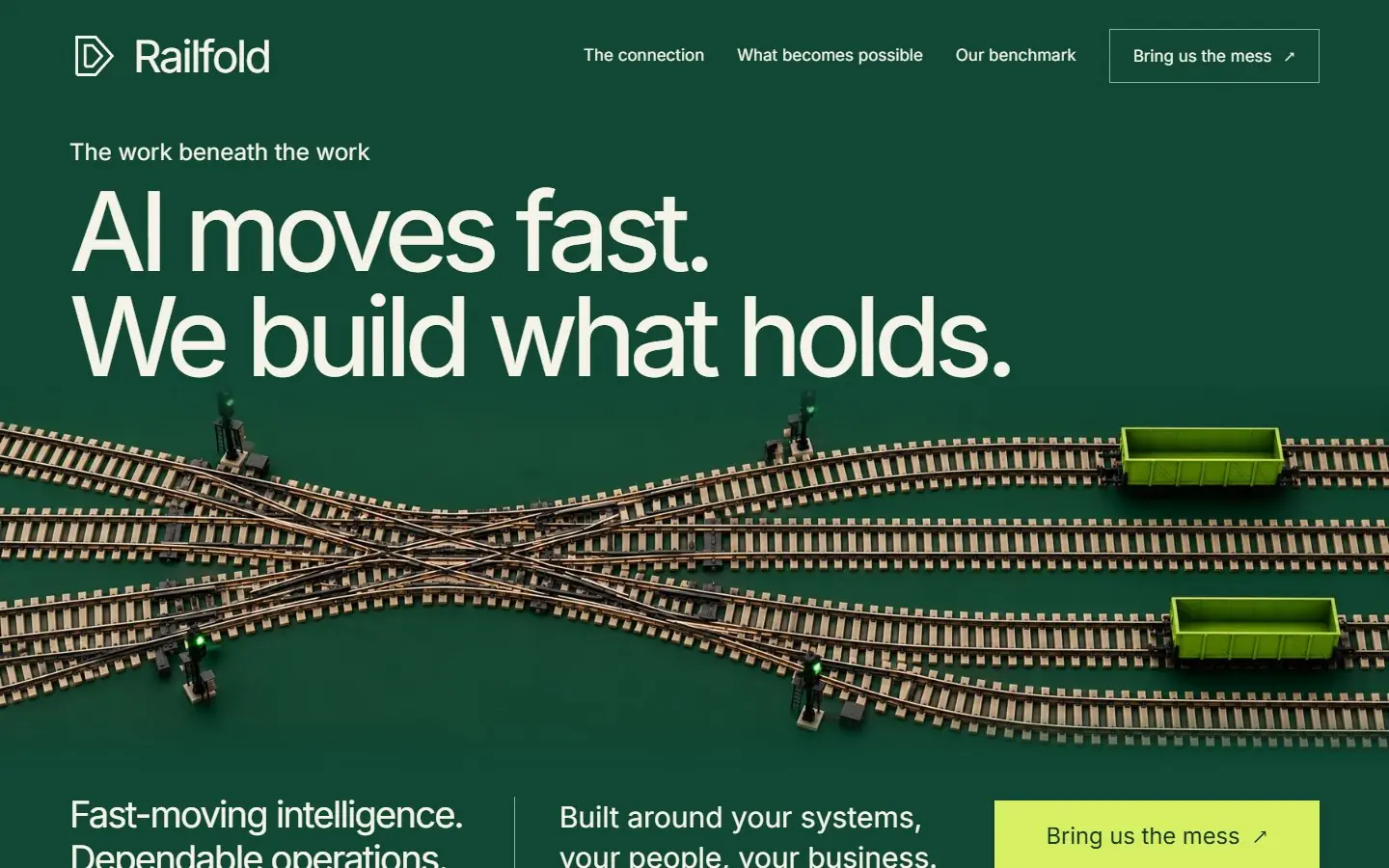 SwitchyardAn AI operations or automation firm that explains its work as routing and coordination, where the railway yard tells the story.
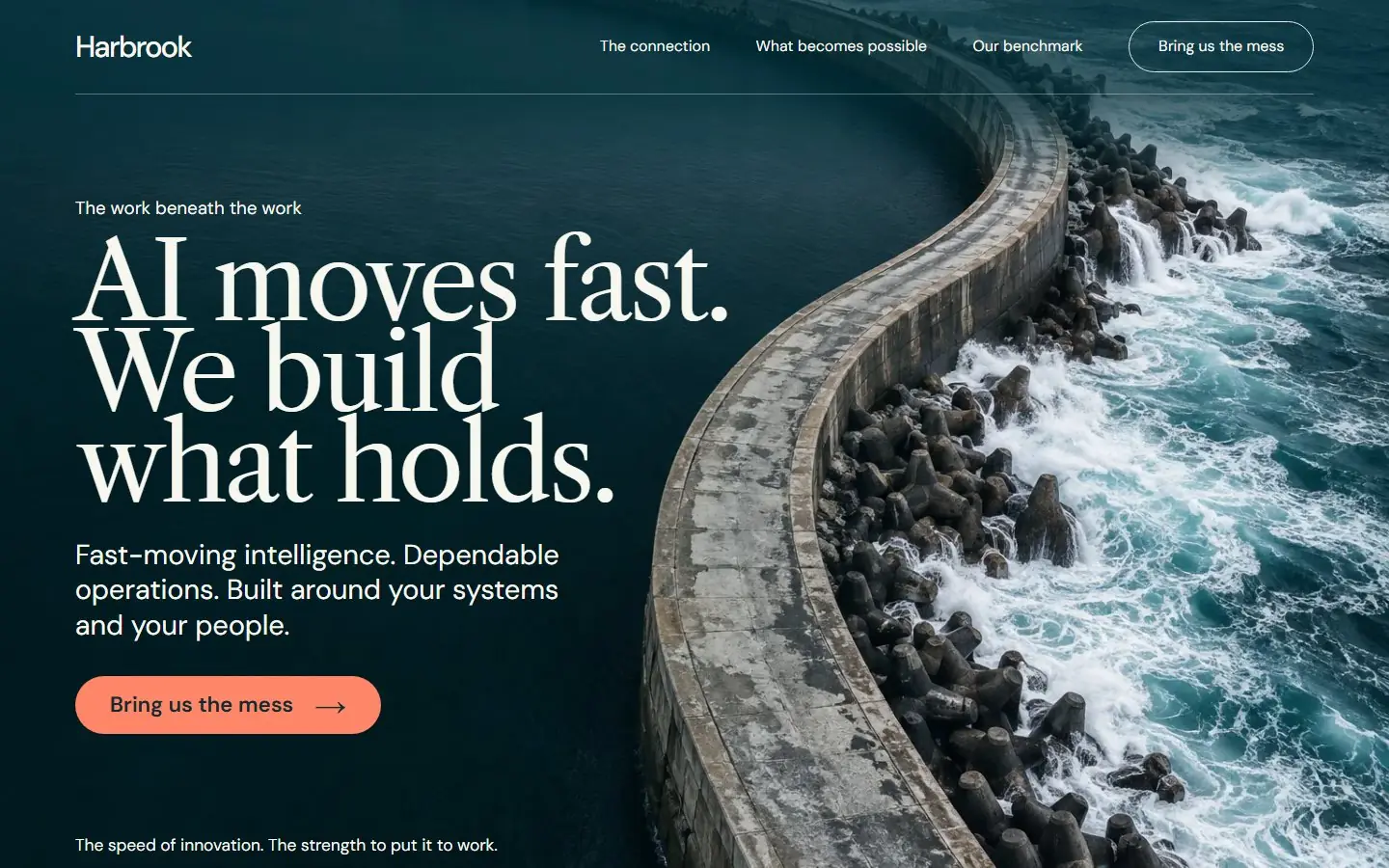 BreakwaterAn AI consultancy that wants one strong photograph up front and a calm, text-led page after it.
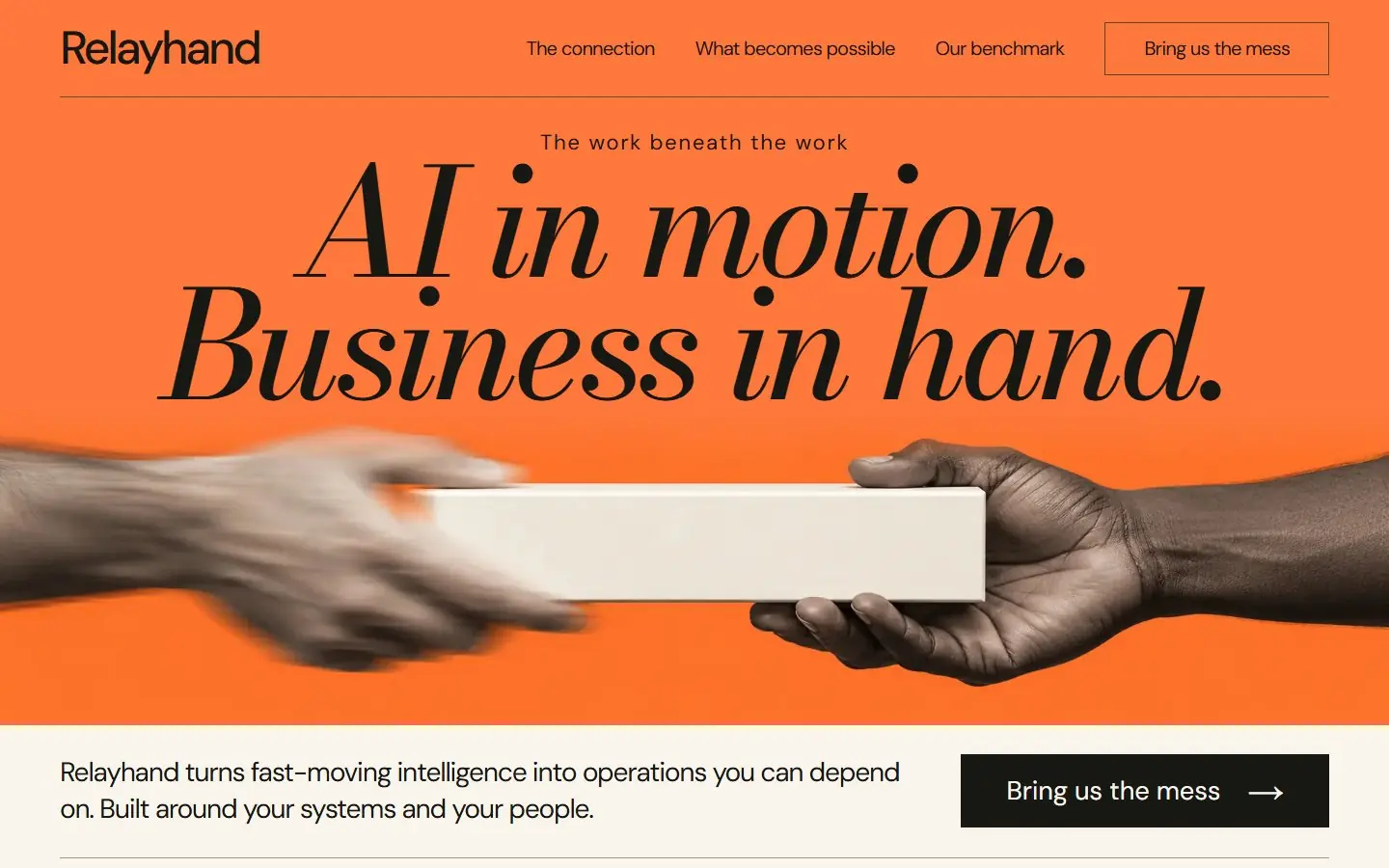 Human HandoffAn AI agency that wants a bold, campaign-like page with one strong color instead of the usual dark tech look.
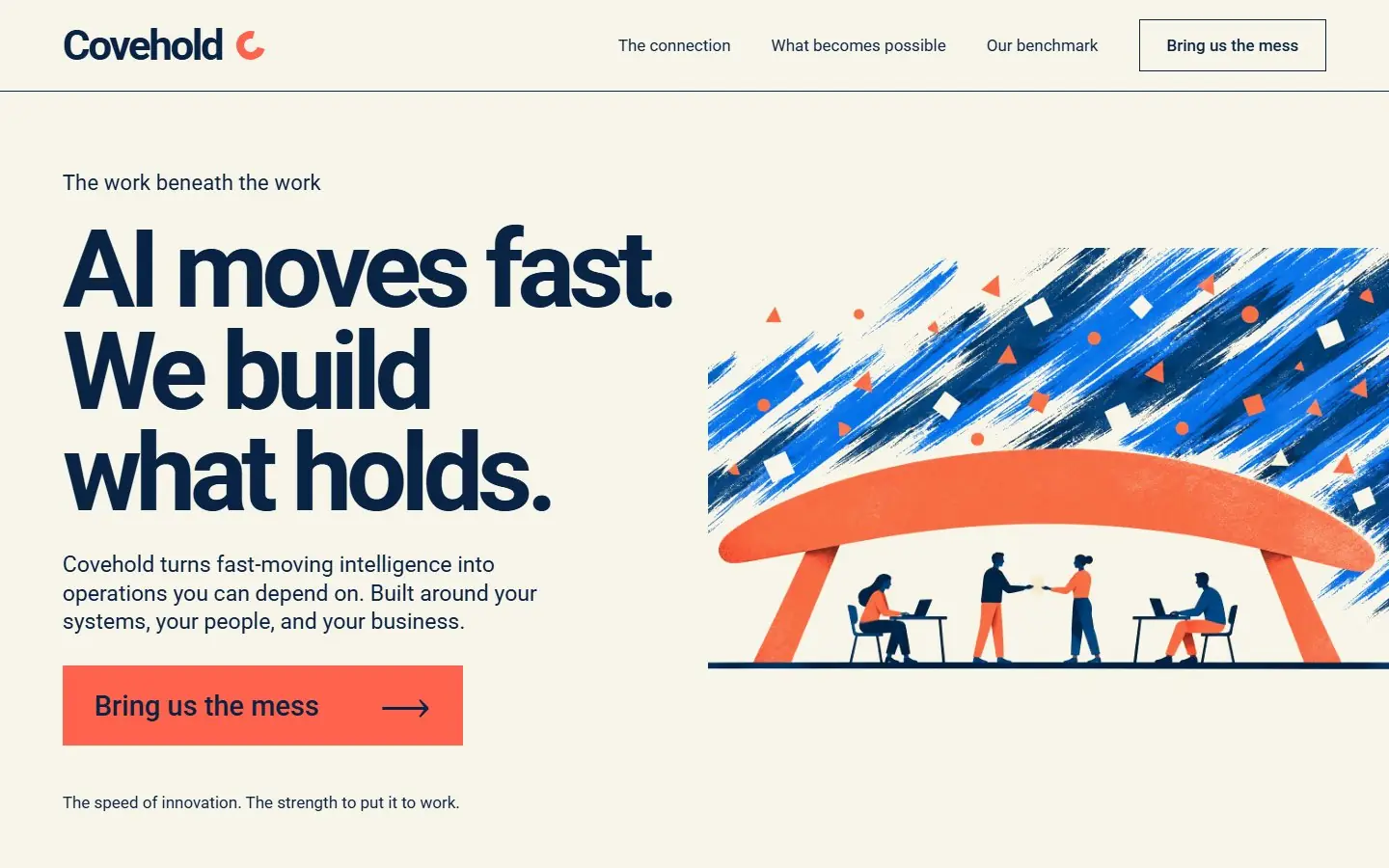 Possibility ShelterAn AI agency or studio that wants a warm, friendly page built on illustration instead of photography or dark tech visuals.
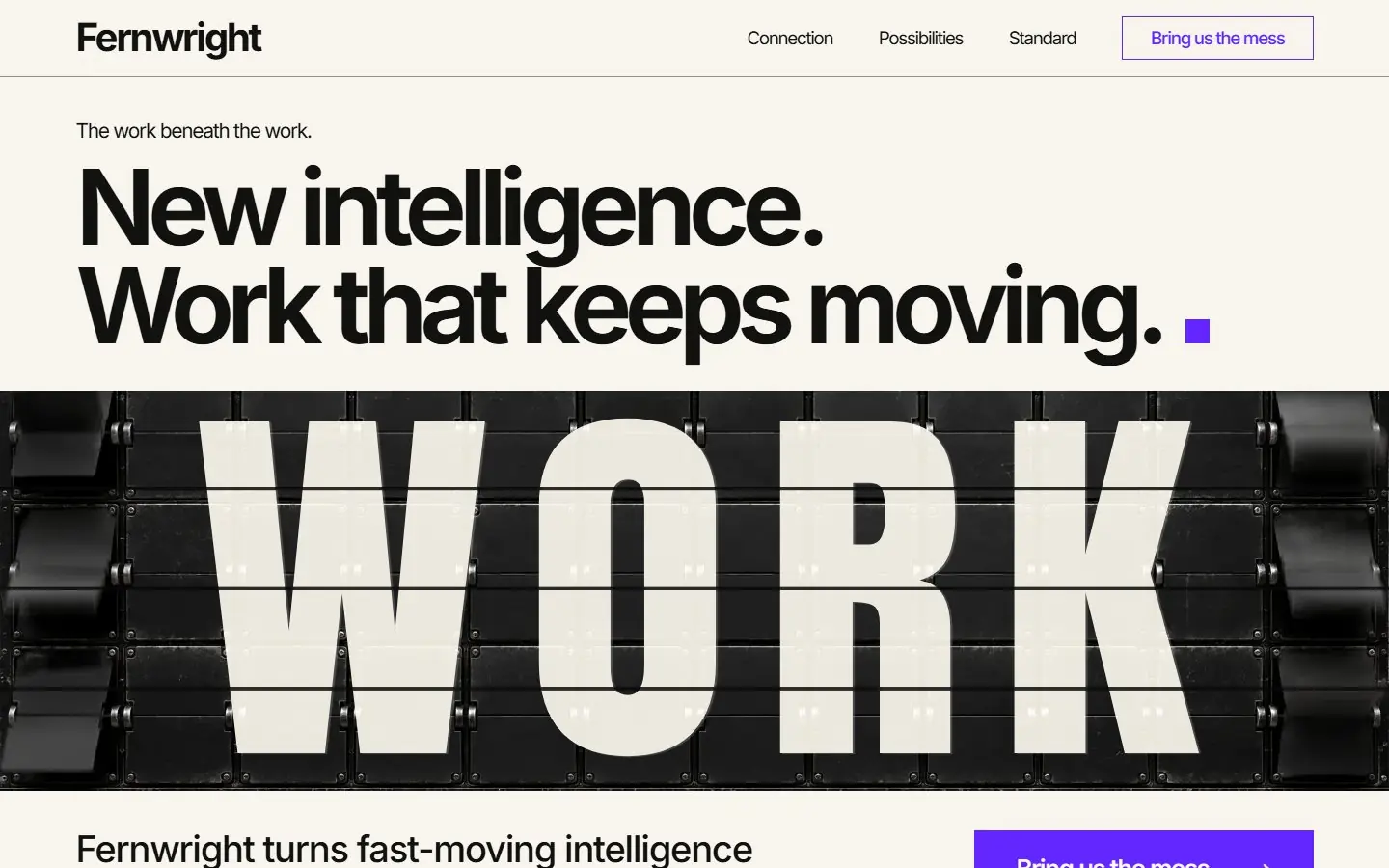 Continuity BoardAn AI operations or automation firm that wants a bold, poster-like first screen built on one word.
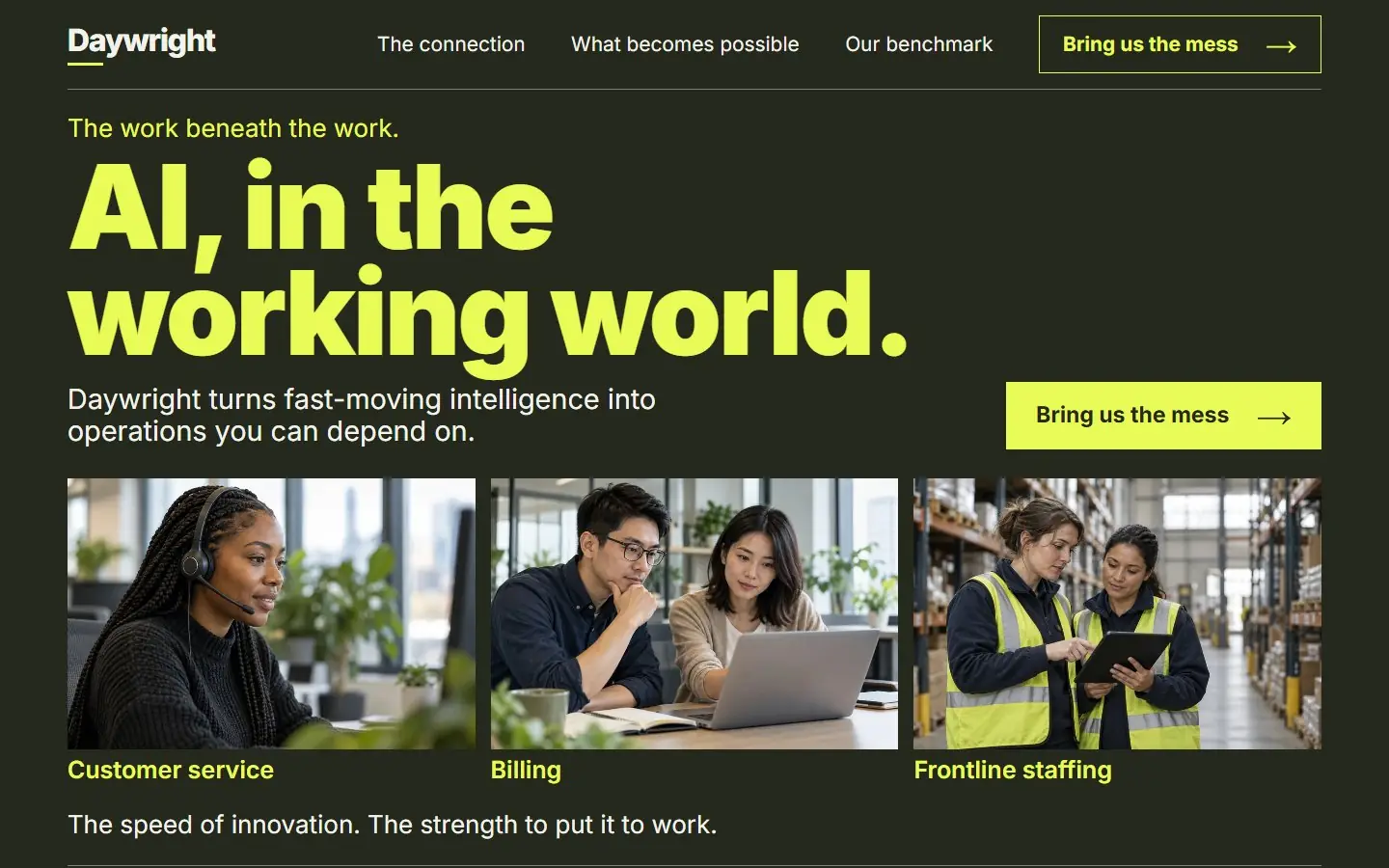 Working DayAn AI services company that wants to show real people and real jobs instead of abstract imagery.
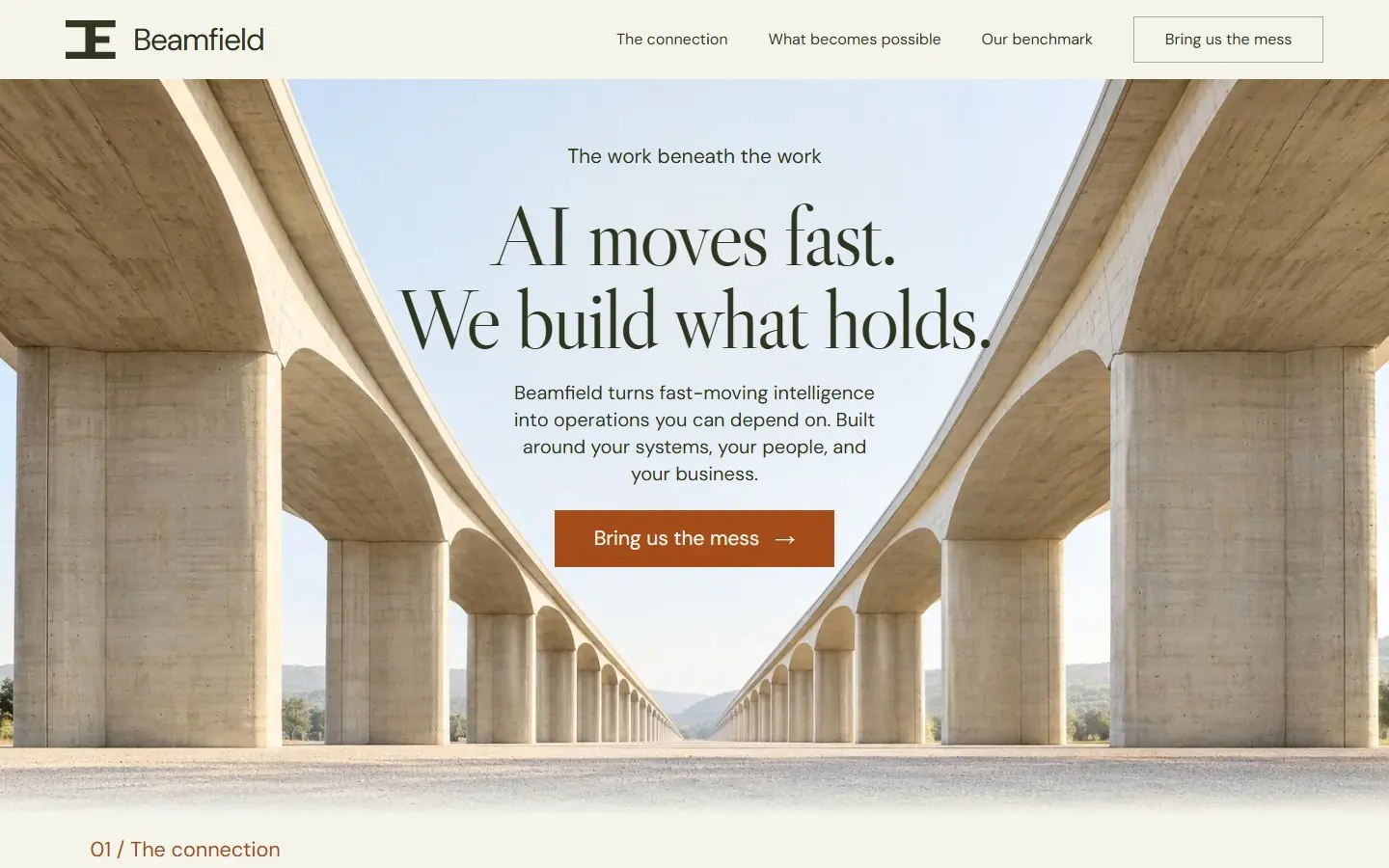 Load BearingAn AI consultancy or operations firm that wants to look steady and dependable, with architecture doing the talking.
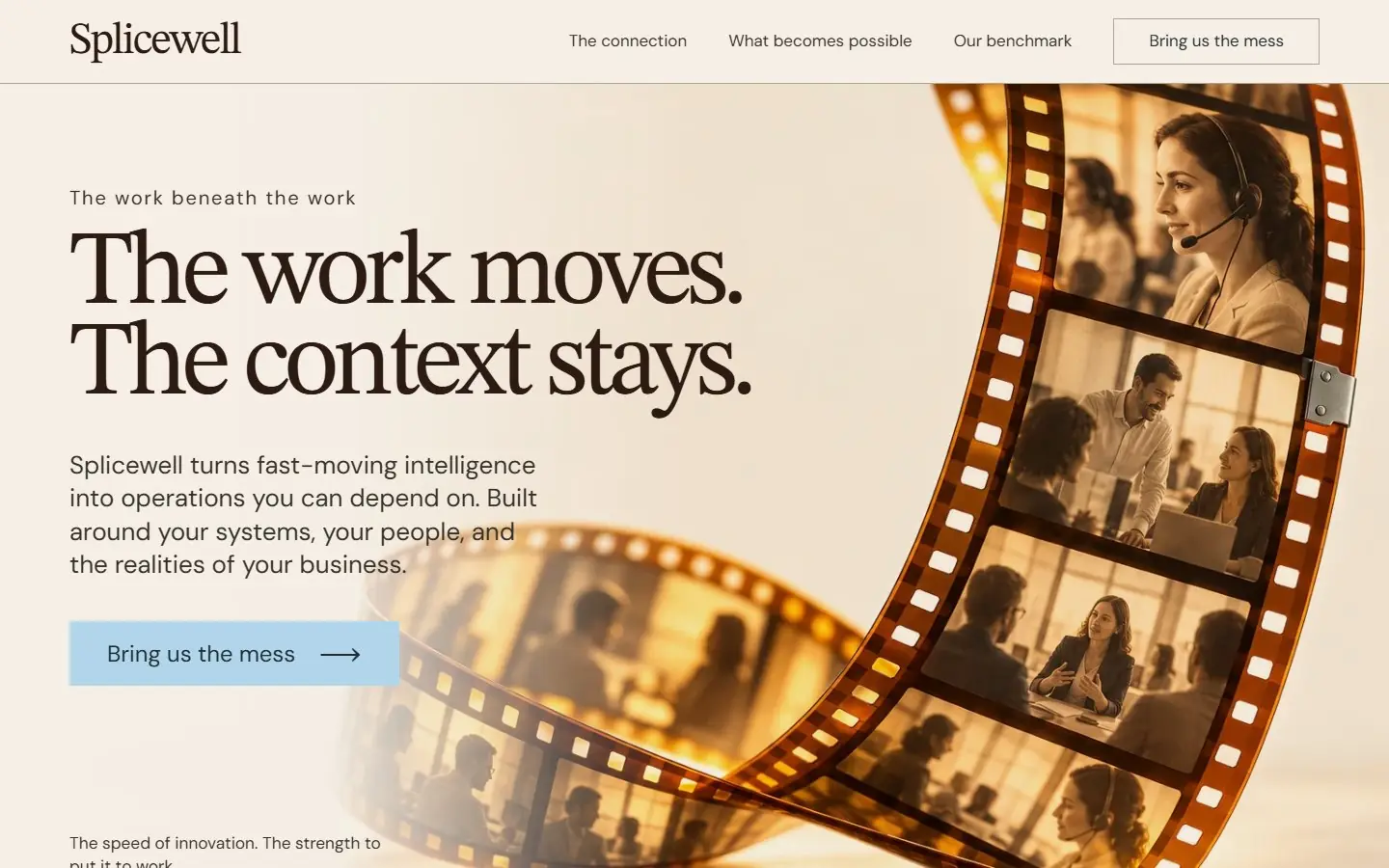 Continuity SpliceAn AI consultancy that wants a warm, human page with people in it, instead of a dark tech look.
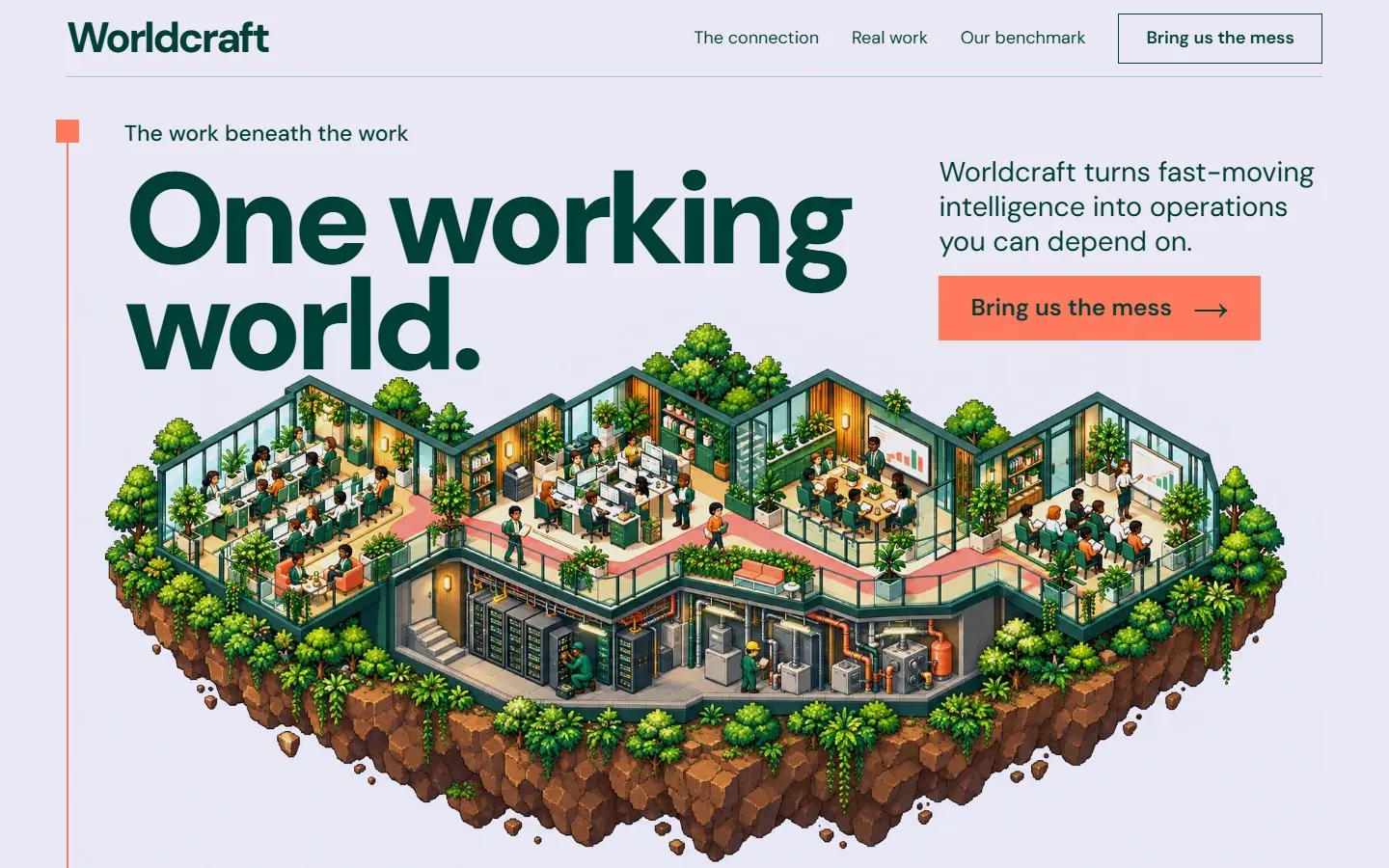 Working WorldAn AI agency or studio that wants a playful, memorable page that still reads as a serious business.
How do I create a business landing page from a template?
The question Google shows for this search, answered for these templates.
Open the live demos on a phone and a laptop
Pick the design that reads clearly at both sizes.
Choose WordPress, HubSpot or Astro
WordPress if you want to edit it yourself, HubSpot if your contacts live there, Astro if a developer hosts it as static files.
Install the download
Upload the theme zip in WordPress, upload with the HubSpot CLI, or unzip the Astro project and run npm install.
Replace the placeholder company
Name, headline, the six conditions, the examples and the email. The wordmark is HTML text, so it changes like any other word.
Connect the form and publish
Point the contact form at your inbox, CRM or form service, set the page title and description, and publish.
What should be on a business homepage?
What you do, in one line
The hero holds one headline, one short intro and one button.
How you work
A few steps that show a new customer what happens after they get in touch.
Proof
Examples of work for real customer types. Add reviews only when you can source them.
Your standard
The six conditions section states what every job meets. Rename them to your own promises.
A contact form
Name and email, required fields checked in the browser, and a thank-you message.
A footer people can use
Wordmark, a short line and your domain. Add your address and phone where the footer leaves room.
Astro, HubSpot or WordPress
Every template here comes in all three versions, built from the same page, so the design and copy match on each platform. See the HubSpot themes and the WordPress block themes for the install steps.
An Astro project: one component per section, design tokens in global.css, images in public/assets.
Needs Node 22.12 or newer.
A HubSpot CMS theme: one module per section, each with its own fields, plus Home and Page templates.
Needs a free HubSpot account and Node.js 20 or newer for the HubSpot CLI.
A WordPress block theme: one block per section with its fields in the editor, plus page, post, blog and 404 templates.
Needs WordPress 6.6 or newer and PHP 7.4 or newer.
Questions about business homepage templates
What should be on a business homepage?
A one-line statement of what you do, how you work, proof from customers, the standard you hold the work to and a contact form. Each template here holds those on one page, and each section can be removed on its own if a small business needs less.
Can a small business use these without a developer?
The WordPress version installs from Appearance > Themes > Upload Theme and every section is edited in the block settings, so no code is needed. HubSpot needs its command line tool once to upload the theme; the Astro version is for someone comfortable with npm.
Template or website builder?
A builder hosts the site on its own service and keeps the design there. These templates are files you own: install them on your WordPress or HubSpot account or host the Astro build anywhere that serves static files.
Are they mobile responsive?
Every template was built and checked from 360 to 1920 pixels wide with no horizontal scroll, and the menu turns into a phone menu that opens by touch and closes with Escape.
Do the contact forms send messages?
The forms check required fields and the email format, then show a thank-you message, and they send nothing. Connect them to your form service, CRM or HubSpot form before you publish: in Astro replace the submit handler in the contact section’s script, in WordPress and HubSpot replace the form with your provider’s form.
Can I use these business templates for client work?
Free to use and adapt for personal and commercial sites. Every company name, person, client and number in them is a placeholder to replace.
More free template collections
30 templates AI website templates
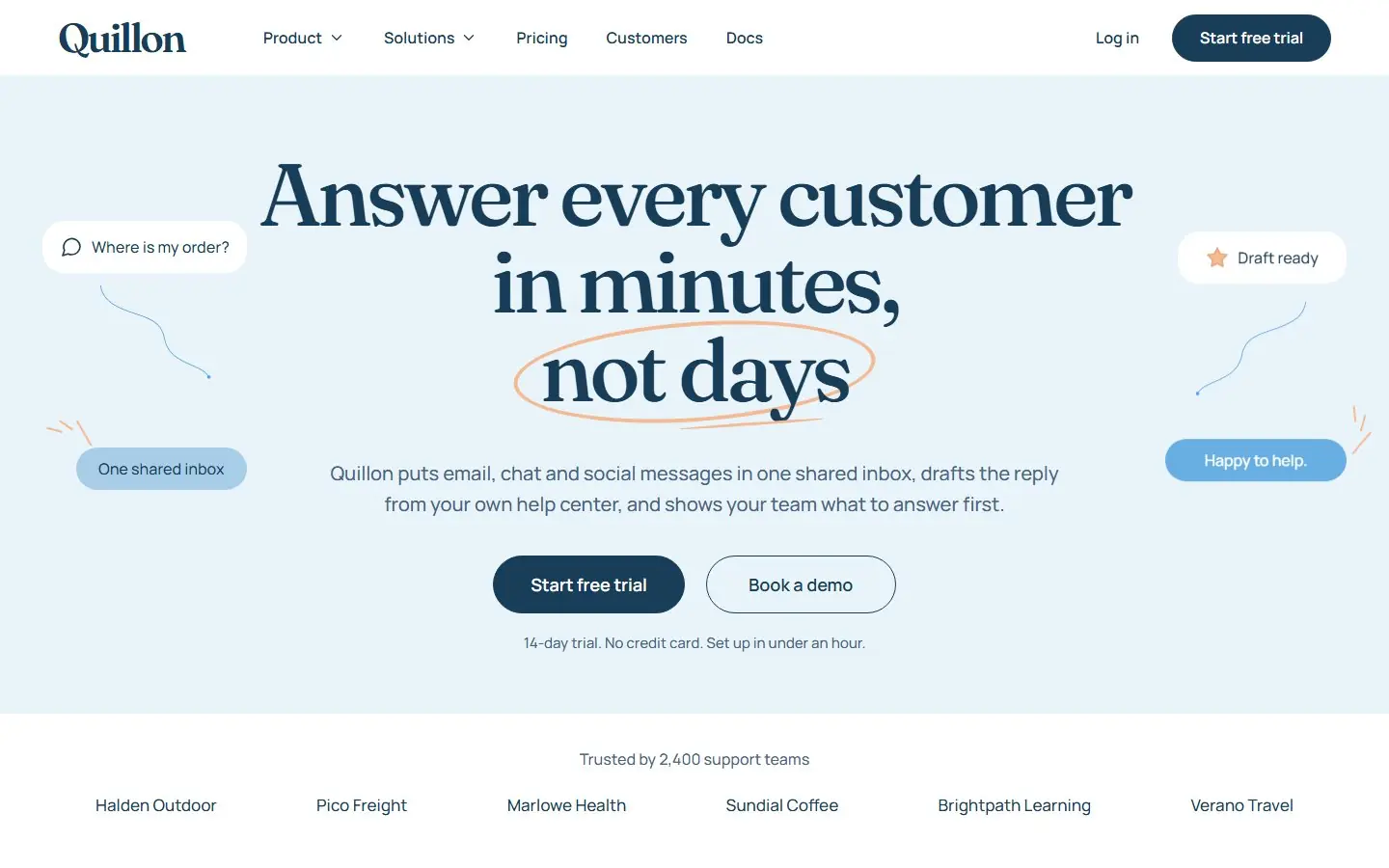 4 templates
SaaS templates
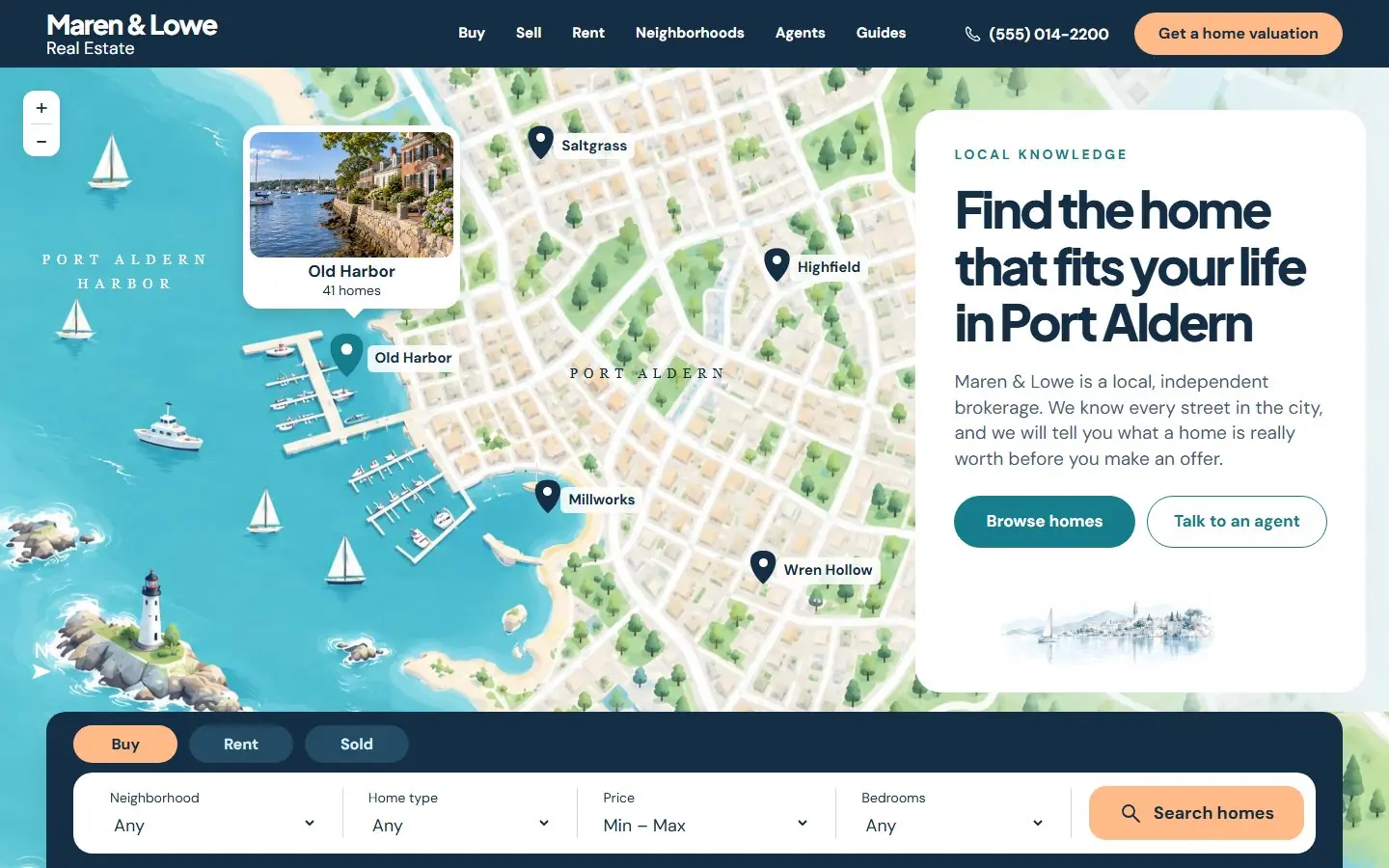 4 templates
Real estate website templates
38 templates Homepage templates
34 templates Landing page templates
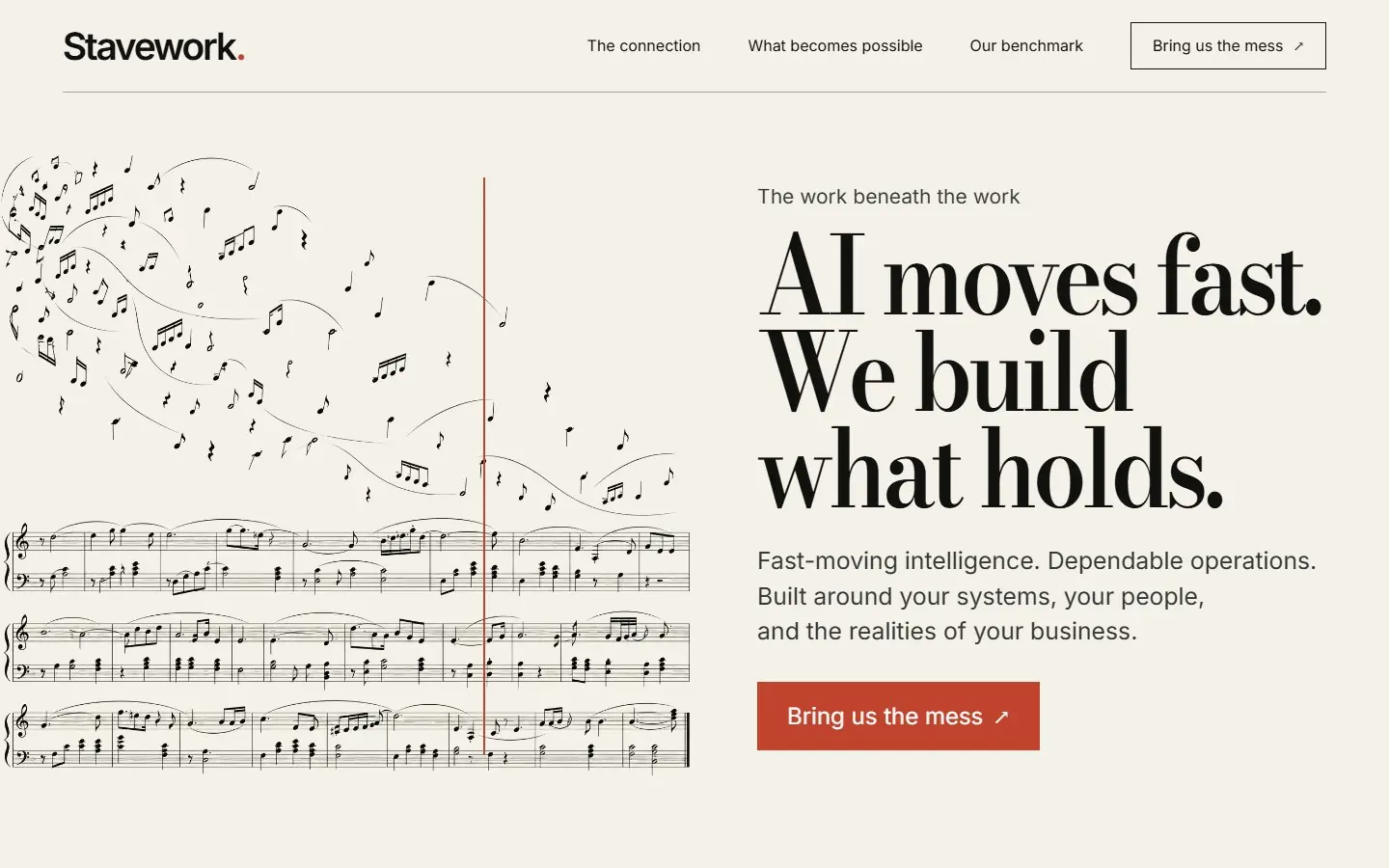 10 templates
Consulting website templates
13 templates Agency website templates
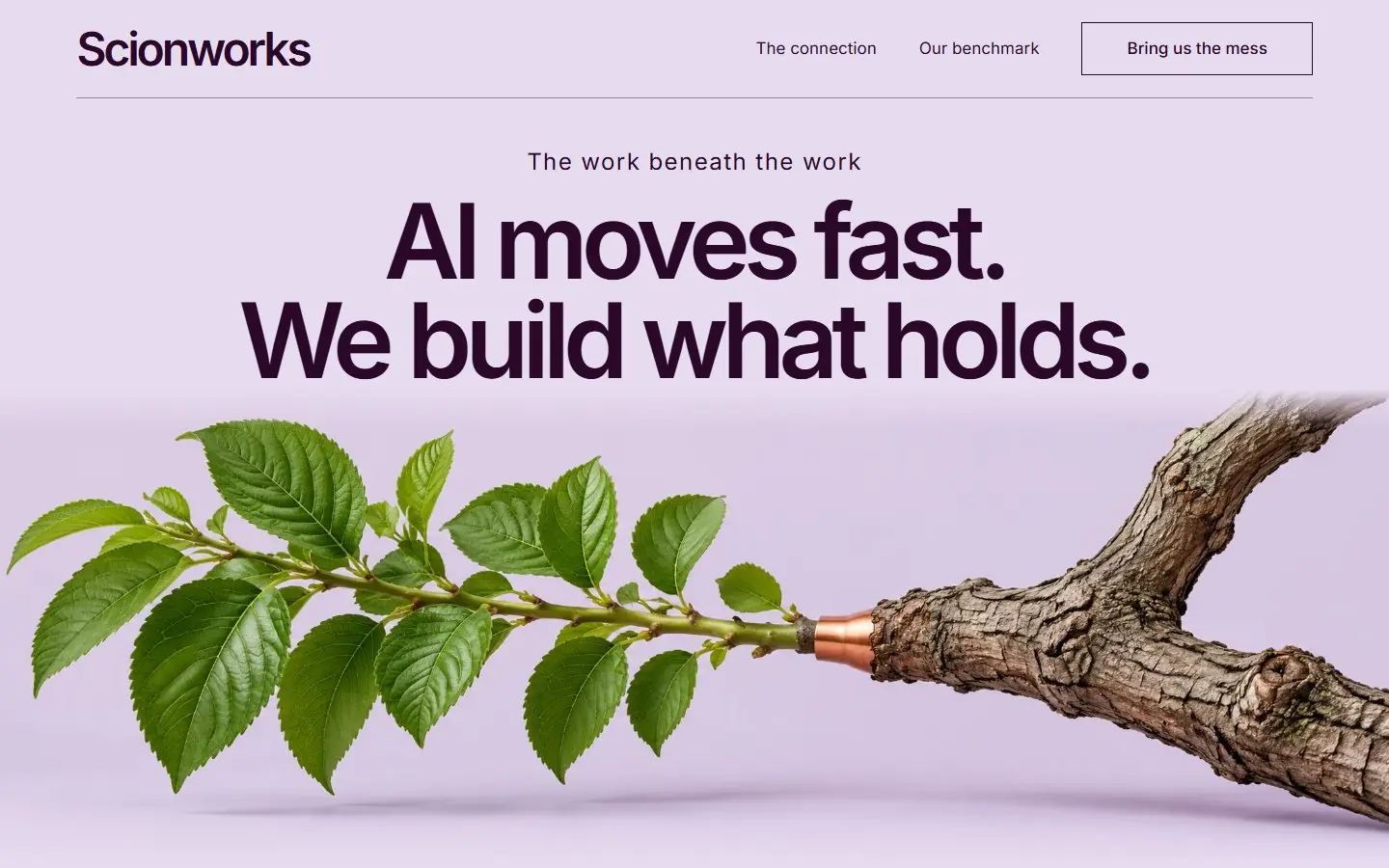 8 templates
One page website templates
4 templates Minimalist website templates
13 templates Tech website templates
38 templates HubSpot themes
38 templates WordPress block themes
Want the whole site built around your buyers instead? Growigami's website service builds the home, about, product, blog, resources and contact pages and moves your old content over.
All website templates
Start with one process.
We learn the business and build your first go-to-market process on us this month.