



























Living Atlas
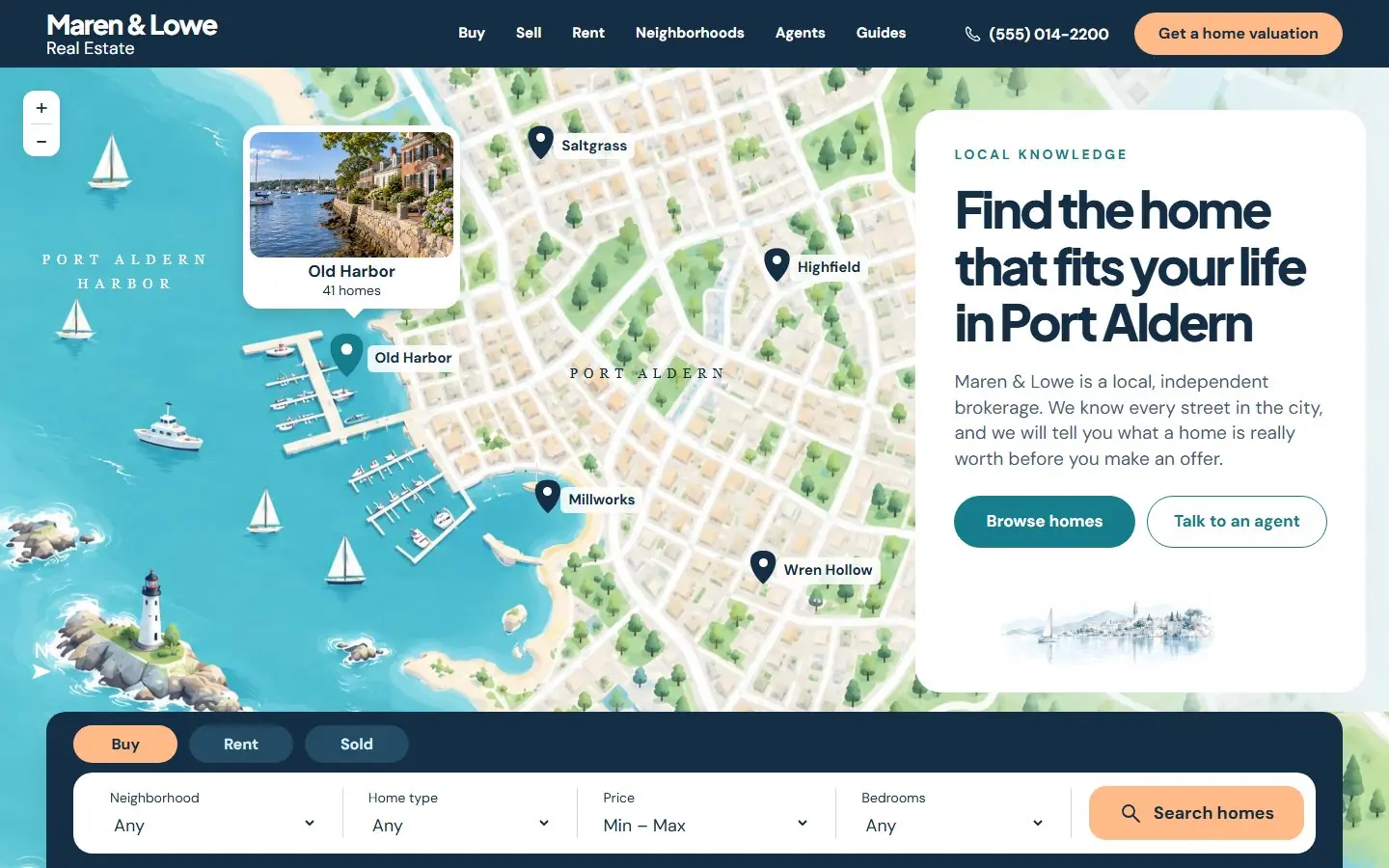
A friendly city-atlas homepage: an illustrated neighborhood map with pins beside the search form.
- Astro
- HubSpot
- WordPress
- Framer soon

The squeezing the lemon theme really struck gold.Anthony HsiaoCEO, Matterway Instant price From $1,999 a month Pick the processes you need and see your monthly price before you talk to anyone. See your instant price
Most agencies force you down their predefined workflow. Growigami understood what I needed and adapted.Arthur ArgyropoulosFounder, CabFare
Four homepage templates for a brokerage, an agent or a small team, with property search, listings, neighborhoods, a home valuation form and agent profiles. Open a live demo, then download the WordPress theme, the HubSpot theme or the Astro project. Building for software instead? See the SaaS templates.
A friendly city-atlas homepage: an illustrated neighborhood map with pins beside the search form.
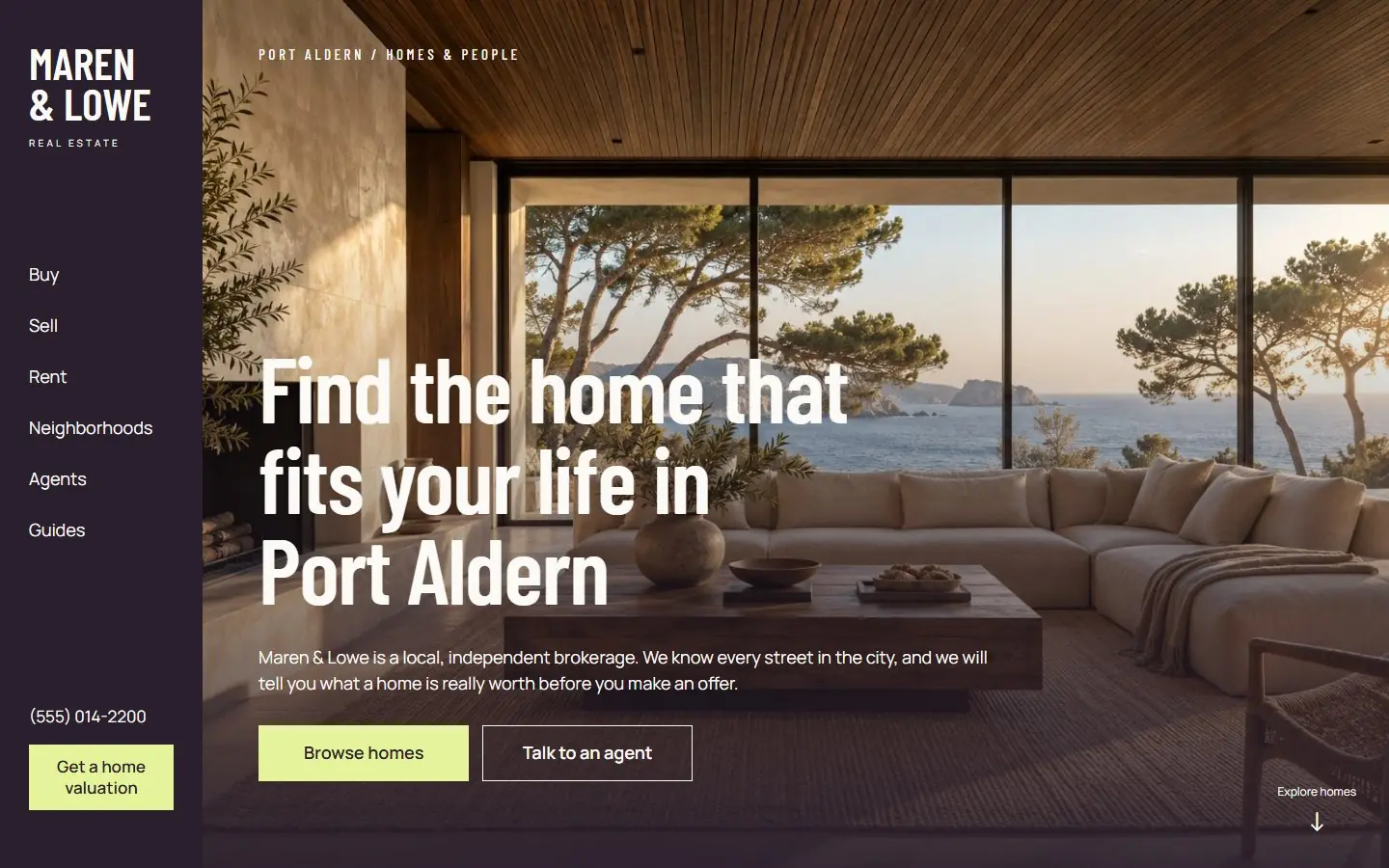
An architecture-gallery homepage: a vertical aubergine nav rail, a cinematic interior and citron buttons.
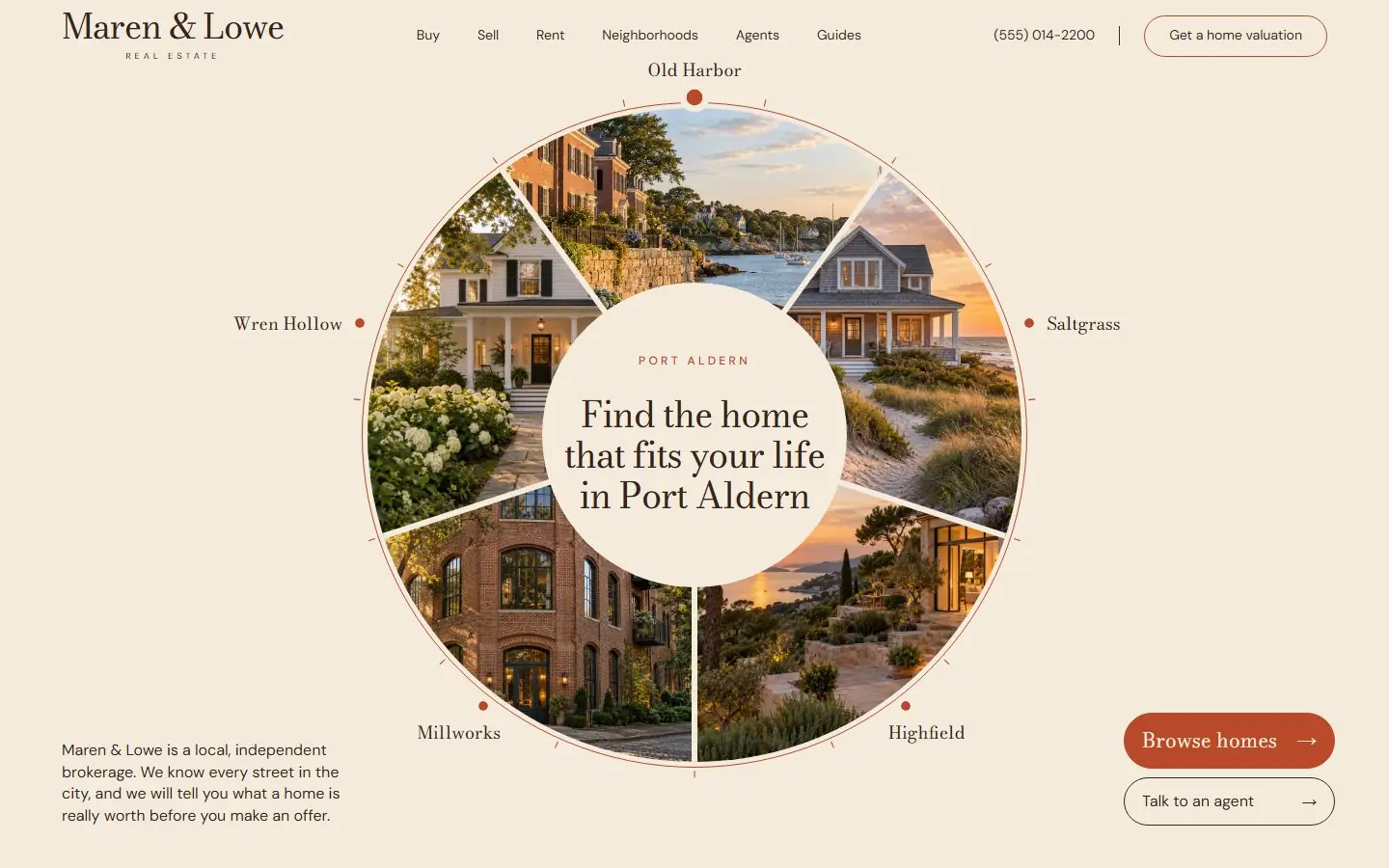
A neighborhood wheel homepage: five photo slices around a serif headline, in ivory and copper.
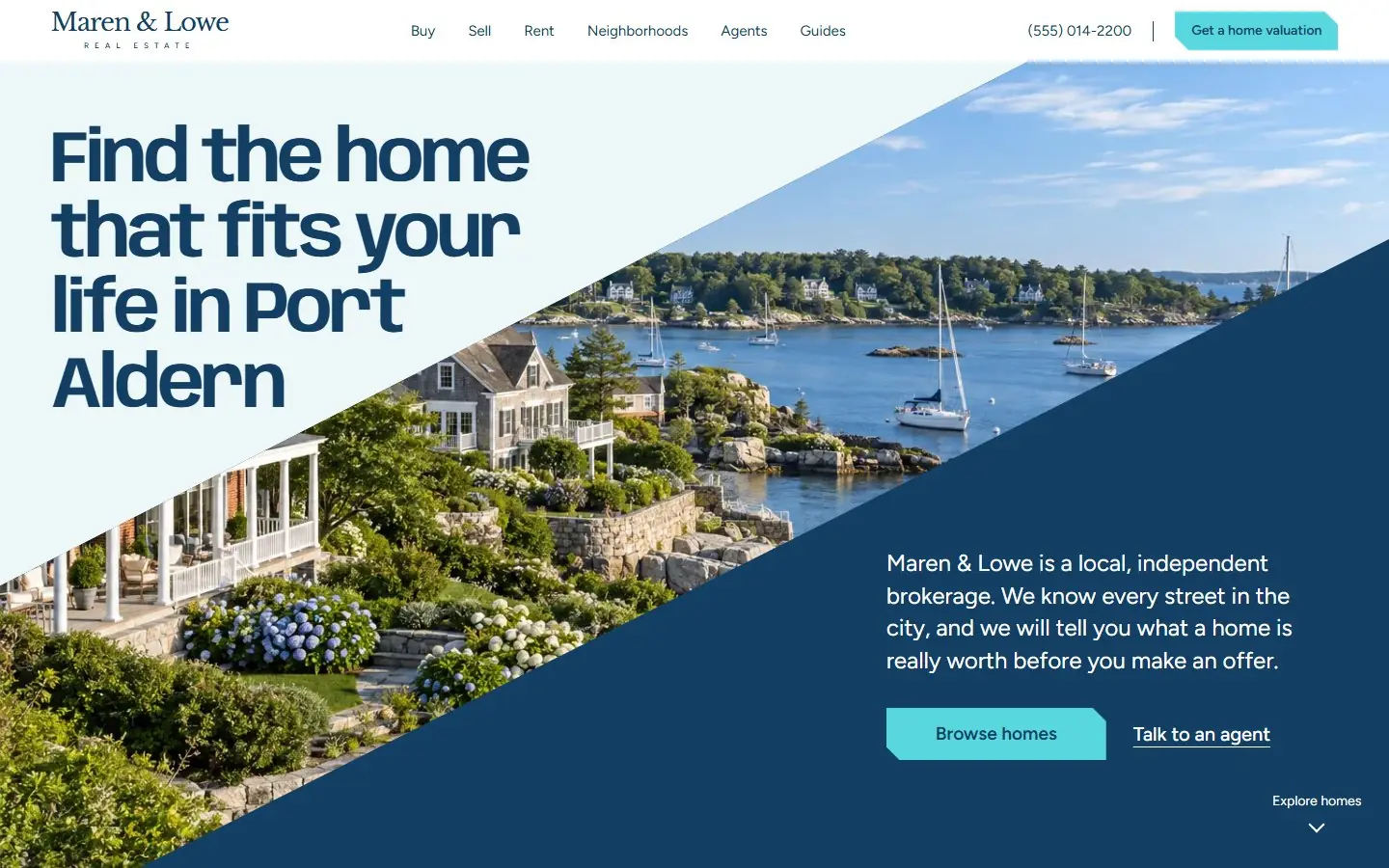
A coastal homepage in marine and cyan: diagonal photo ribbons, chamfered buttons and a search dock.
These twelve parts, all on the homepage. Every template here has each of them, shown with Maren & Lowe Real Estate, a fictional brokerage in the fictional city of Port Aldern; the designs group them differently, for example search and listings in one section in Across the Waterline.
Buy / Rent / Sold with neighborhood, home type, price range and bedrooms. It is a real GET form to /homes with named fields, and on the page it filters the six sample homes.
Six homes with price, beds, baths, square feet and tags such as "Open house Saturday", plus a link to all homes.
Five areas, each with a photo, a one-line description, the median price and the number of homes for sale.
Four brokerage numbers, such as homes sold and days on market.
Three steps for buyers and three for sellers.
An address form for owners thinking of selling, with a required address and a confirmation in place.
Four agents with role, focus, years of experience and a tap-to-call phone link.
Three client stories from buyers and sellers.
Three local guides: a first-time buyer guide, selling costs and a market report.
Five questions buyers and sellers ask, from agent fees to pre-approval.
A weekly new-listings signup with email validation.
Office address, phone, email, opening hours, license number and the Equal Housing Opportunity line.
A map for a city sold by its neighborhoods, a photo gallery for design-led homes, a wheel for a few distinct areas, or a coastal layout for waterfront markets.
| Template | Sections | Editable fields | Typefaces | Palette | Image files | Astro zip | HubSpot zip | WordPress zip |
|---|---|---|---|---|---|---|---|---|
| Living Atlas | 12 | 434 | Plus Jakarta Sans, DM Sans | 23 | 3.9 MB | 6.8 MB | 4.7 MB | |
| Rooms for Living | 12 | 342 | Barlow Condensed, Manrope | 16 | 2.5 MB | 3.7 MB | 3.7 MB | |
| In the Round | 13 | 364 | Bodoni Moda, DM Sans | 12 | 1.5 MB | 2.9 MB | 1.9 MB | |
| Across the Waterline | 13 | 337 | Anybody, Figtree, Libre Baskerville | 13 | 3.0 MB | 6.2 MB | 3.7 MB |
A brokerage or agent team that sells a city by its neighborhoods.
Relocation-heavy markets, where a map helps buyers who do not know the streets yet.
Rooms for LivingAgents and brokerages that sell on design: lofts, renovations, new builds and architect-led homes.
Teams with strong interior photography to fill the opening.
In the RoundA brokerage that covers about five distinct neighborhoods, one for each slice of the wheel.
Boutique and higher-end agents who want a warm, refined look with a classic serif.
Across the WaterlineCoastal, lake and waterfront markets, where the harbor ribbon fits the place.
Brokerages that want a modern, graphic look with no rounded corners or shadows.
With one of these templates, in six steps.
Look at the first screen at phone width as well as on a desktop. Every template here was built for 360 to 1920 pixels with no sideways scrolling.
WordPress if you want live MLS or IDX listings, since that needs a WordPress plugin. HubSpot if your leads already live in HubSpot. Astro if a developer will run the site as static files.
Upload the theme zip in WordPress or with the HubSpot CLI, or unzip the Astro project and run npm install. Each template page lists the steps.
Company name, agents, homes, neighborhoods, numbers, photos and the license number in the footer. Keep neighborhood names the same in the search form and in each home so the search still matches.
The valuation and newsletter forms send nothing until you connect them to your CRM or form service. Point the search at your own results page or an IDX plugin.
In WordPress use an SEO plugin; in Astro edit src/pages/index.astro; in HubSpot use the page settings.
The same four homepages fit three kinds of real estate business. What changes is which sections lead and what you connect behind them.
| You are | Lead with | Change | Connect |
|---|---|---|---|
| A solo realtor or agent | Hero, valuation form, agent profile, testimonials | Keep one agent card and put your own photo and license number in it; cut the team to you | The valuation form to your CRM; the search to your IDX results page |
| A brokerage or team | Search, featured listings, neighborhoods, agents | All four agent cards, one per agent; neighborhoods with your own median prices from a source you can name | An MLS or IDX plugin in WordPress; each form to the right inbox |
| A real estate management company | Search set to Rent, listings as available units, guides | The valuation form becomes an owner enquiry; guides for tenants and owners | Your property management software for tenant portals, rent payment and maintenance requests, linked from the header |
The WordPress download is a block theme for WordPress 6.6 or newer and PHP 7.4 or newer. Each section is a block with its own fields: you rename a neighborhood, change a price or swap an agent photo in the editor and the page updates as you type.
The search matches each home on its neighborhood, type, price and beds fields, so a renamed neighborhood must read the same in the form and in each home. With JavaScript off, the form sends visitors to /homes with their choices in the address, ready for a results page or an IDX plugin.
The HubSpot download is a CMS theme with one module per section and a Home and a Page template. A free HubSpot account is enough to upload it with the HubSpot CLI. HubSpot takes no WebP in a theme, so the photos are PNG and JPEG and the HubSpot zip is the largest of the three downloads.
Remove sections to make a single-purpose page: keep the hero, valuation, agents and testimonials for a seller campaign, or the search, listings and neighborhoods for buyers. A section depends on nothing around it.
A property search, featured listings, neighborhood information with prices, a home valuation form for sellers, agent profiles with phone numbers, client testimonials, local guides, an FAQ and contact details with office hours. Each template here has all of them on one homepage.
Pick a template and check its demo on a phone, choose WordPress, HubSpot or Astro, install the download, replace the placeholder company, agents, homes and photos, connect the forms and the search, then set the page title and description and publish.
These templates cost nothing. What you pay for is the rest: hosting or a CMS plan, a domain, and an MLS or IDX service if you want live listings. Those prices depend on the provider, so check them directly.
Start from a template with a property search, featured homes, an agent profile with a tap-to-call number, a home valuation form for sellers and client stories. Install it on WordPress, HubSpot or Astro, replace the placeholder agents, homes and photos, connect the forms and add your license number to the footer.
It depends on the listings. WordPress is the usual choice when you want live MLS or IDX listings, because that comes from a WordPress plugin. HubSpot fits an agent whose leads already live there, and a static Astro site fits a team with a developer. Each template here comes for all three.
The layout fits a property manager with a few changes: use the Rent tab of the search for available units, turn the valuation form into an owner enquiry form and the guides into tenant and owner guides. Tenant portals, rent payments and maintenance requests come from your property management software, linked from the header.
Not on their own. The six homes are written into the template. In WordPress, add an MLS or IDX plugin; on any platform, point the search form (method GET, action /homes) at your own results page.
Not until you connect them. The valuation and newsletter forms check the fields and show a confirmation that says nothing was sent. Connect each form to your CRM or form service before you publish.
In HubSpot and WordPress, fields cover the four agents in the design; a fifth card means copying one in the module or block markup and its fields. In Astro, copy an agent card in the component. Free to use and adapt for personal and commercial sites.
Need the full site, not only a homepage? The Growigami website service builds the home, about, product, blog, resources and contact pages and moves your old content over. The four are also in the WordPress block themes and HubSpot themes.
All website templatesWe learn the business and build your first go-to-market process on us this month.