



























Conversation Circle
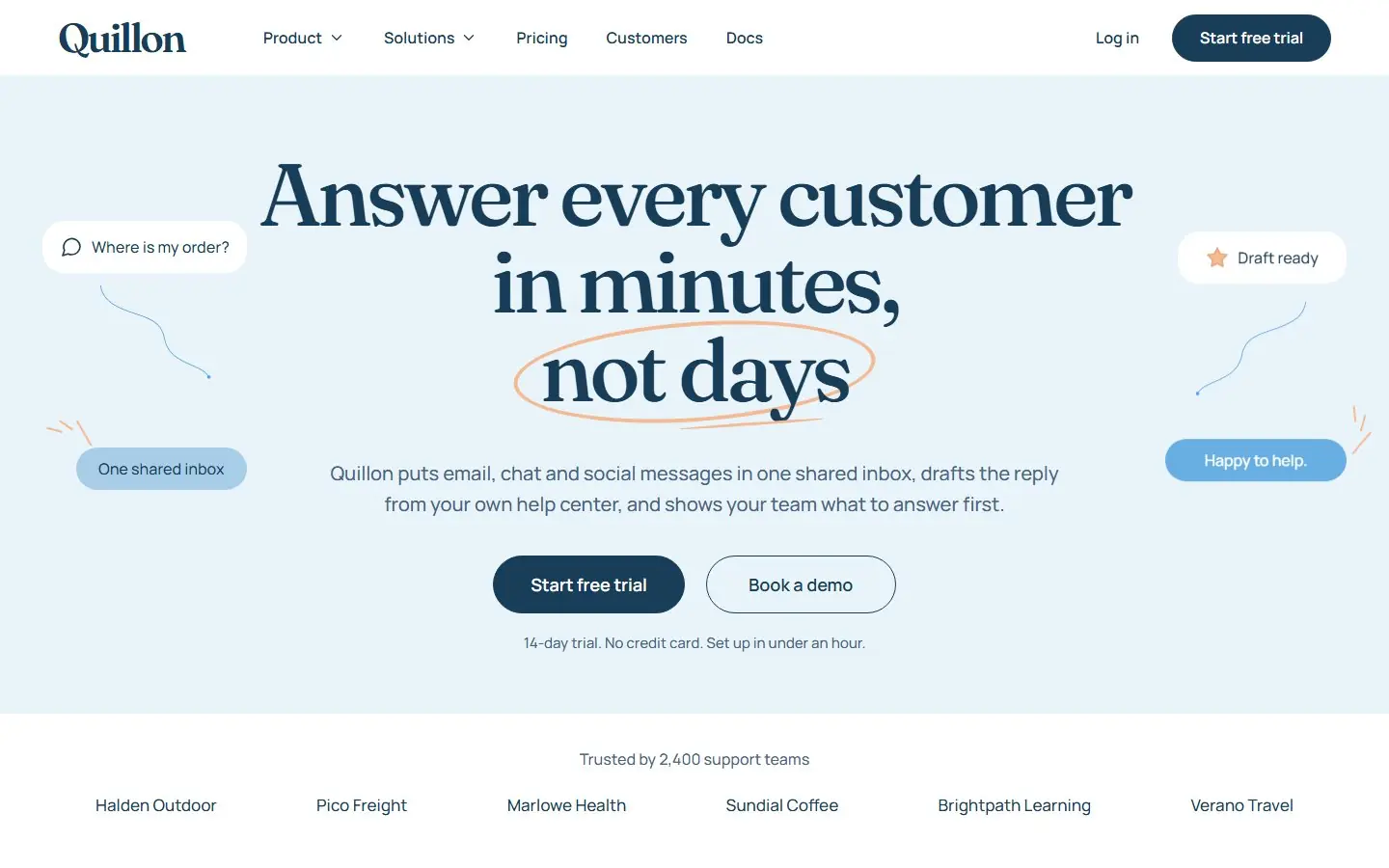
A light, chat-led SaaS homepage: speech bubbles and curved connectors around a large serif headline.
- Astro
- HubSpot
- WordPress
- Framer soon

The squeezing the lemon theme really struck gold.Anthony HsiaoCEO, Matterway Instant price From $1,999 a month Pick the processes you need and see your monthly price before you talk to anyone. See your instant price
Most agencies force you down their predefined workflow. Growigami understood what I needed and adapted.Arthur ArgyropoulosFounder, CabFare
A HubSpot theme is the package behind a HubSpot site: templates for page types, modules for the sections and the shared styles and scripts. These 38 free HubSpot themes each upload with the HubSpot CLI, give you a Home template and a Page template, and turn every section into a module whose words, links and images you edit in the page editor.
38 templates
A light, chat-led SaaS homepage: speech bubbles and curved connectors around a large serif headline.
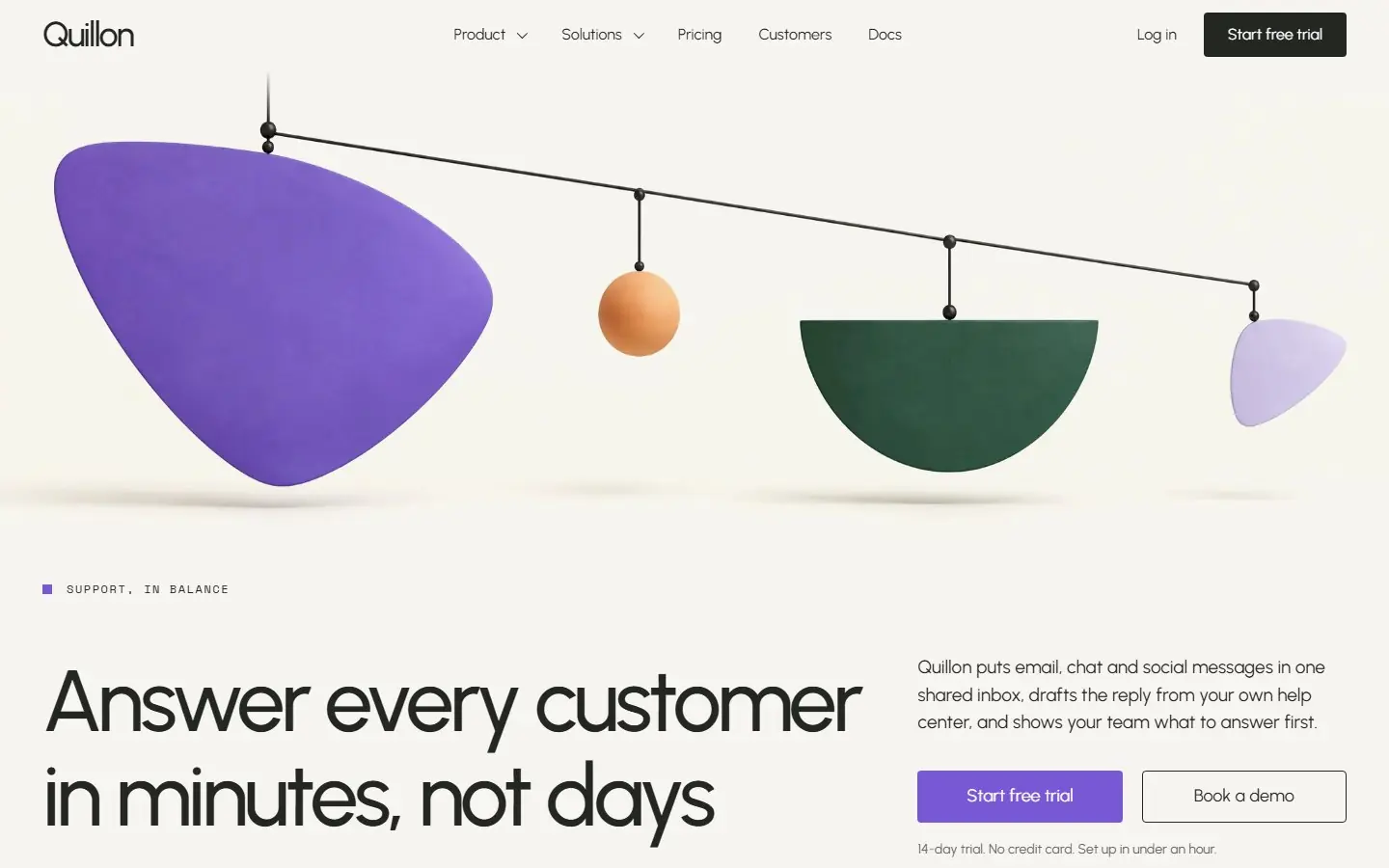
A gallery-style SaaS homepage: hanging violet, apricot and green sculptures on warm white, with mono captions.
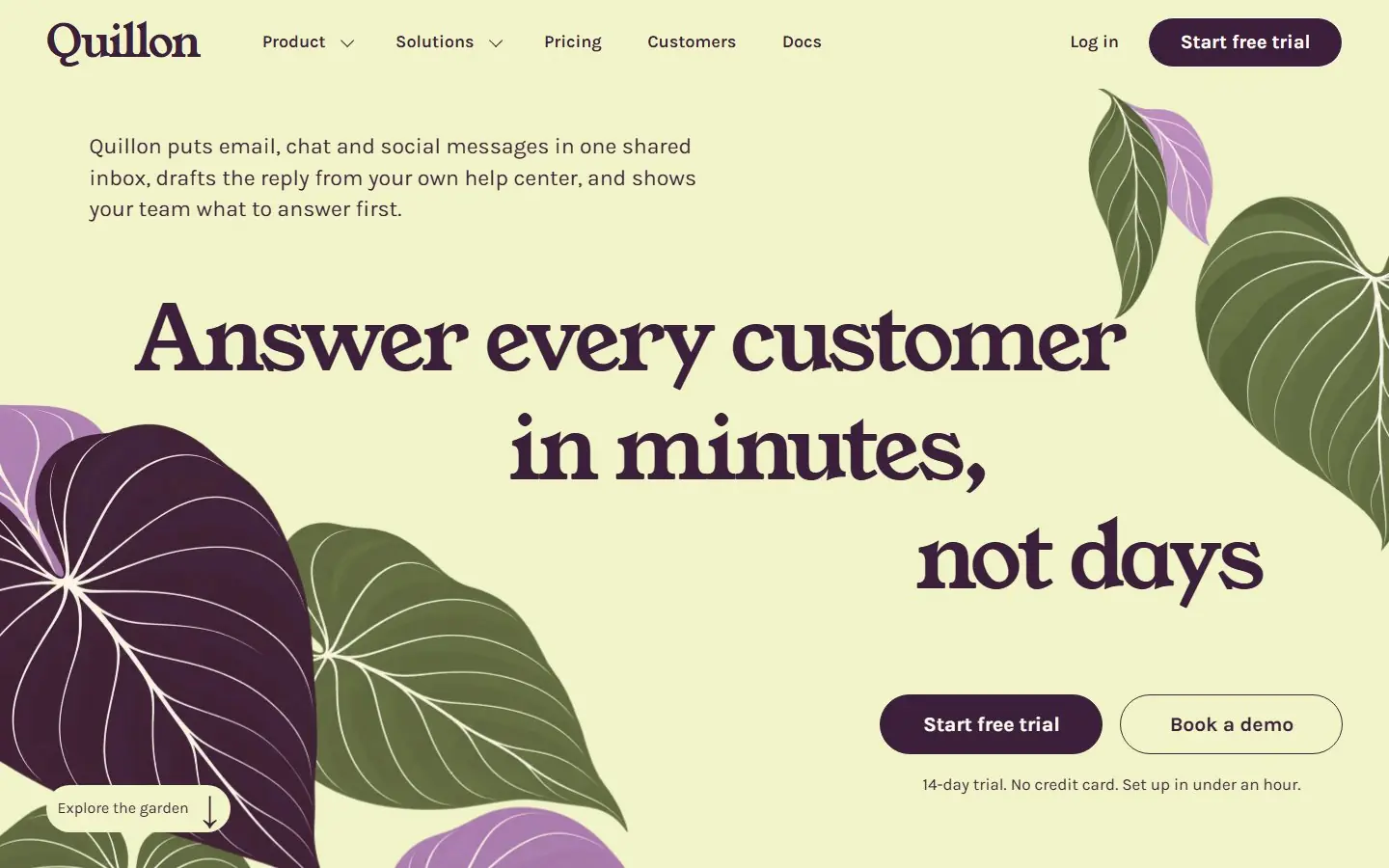
A botanical SaaS homepage: giant leaf silhouettes, a stepped serif headline and aubergine on citron.
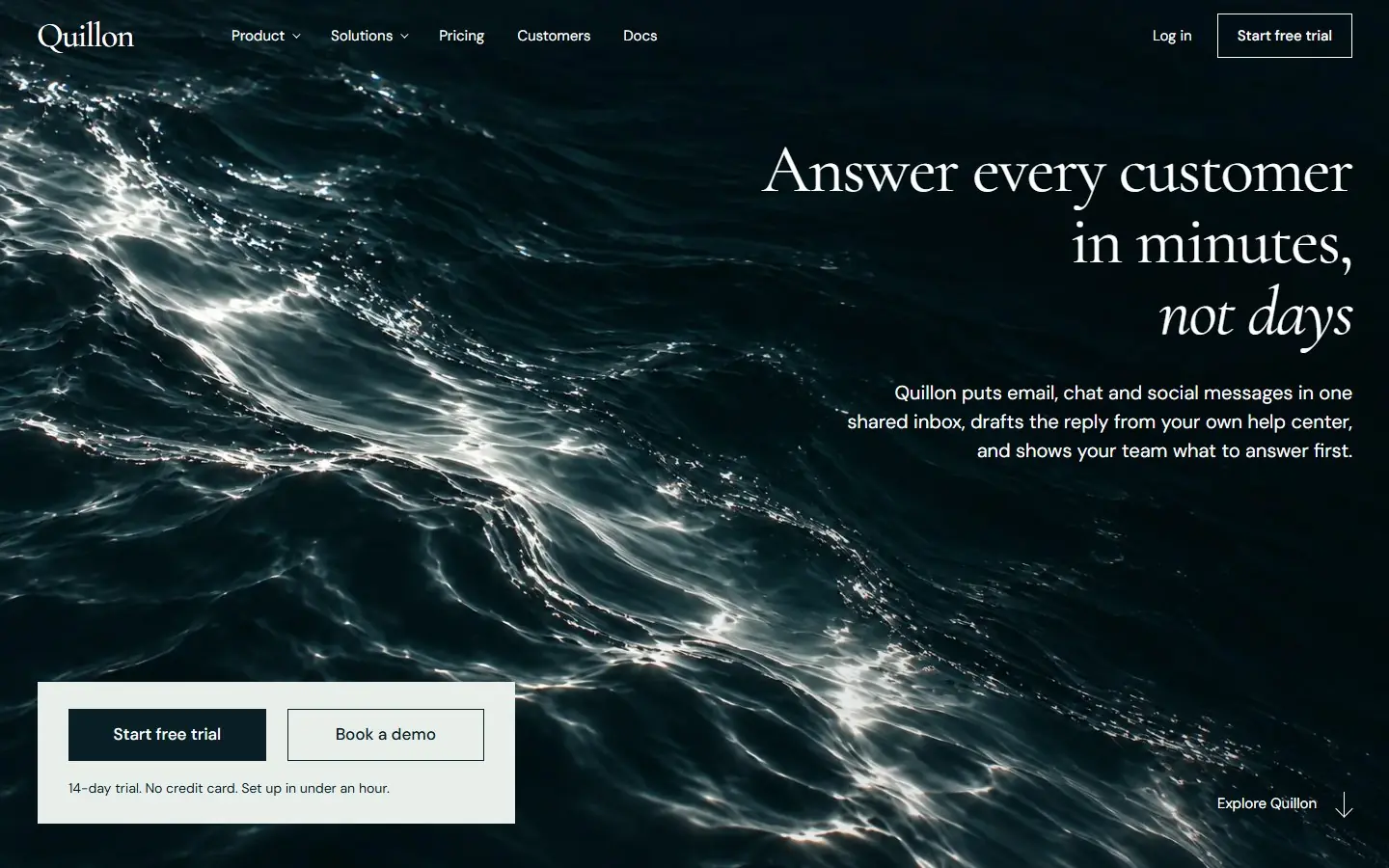
A cinematic SaaS homepage: a right-aligned serif title over dark water, square edges and silver currents.
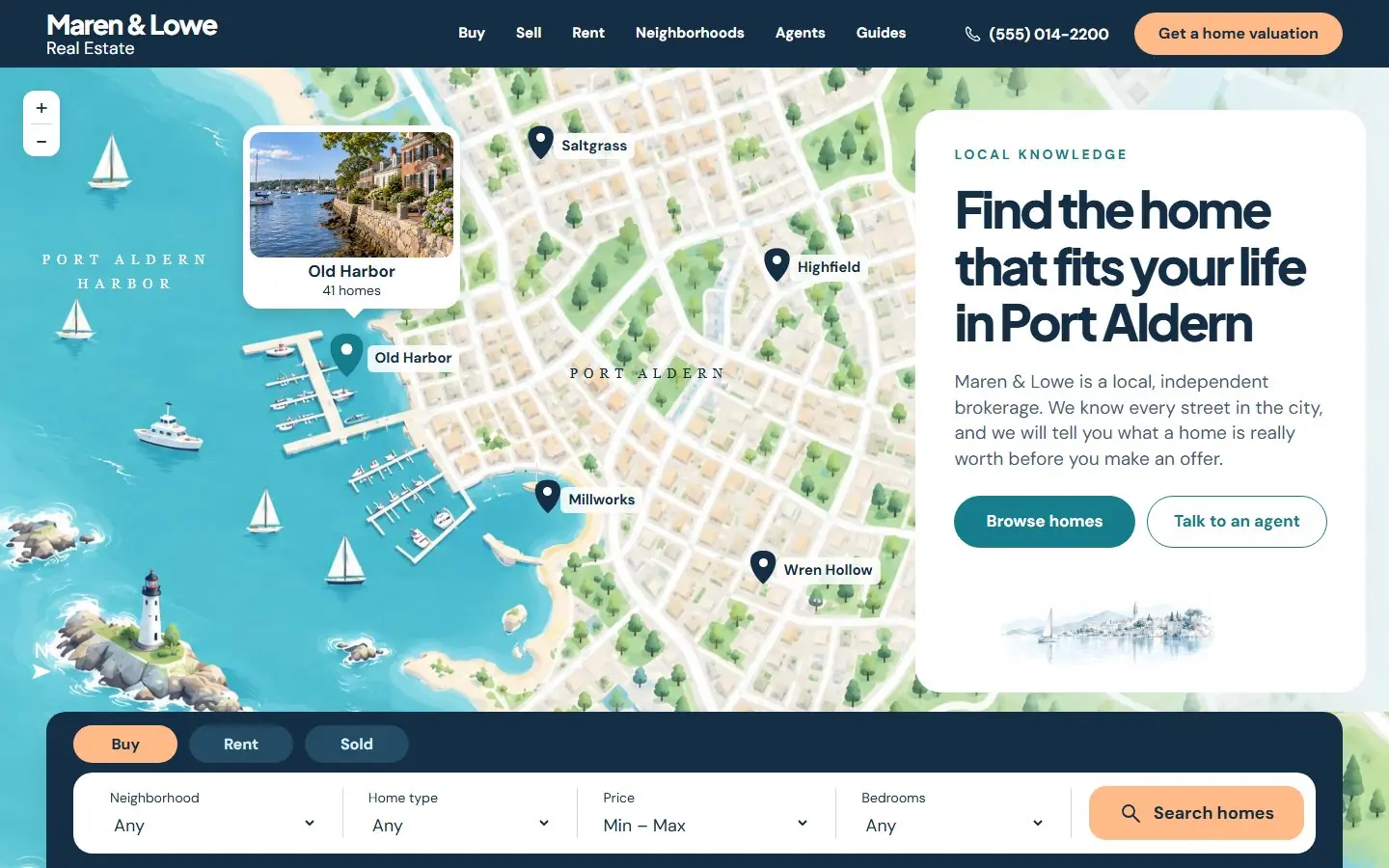
A friendly city-atlas homepage: an illustrated neighborhood map with pins beside the search form.
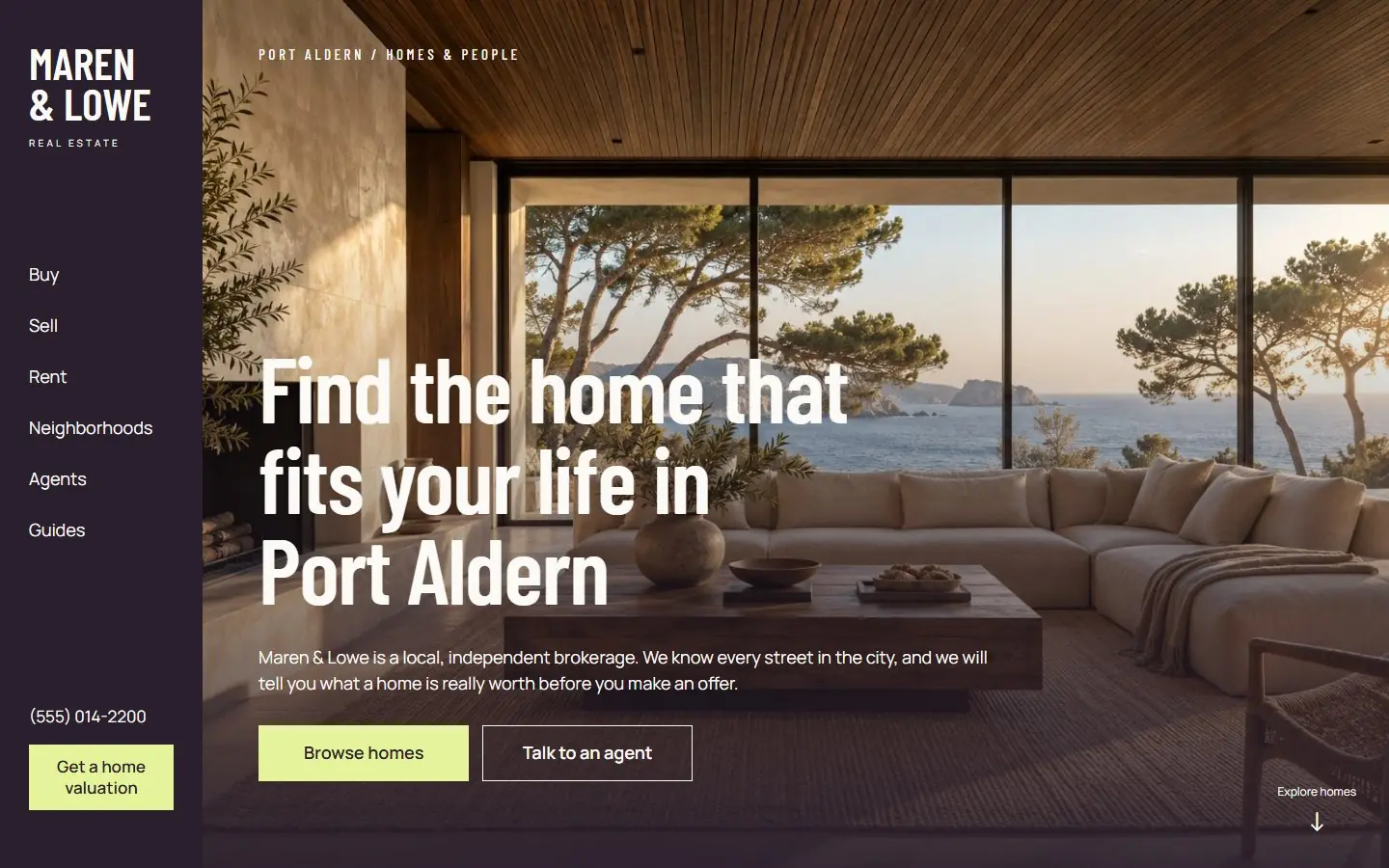
An architecture-gallery homepage: a vertical aubergine nav rail, a cinematic interior and citron buttons.
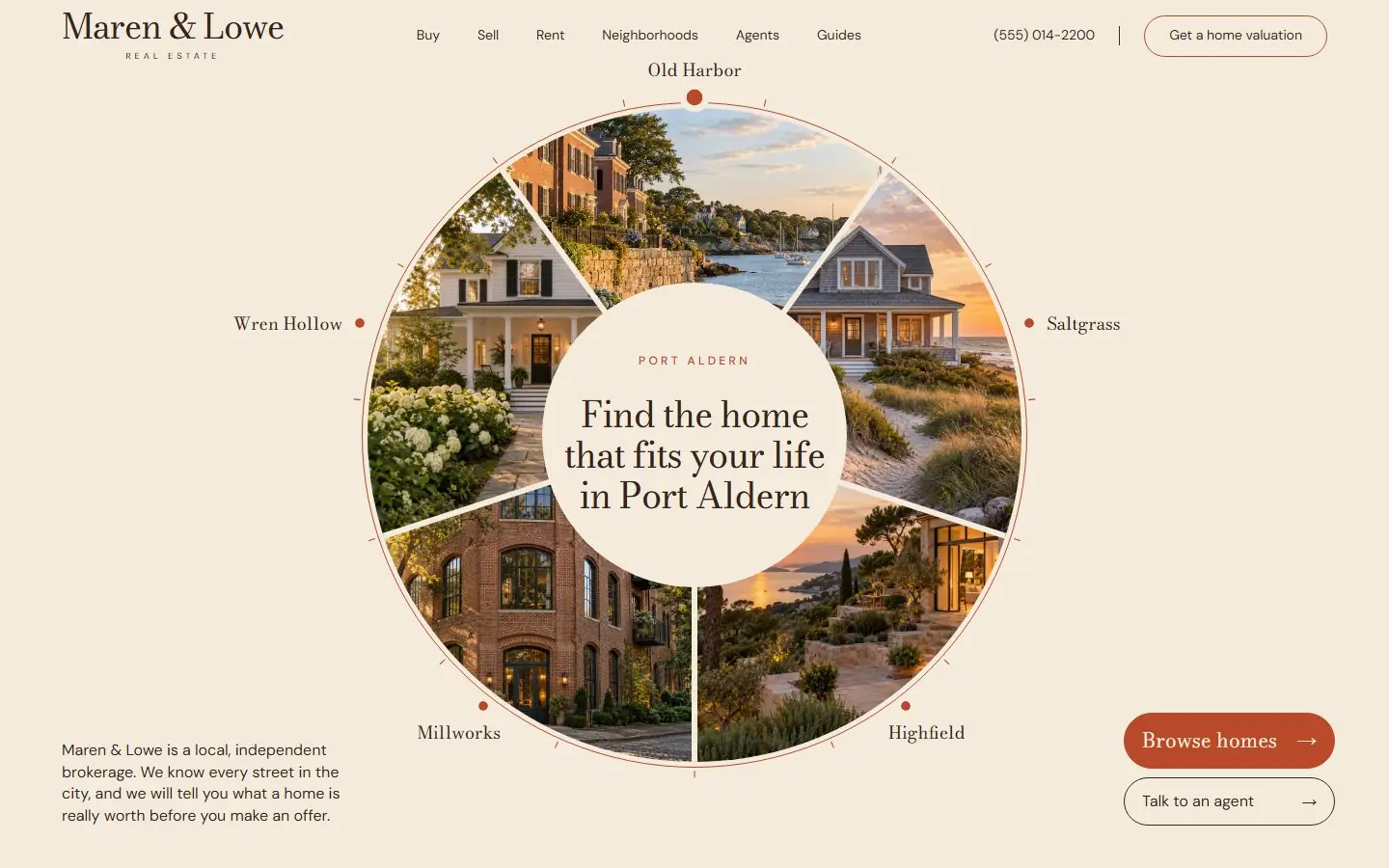
A neighborhood wheel homepage: five photo slices around a serif headline, in ivory and copper.
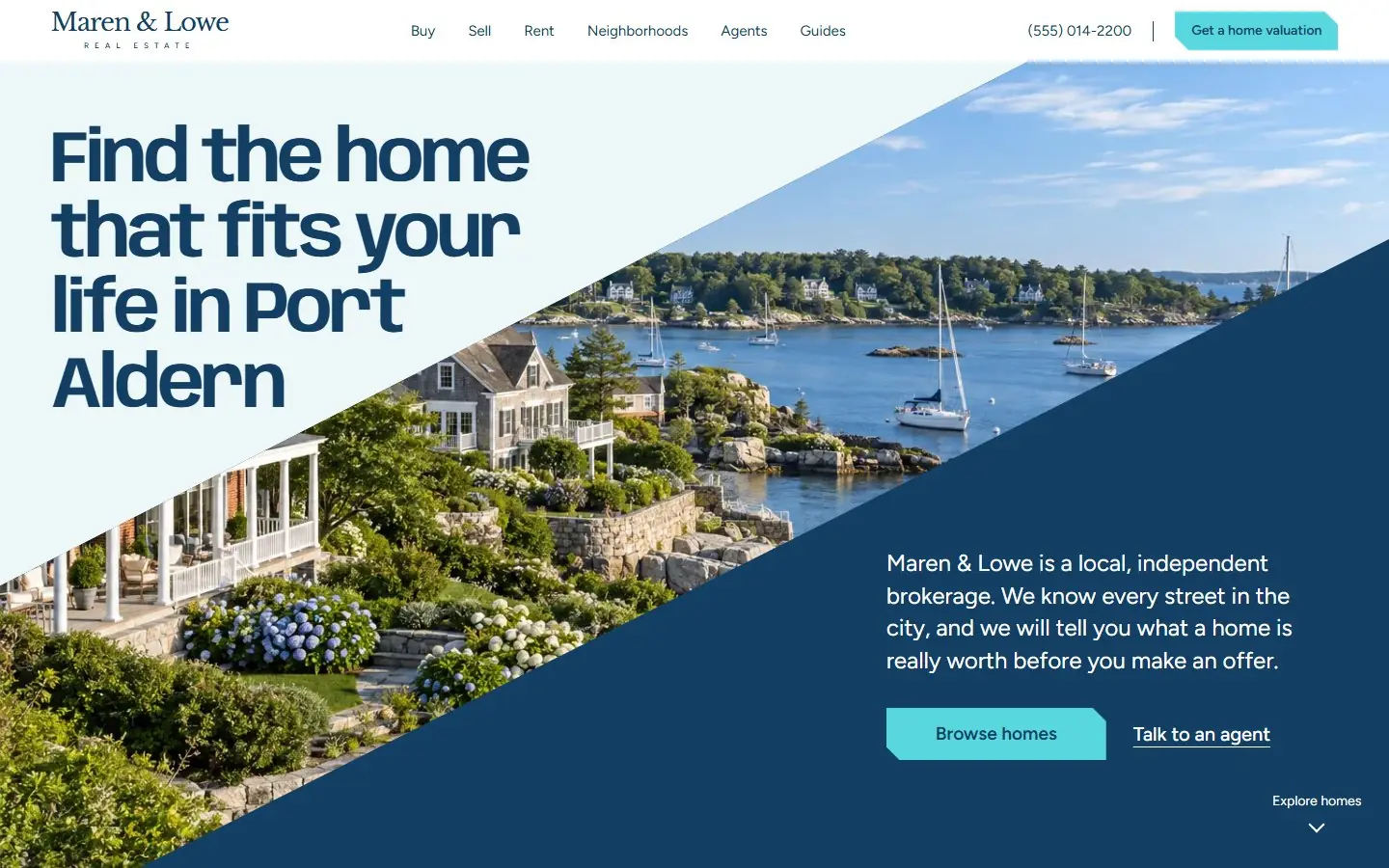
A coastal homepage in marine and cyan: diagonal photo ribbons, chamfered buttons and a search dock.
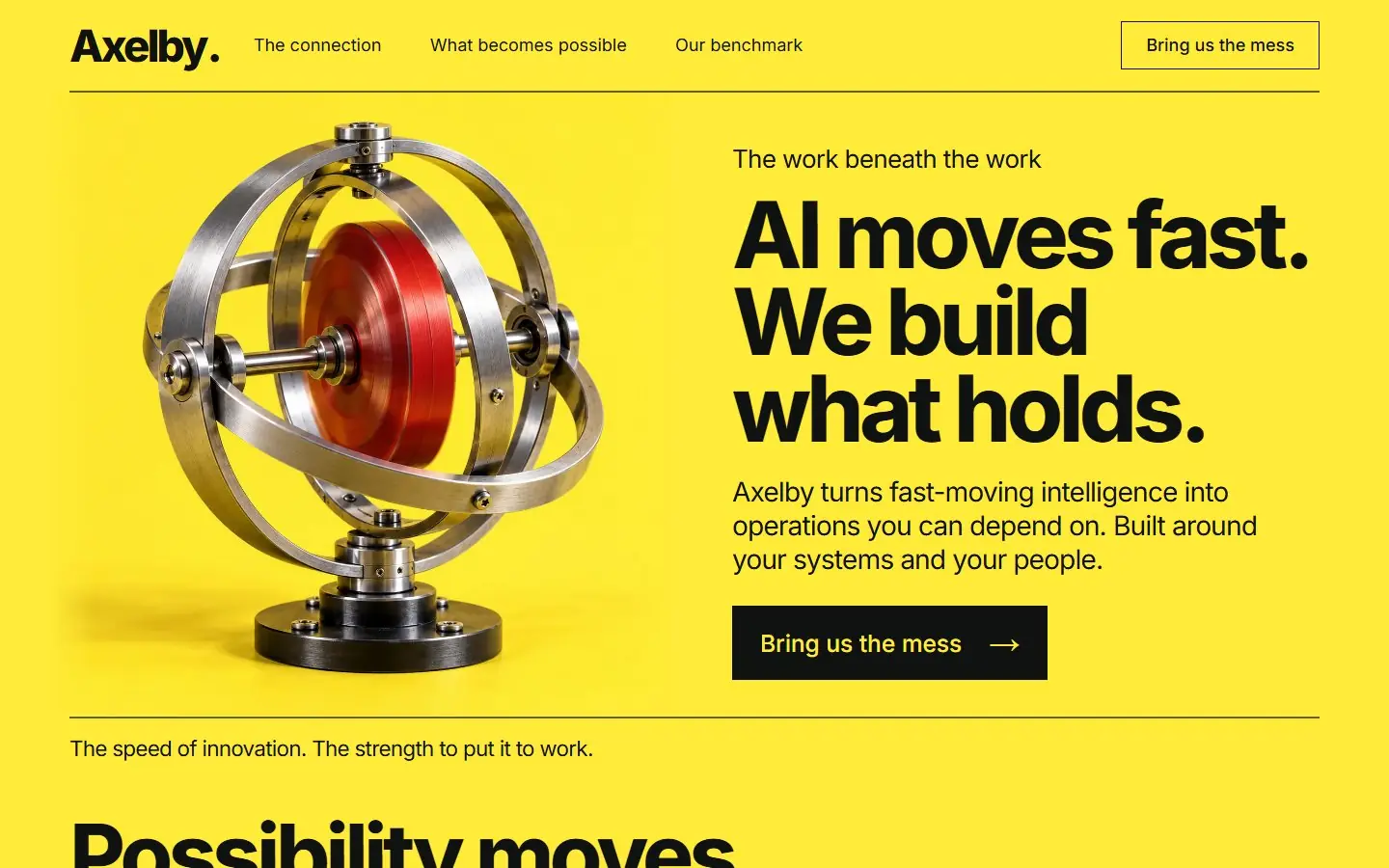
A signal yellow AI services page with a steel gyroscope hero, heavy black type and one dark band holding a node diagram.
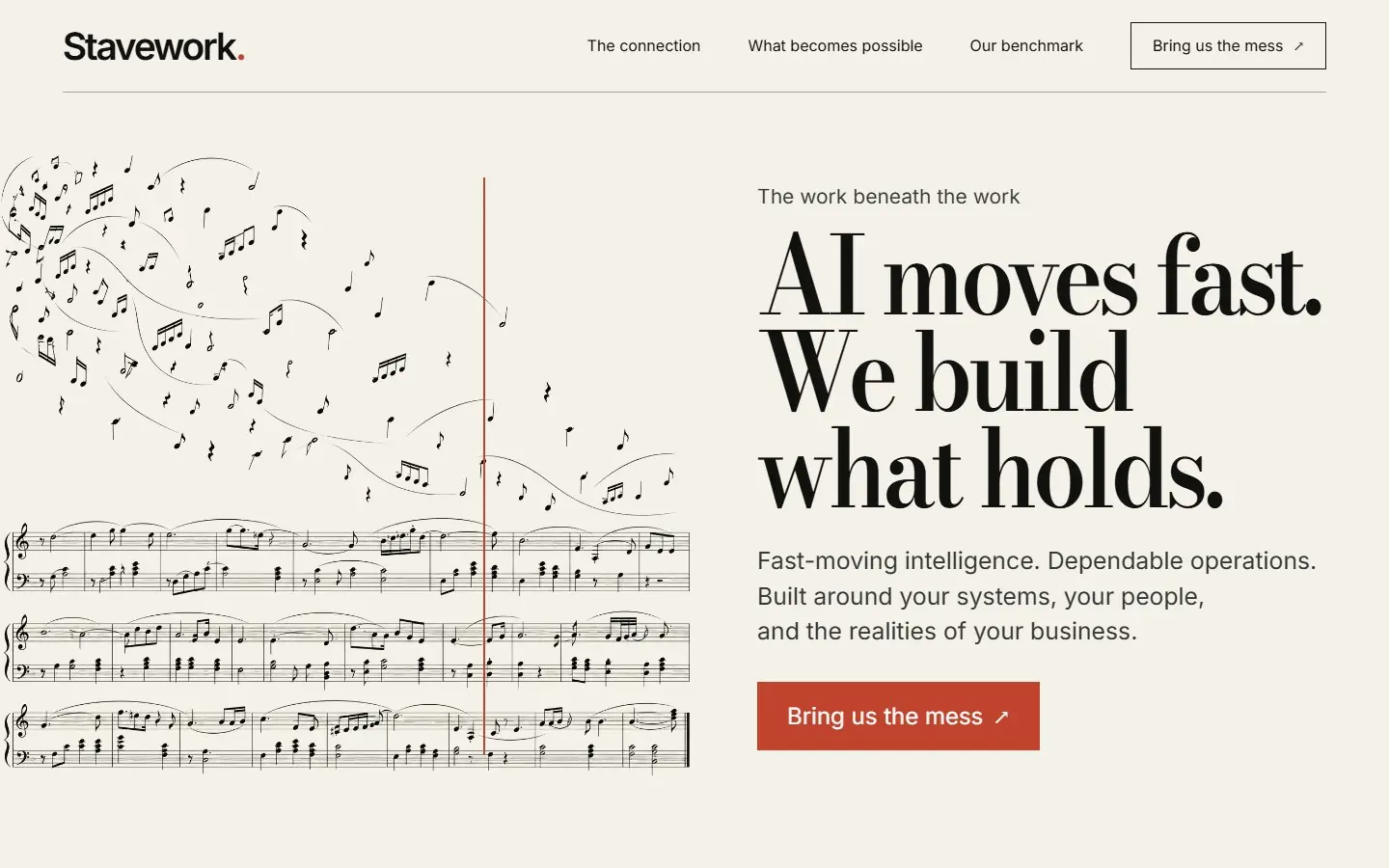
An ivory, print-like AI consulting page with Bodoni headlines, one ink music score drawing and thin vermilion accents.
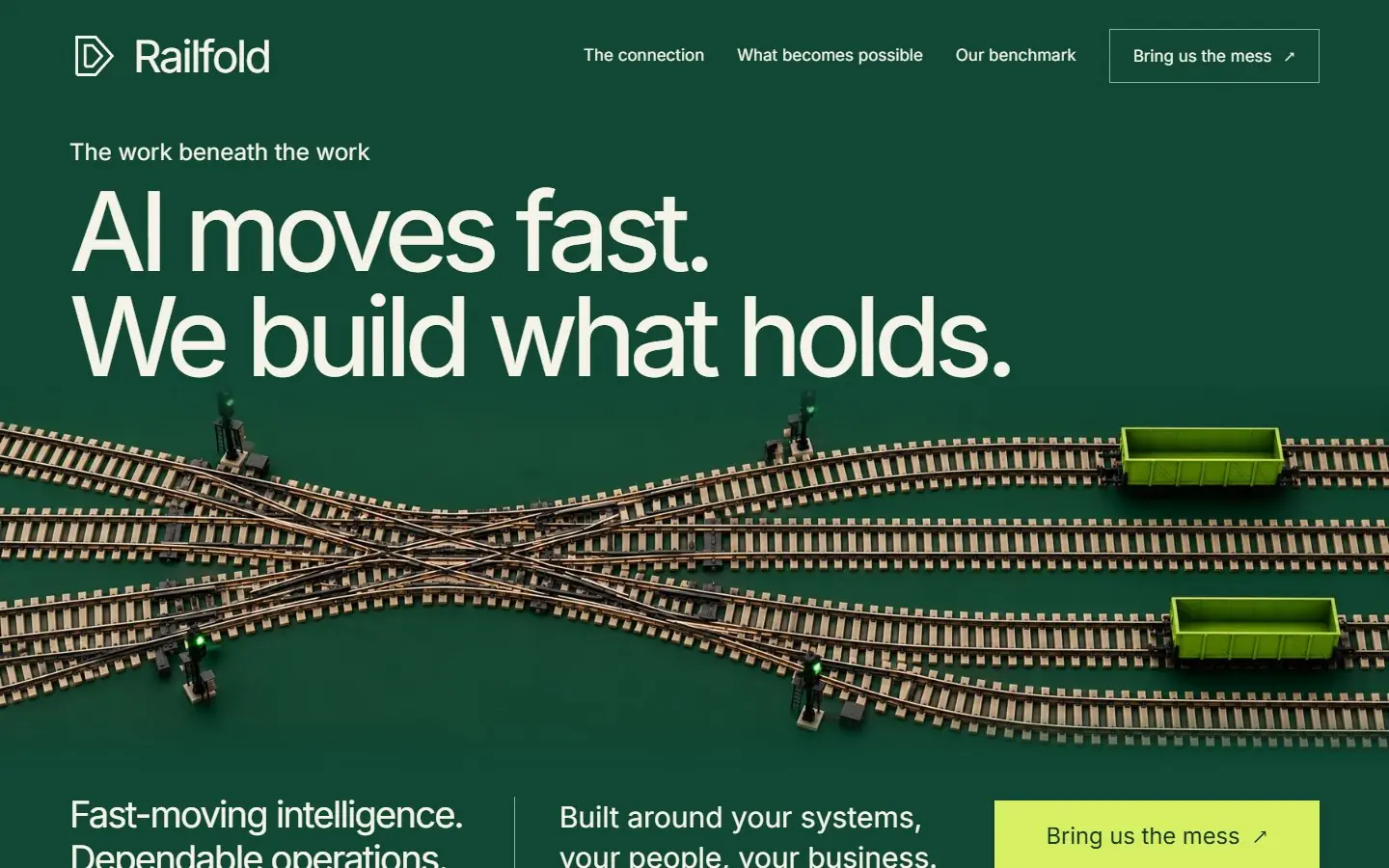
A forest green AI services page built on model railway photos: rails, points and lime wagons, with an ivory middle.
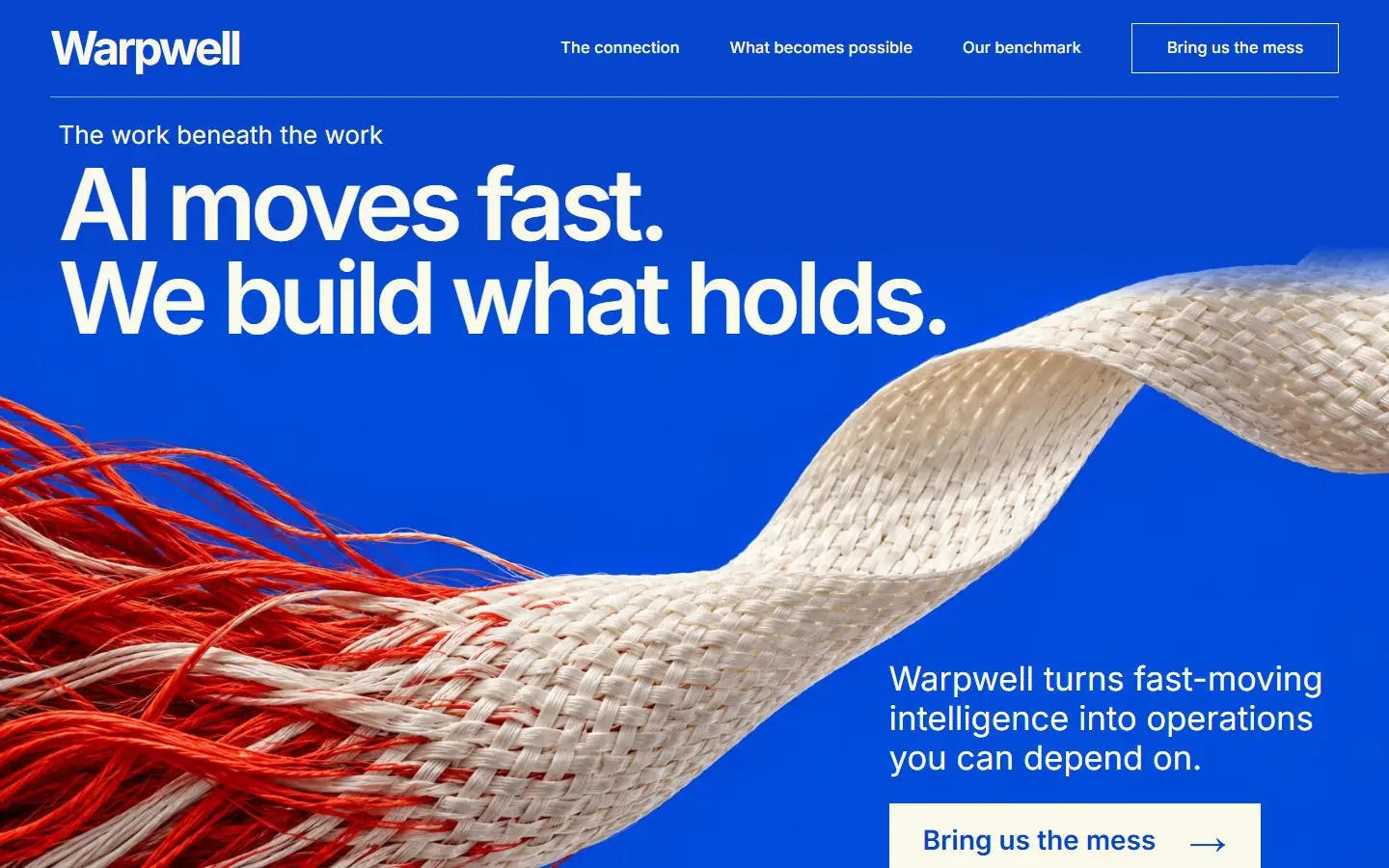
A pale lilac AI services page with a botanical graft photo, aubergine headlines, copper buttons and a dark benchmark panel.
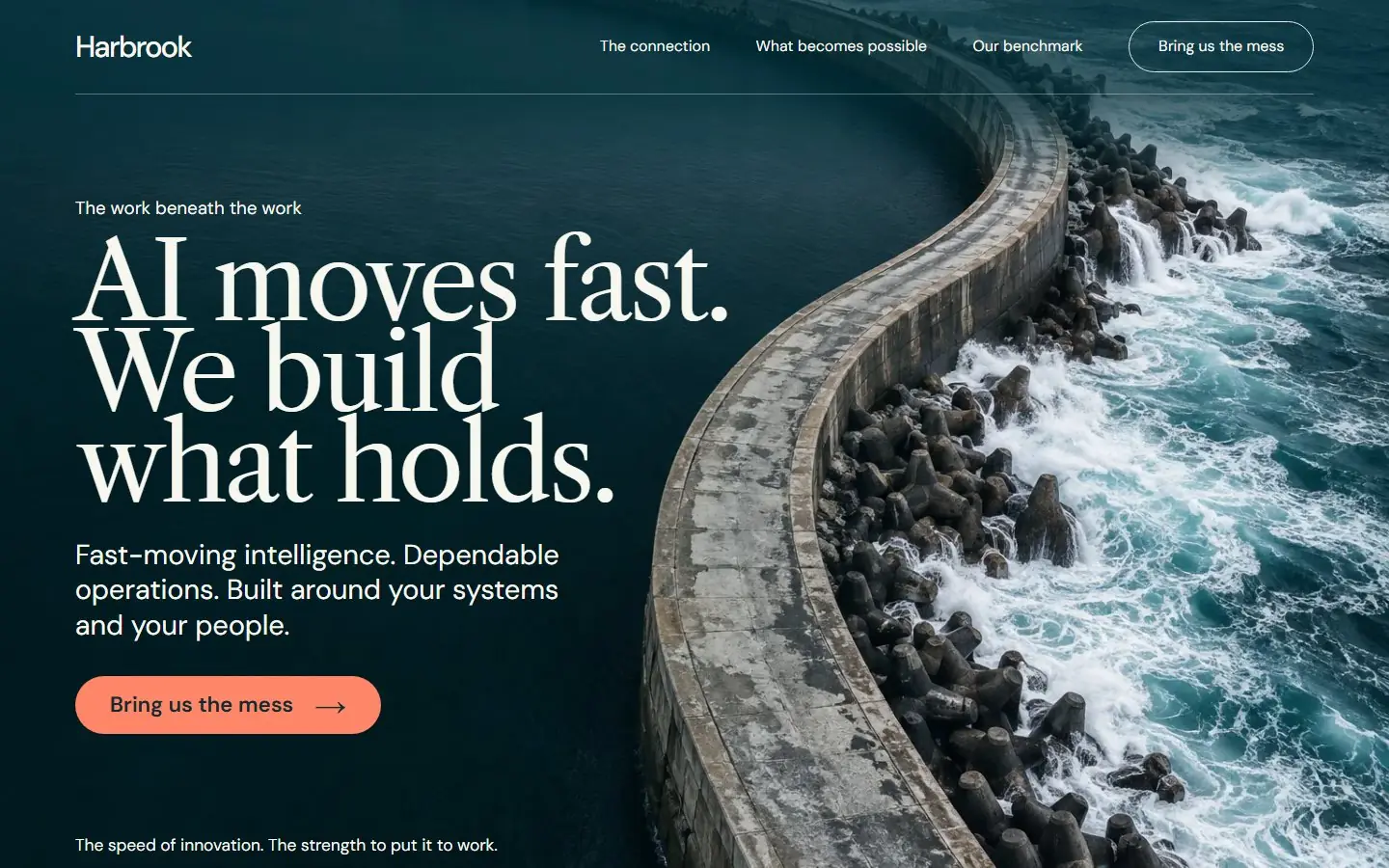
An aerial photo of a curved concrete breakwater fills the first screen, then cream pages with petrol and coral serif type.
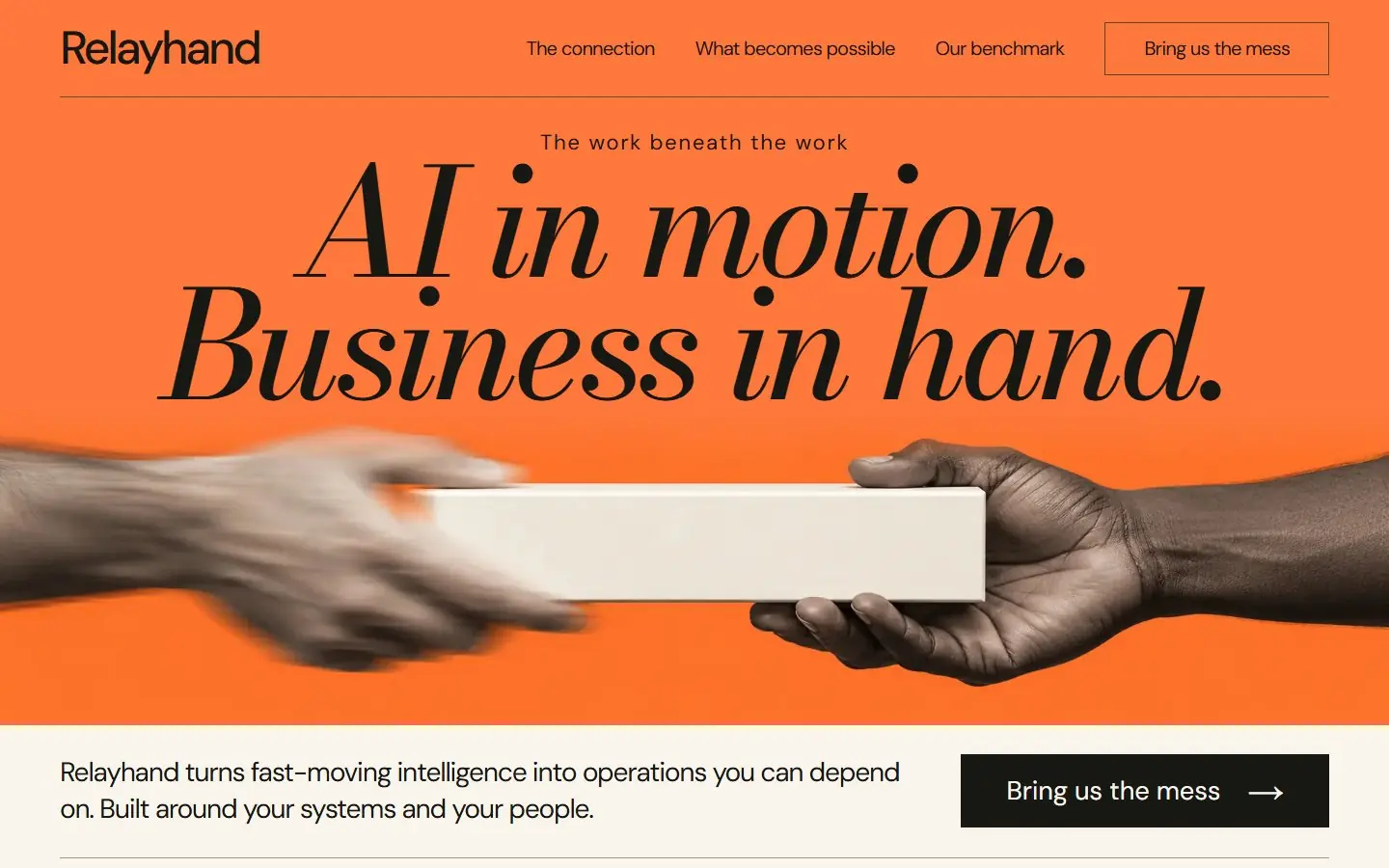
A tangerine campaign page: huge black italic headline over two hands passing an ivory block, then cream and orange bands.
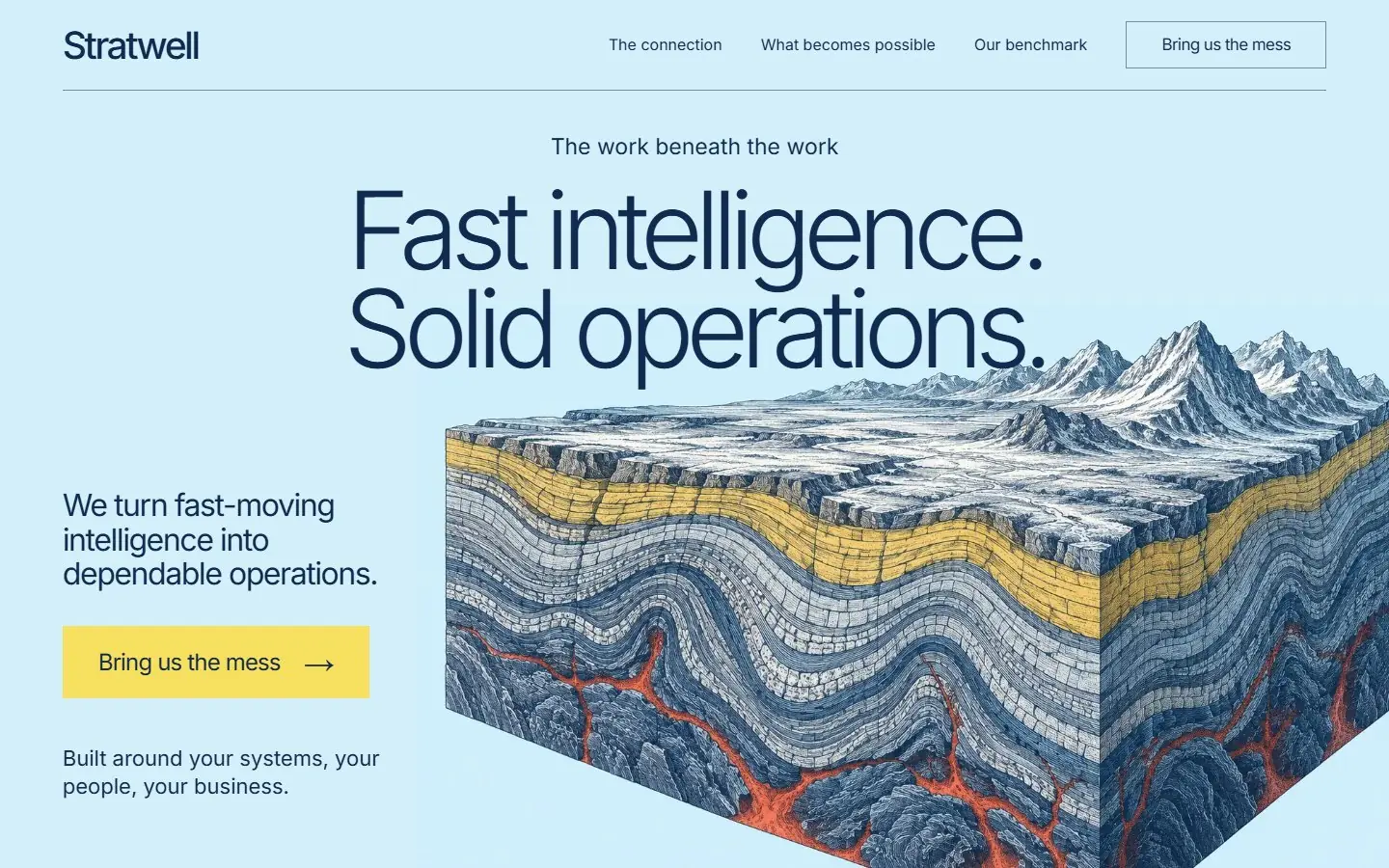
An ice-blue science folio: an engraved geological cutaway with a yellow stratum and red core under a light navy headline.
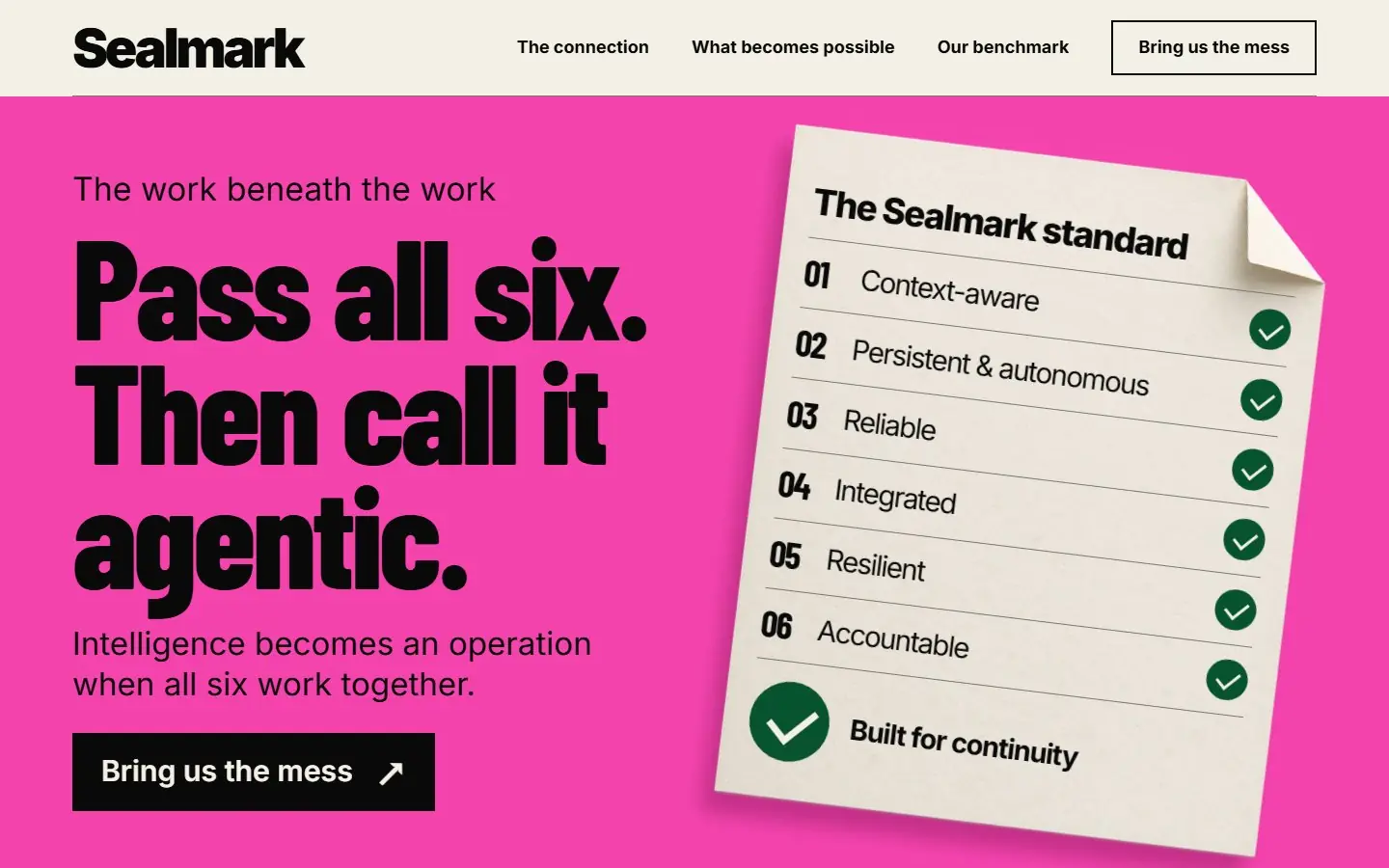
A fuchsia, type-led page: a huge condensed black headline beside a tilted paper certificate with six green check marks.
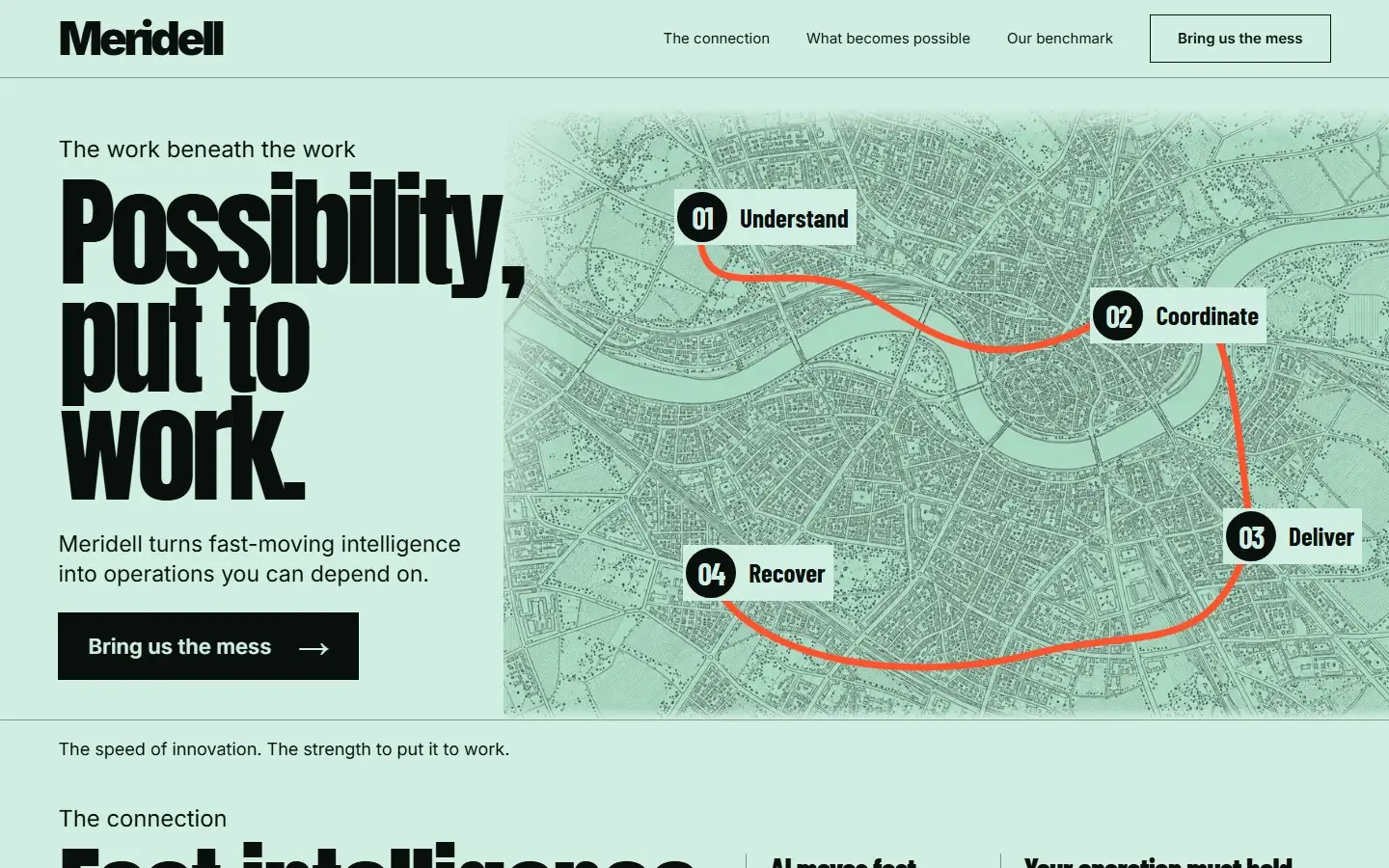
A Swiss poster on mint: a huge condensed headline beside an etched city map, and one vermilion route running down the page.
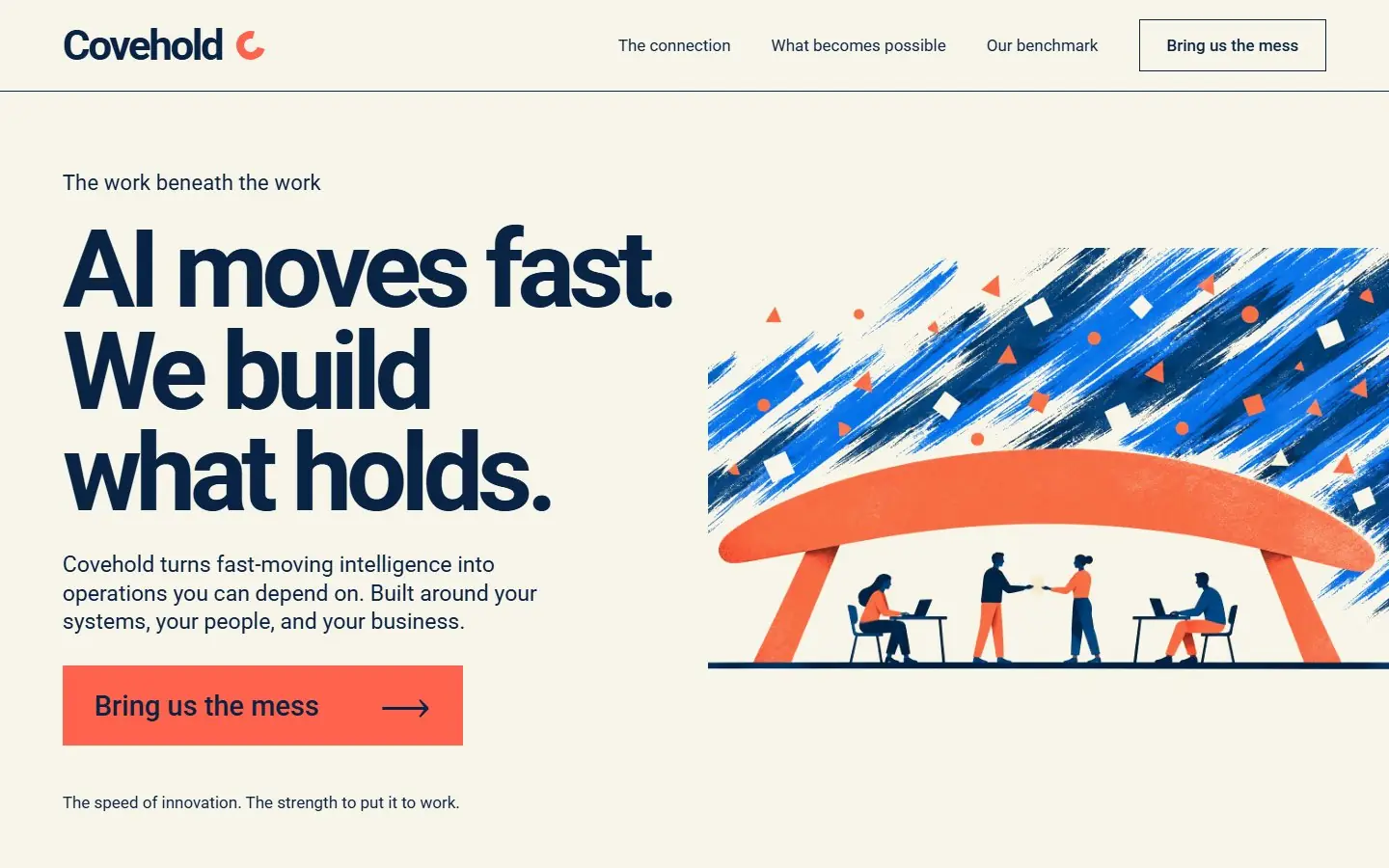
A cut-paper illustrated page on ivory: a coral canopy shields four people at work from a storm of cobalt brush marks.
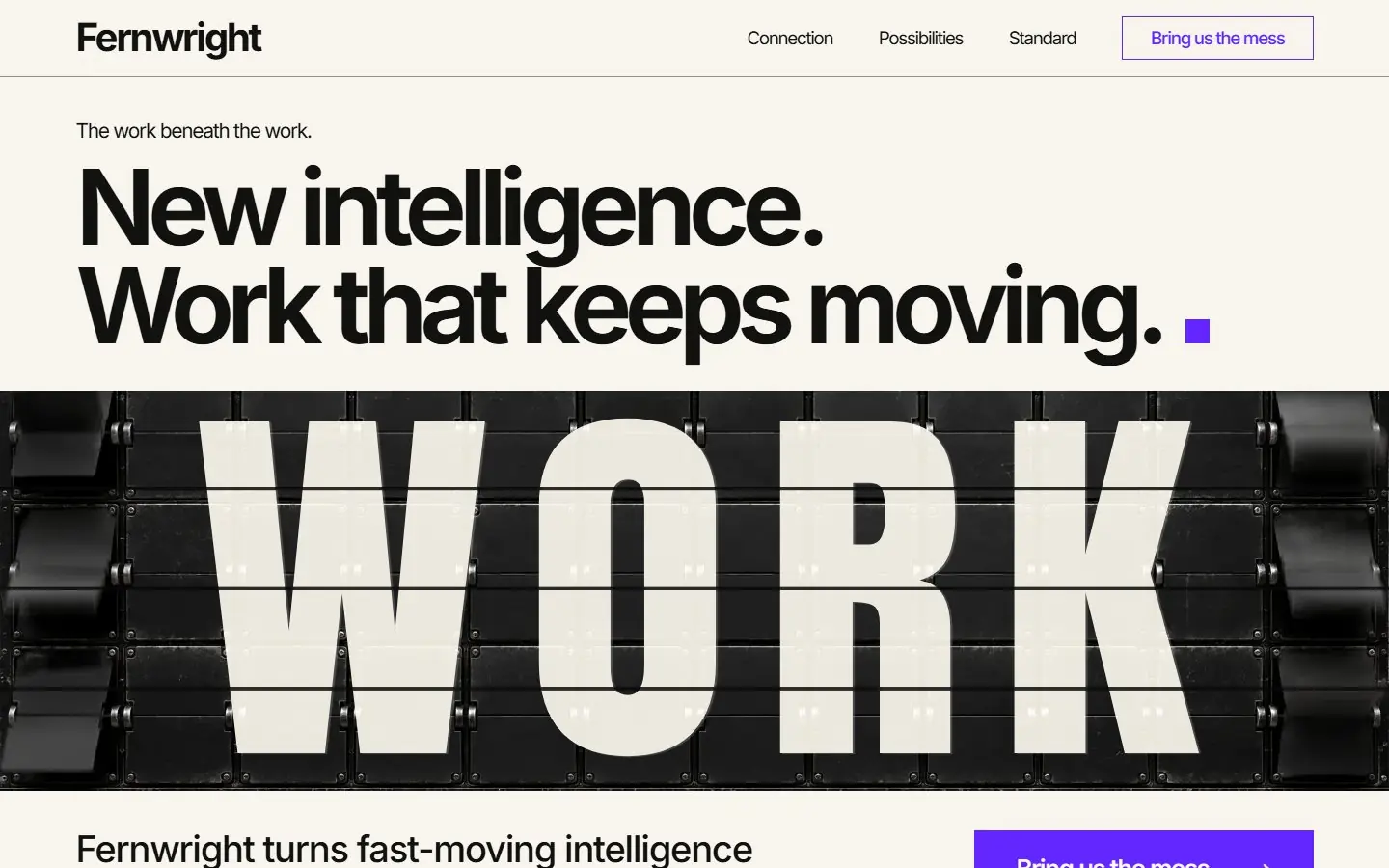
Black and ivory AI services homepage with a full-width split-flap board spelling WORK and small electric violet squares.
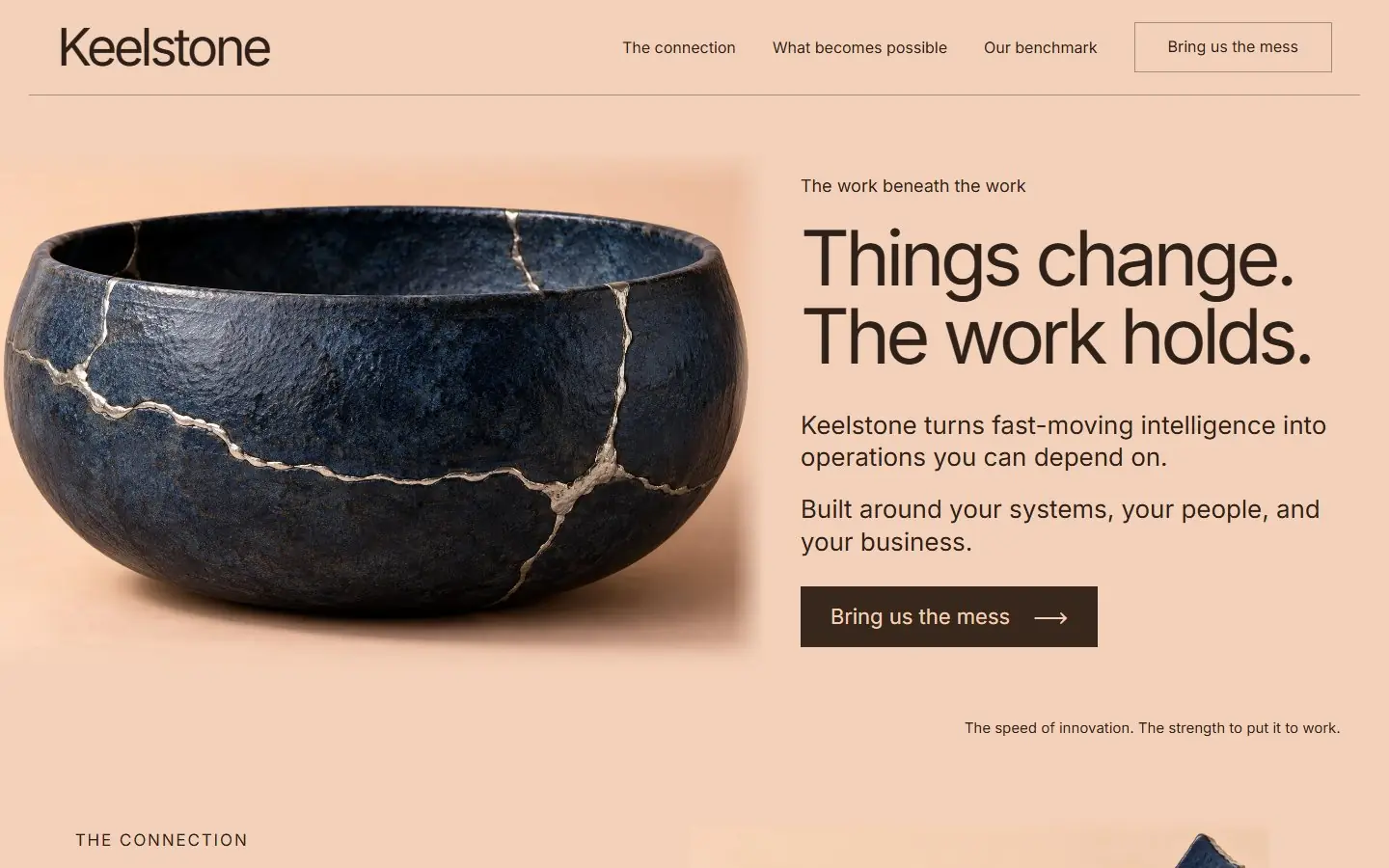
Pale apricot AI services homepage led by a navy ceramic bowl mended with silver seams, with light Inter type and one navy band.
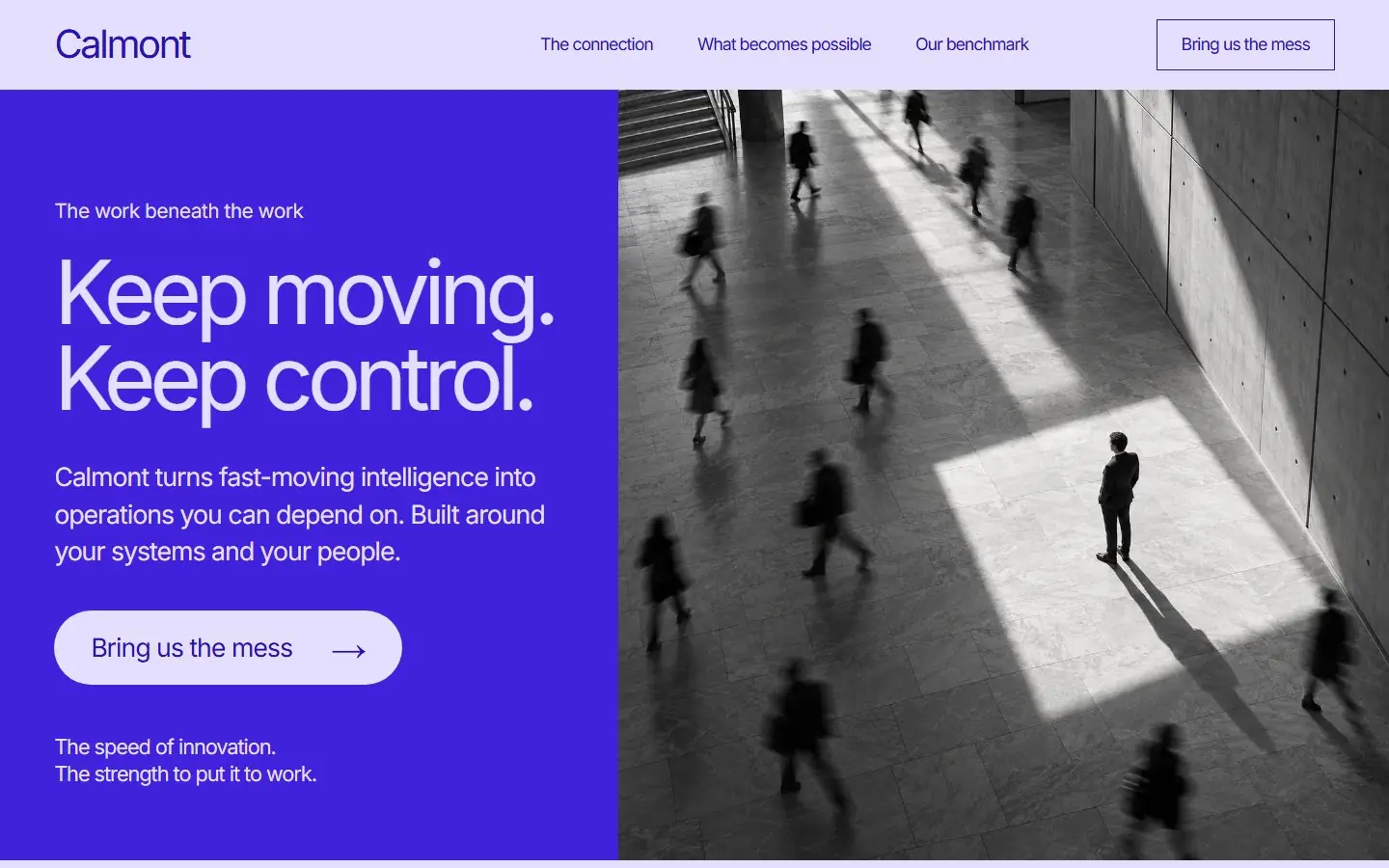
Violet and lavender AI services homepage: a black and white atrium photo with one still person, light Inter type and fine rules.
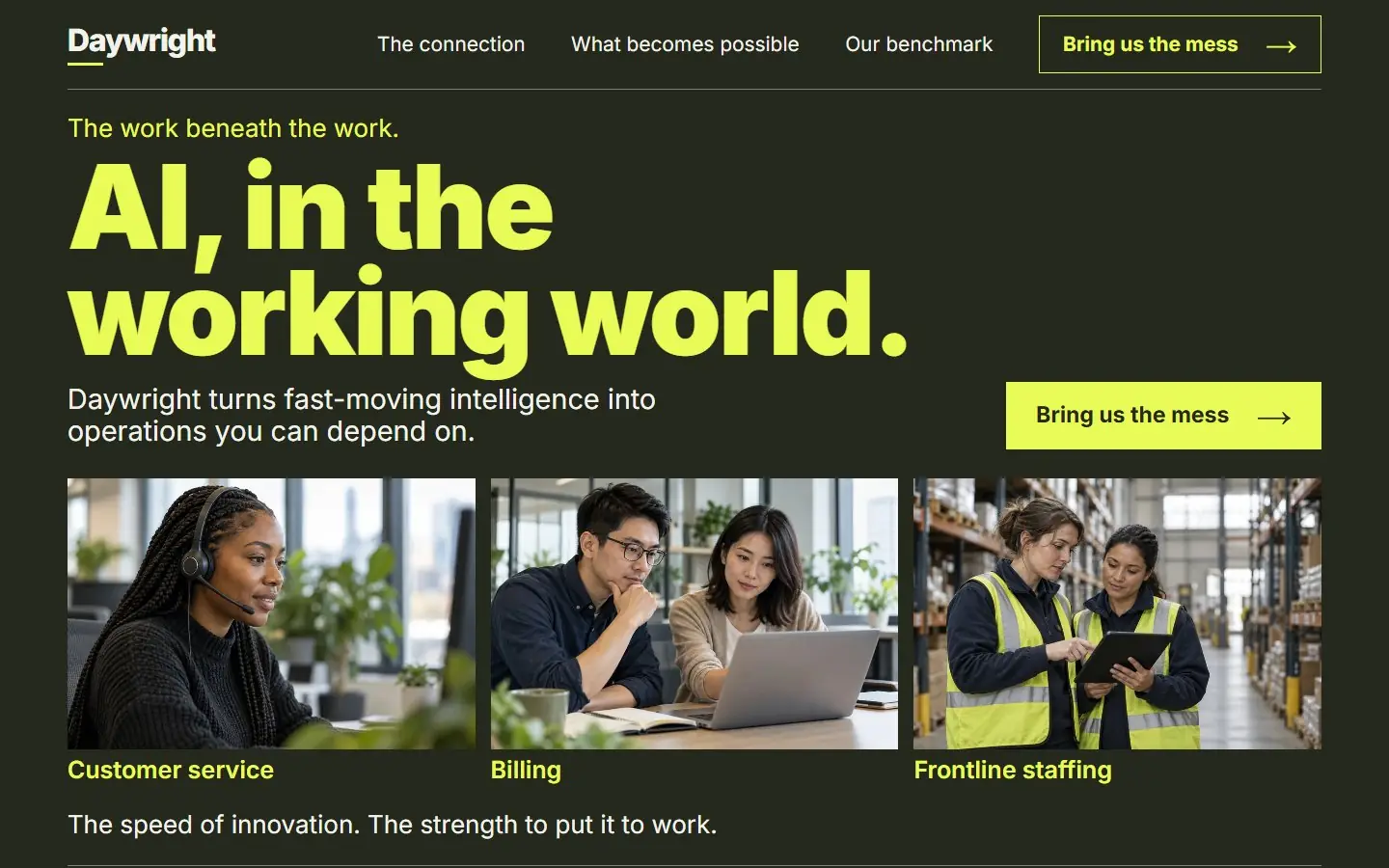
Graphite AI services homepage with giant citron headlines and documentary photos of people in service, billing and warehouses.
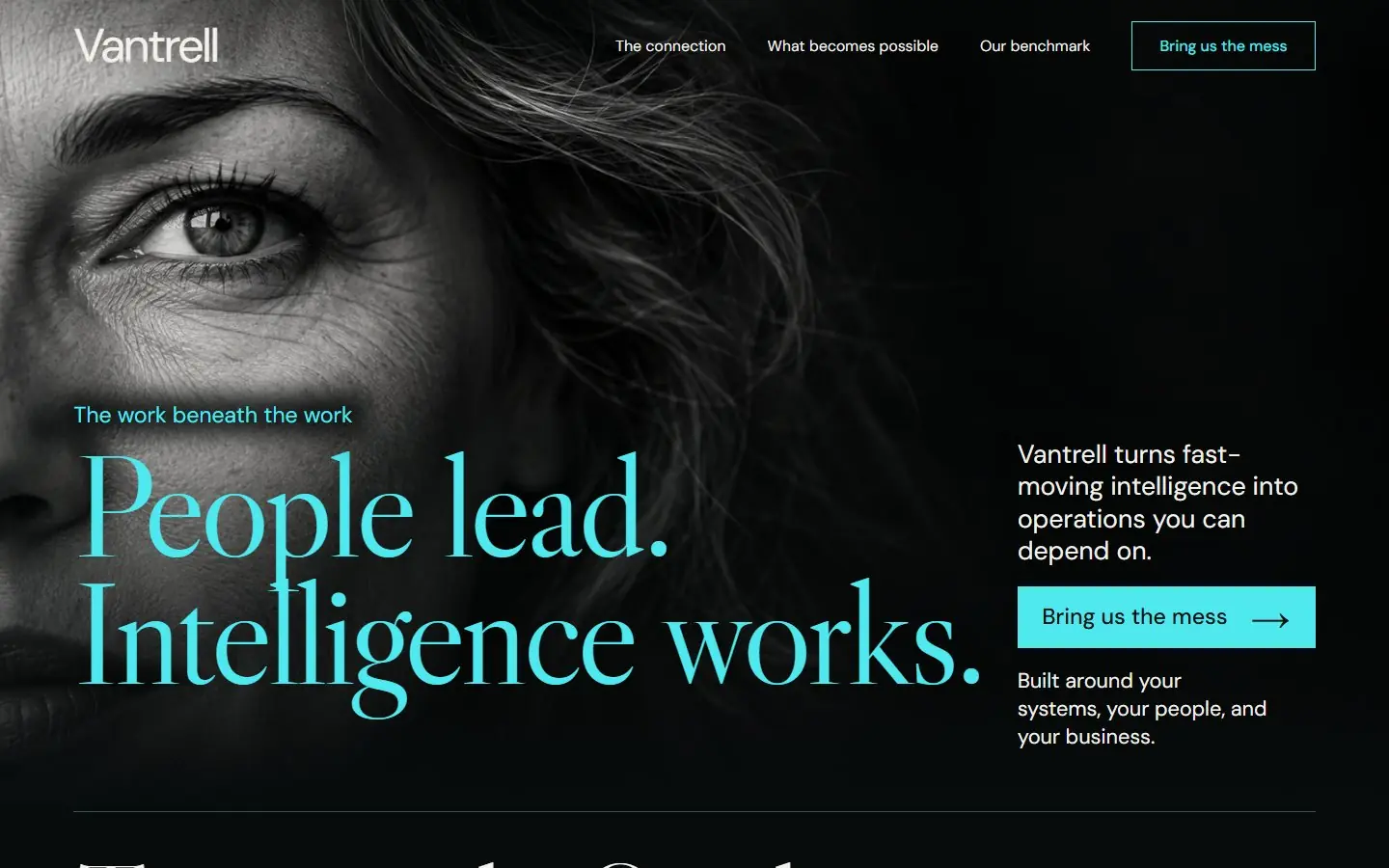
Near-black AI services homepage opening on a giant black and white eye, with electric cyan serif headlines and fine rules.
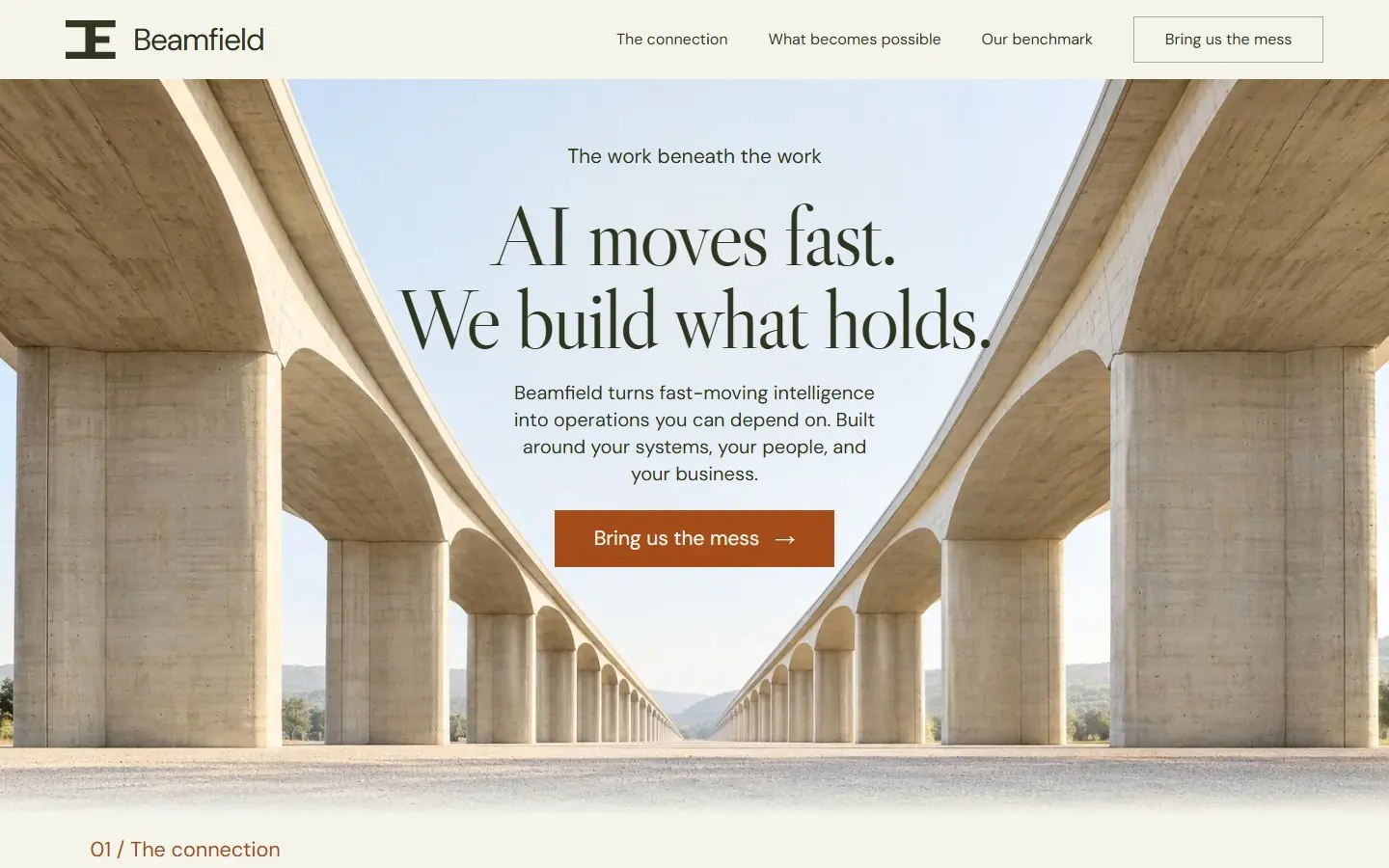
A high-key architectural page: a symmetrical concrete viaduct frames a centered olive serif headline on ivory and sage.
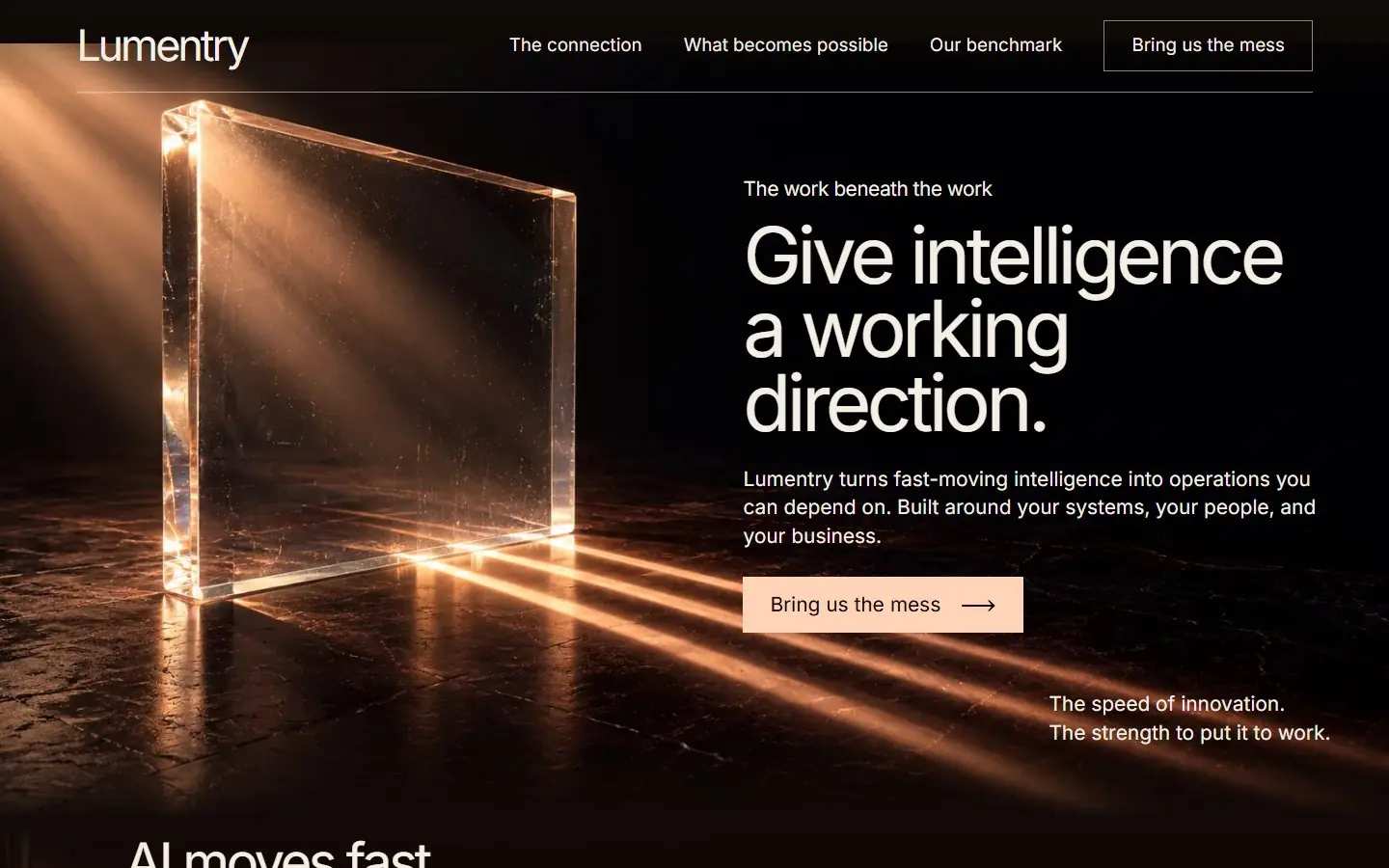
A near-black and cherry page: a glass slab bends warm peach light into beams, with large ivory Inter type at right.
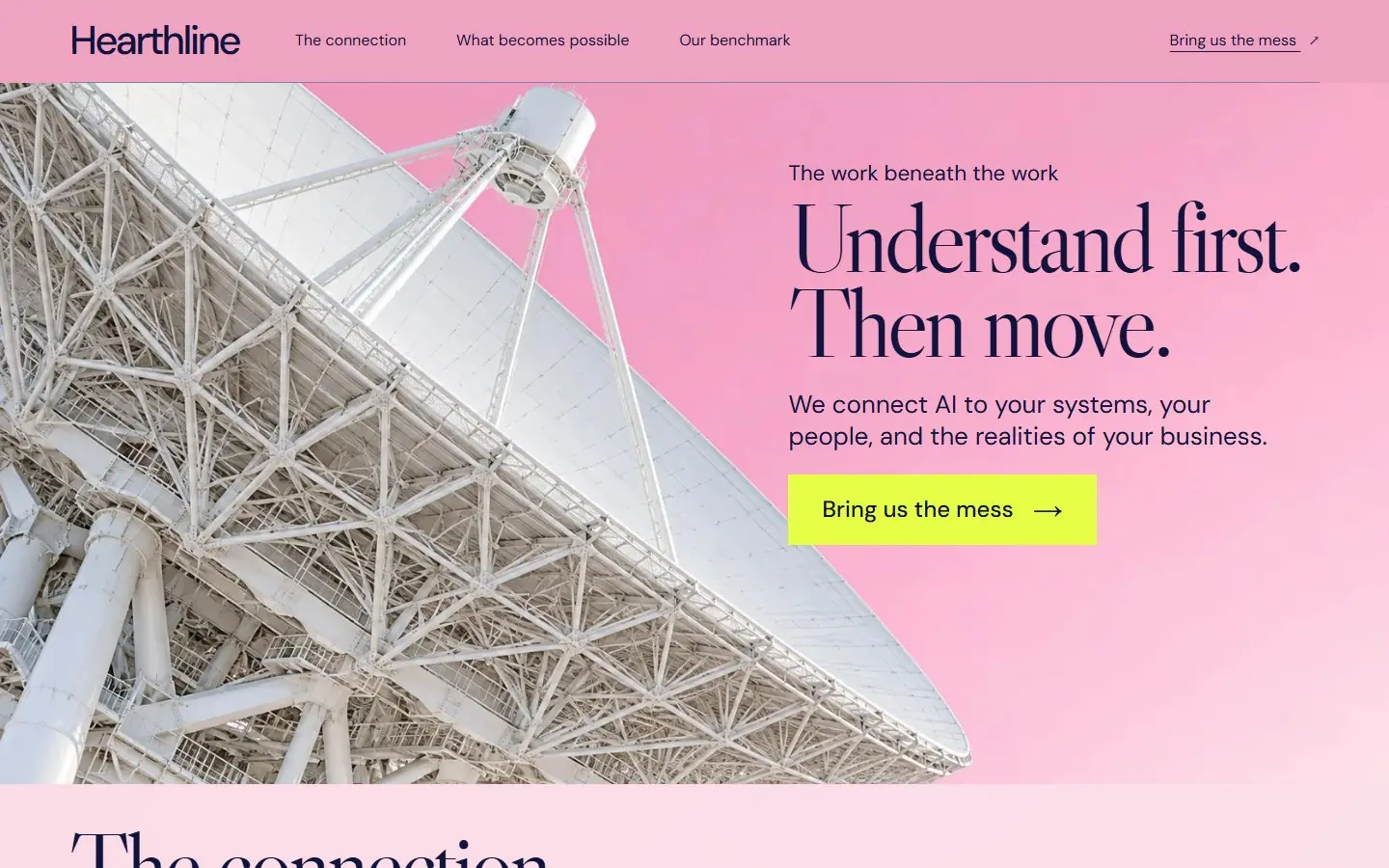
A candy-pink page: a white radio telescope dish sweeps in from the lower left under indigo serif type and acid-yellow buttons.
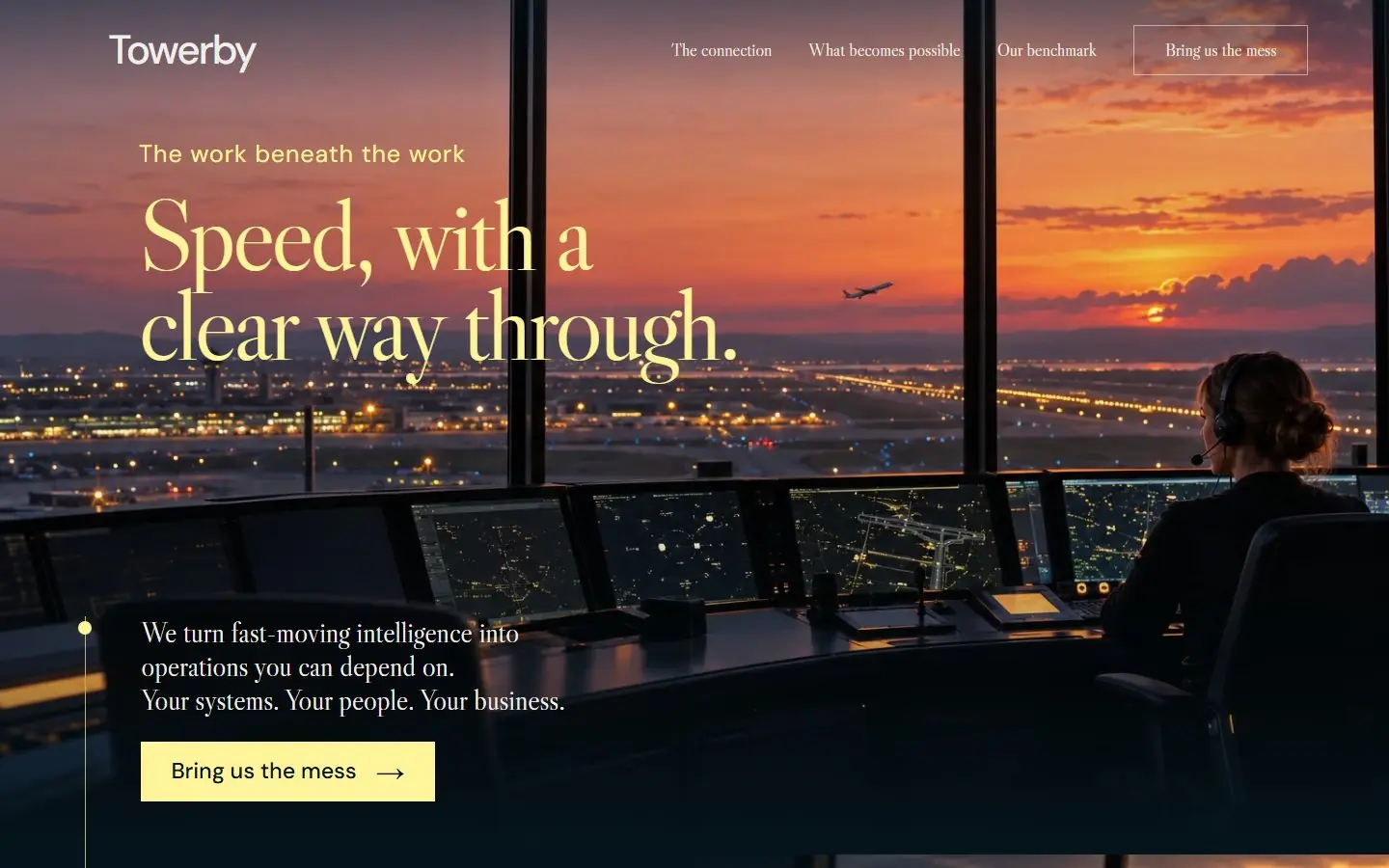
A dark navy page: an air traffic control tower at peach dusk, pale citrine serif headlines and a gold wayfinding line.
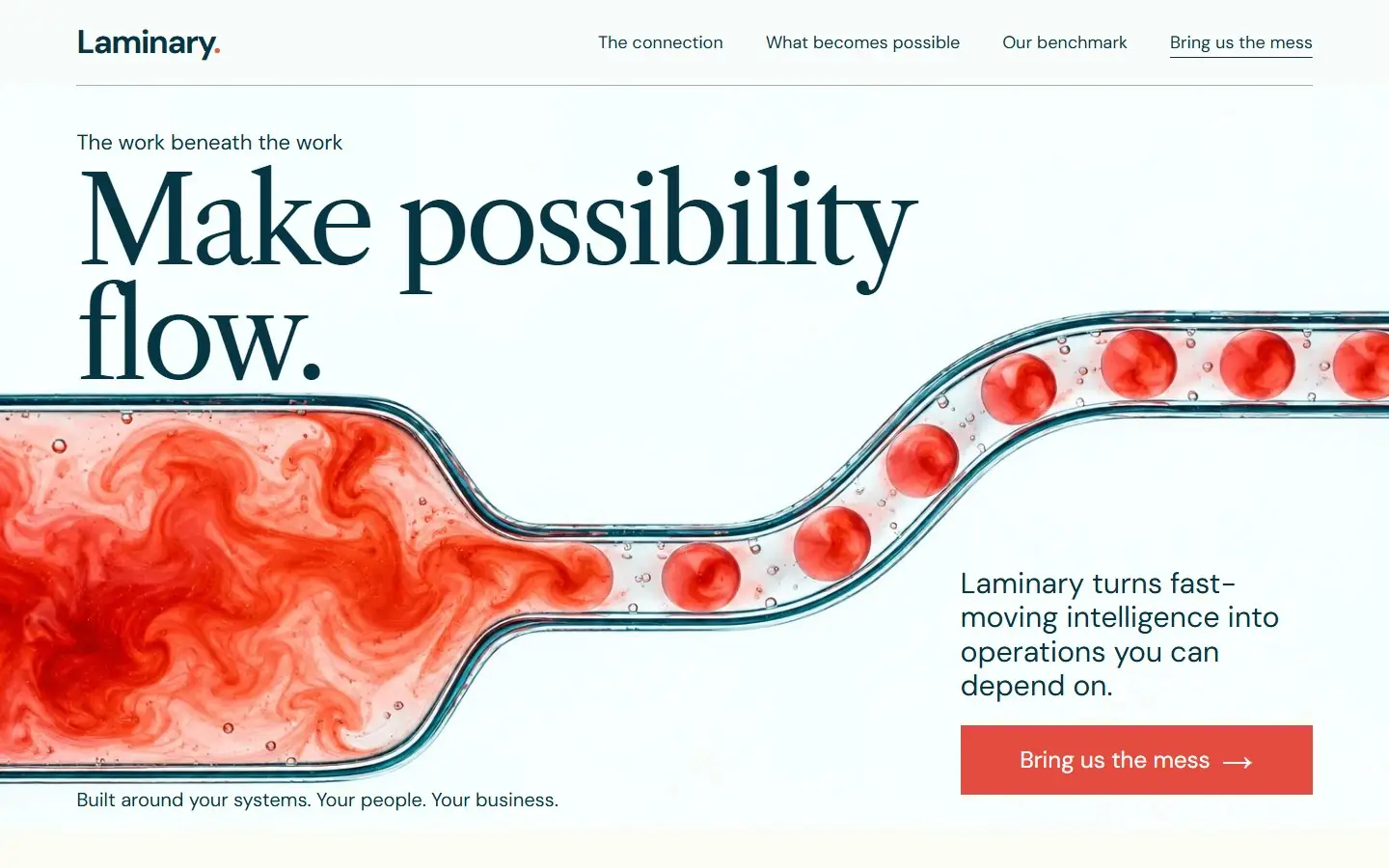
An alabaster page: coral dye resolving into droplets in a microfluidic channel, with dark teal serif and coral accents.
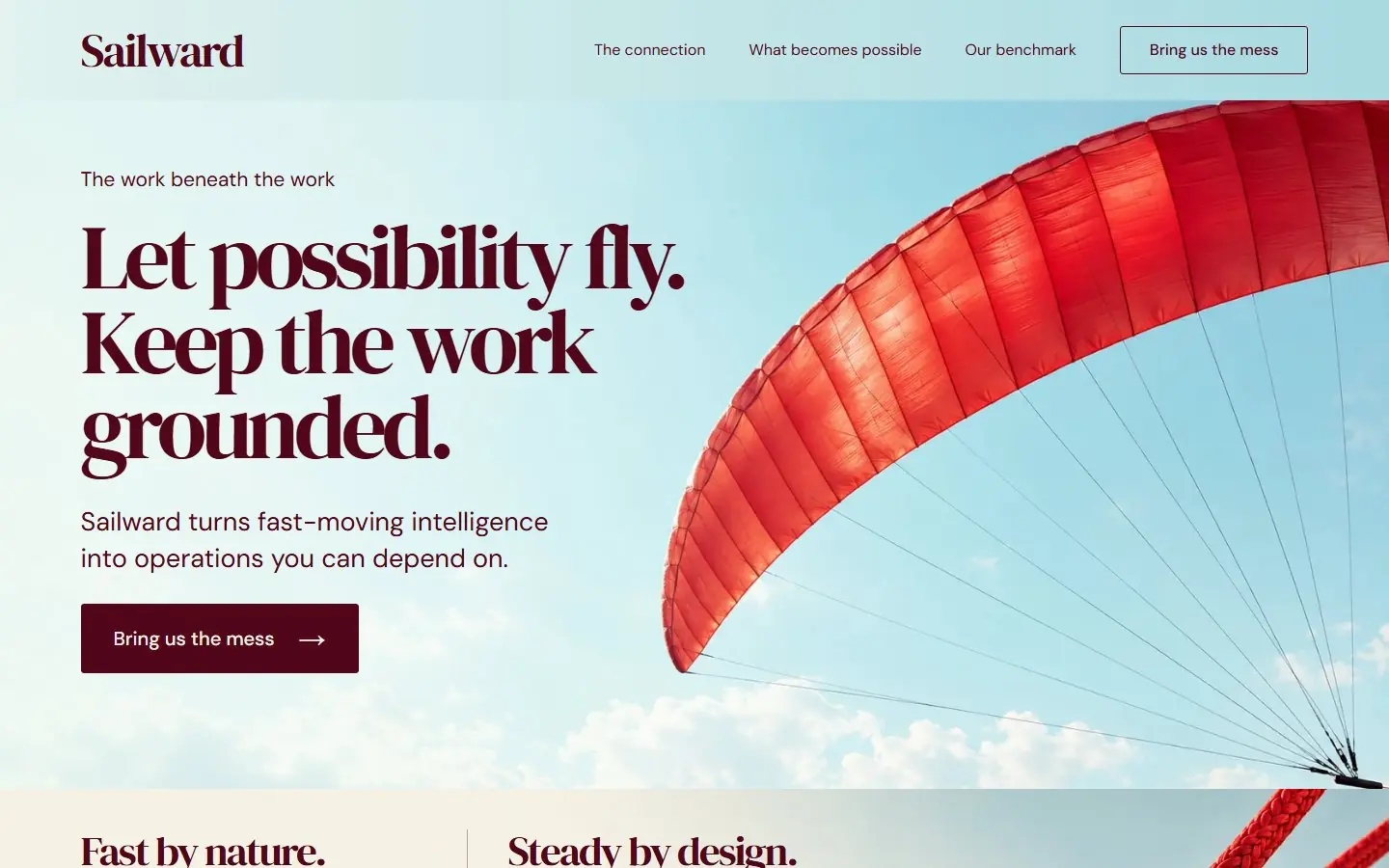
A bright sea-glass sky page: a vermilion parafoil kite on taut lines beside a bold burgundy serif headline.
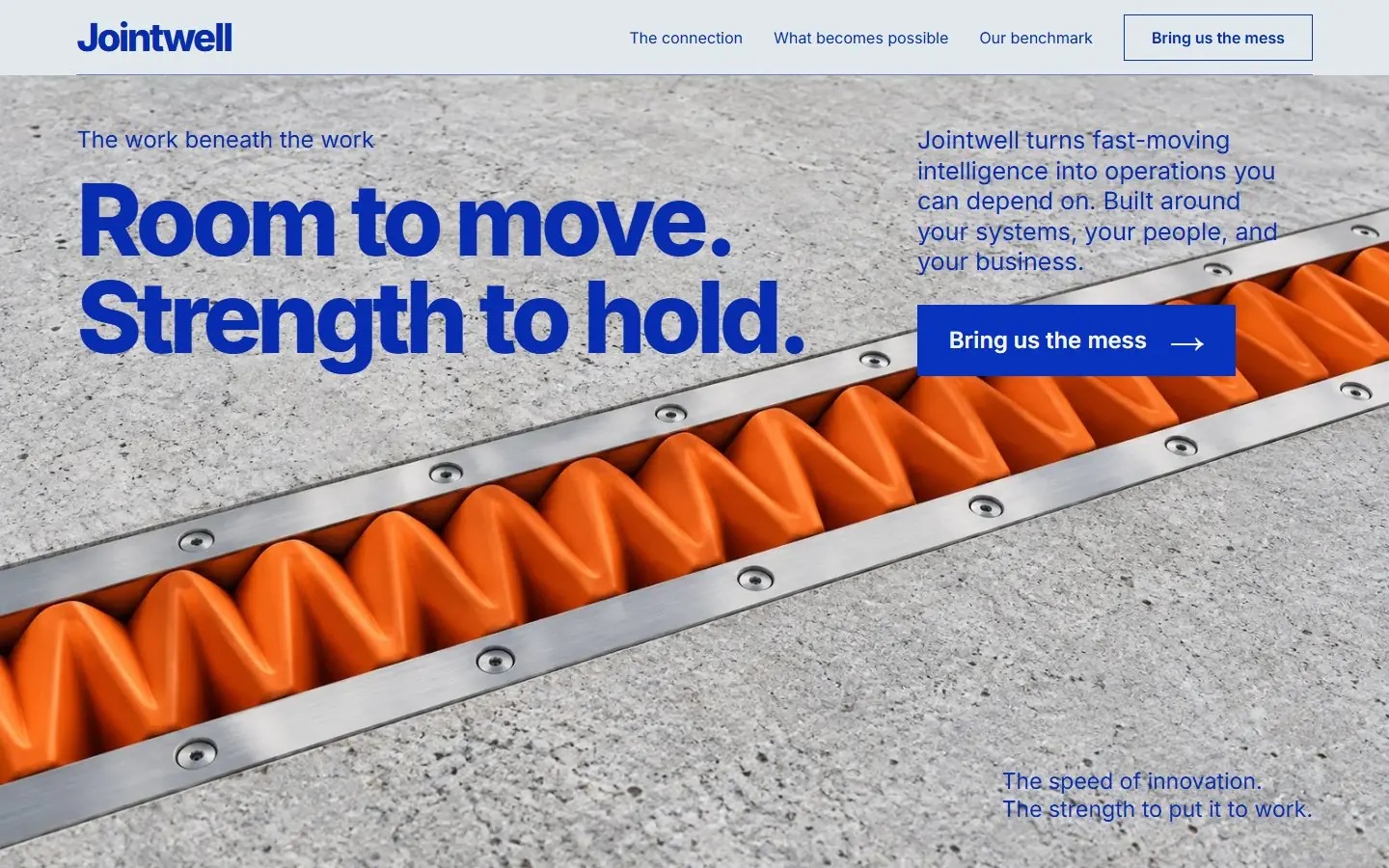
Mineral gray and ultramarine page over a macro photo of an orange expansion joint set between two concrete slabs.
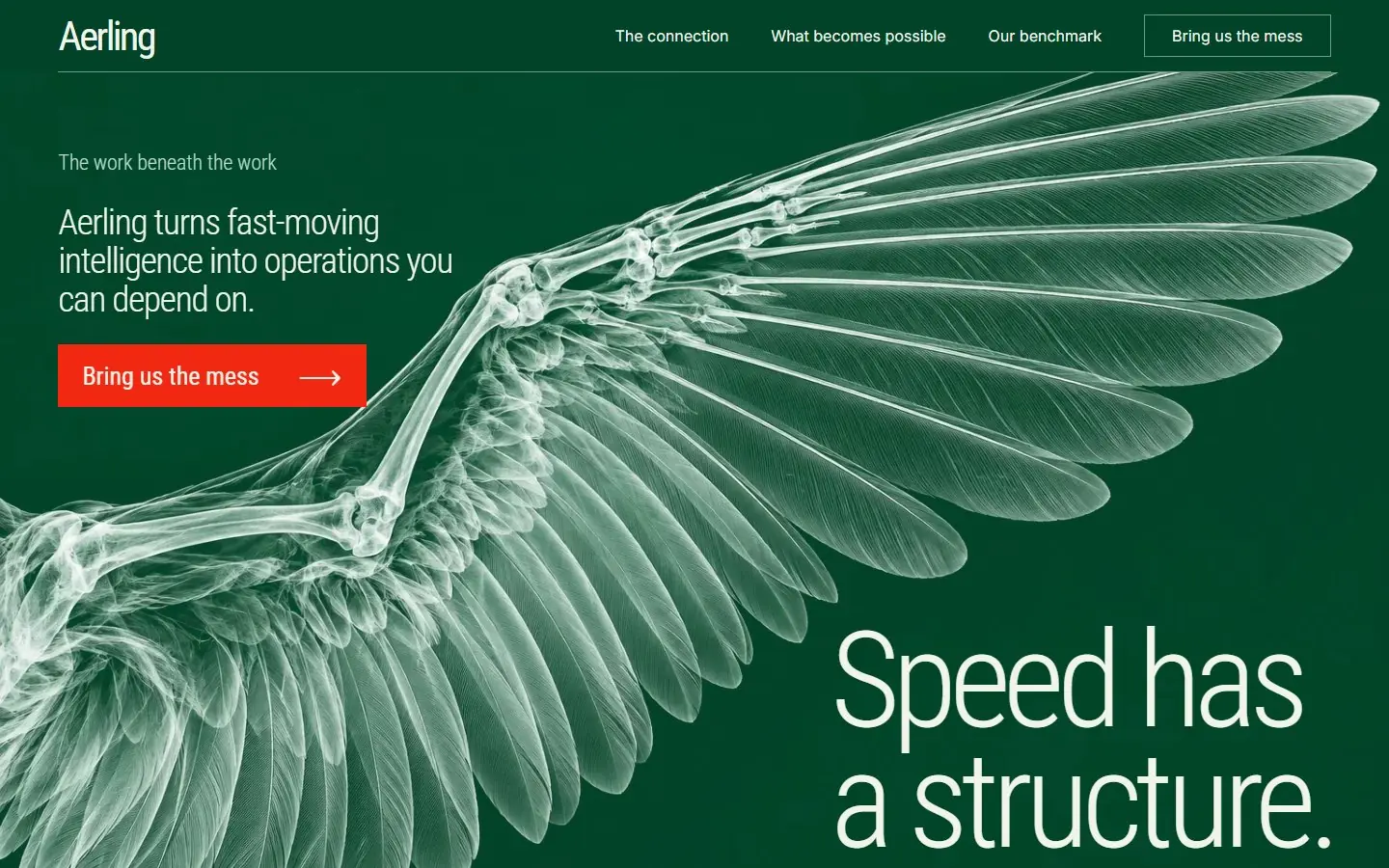
Deep emerald page with mint X-ray art of a bird wing, a wing joint and a feather, light condensed type and vermilion buttons.
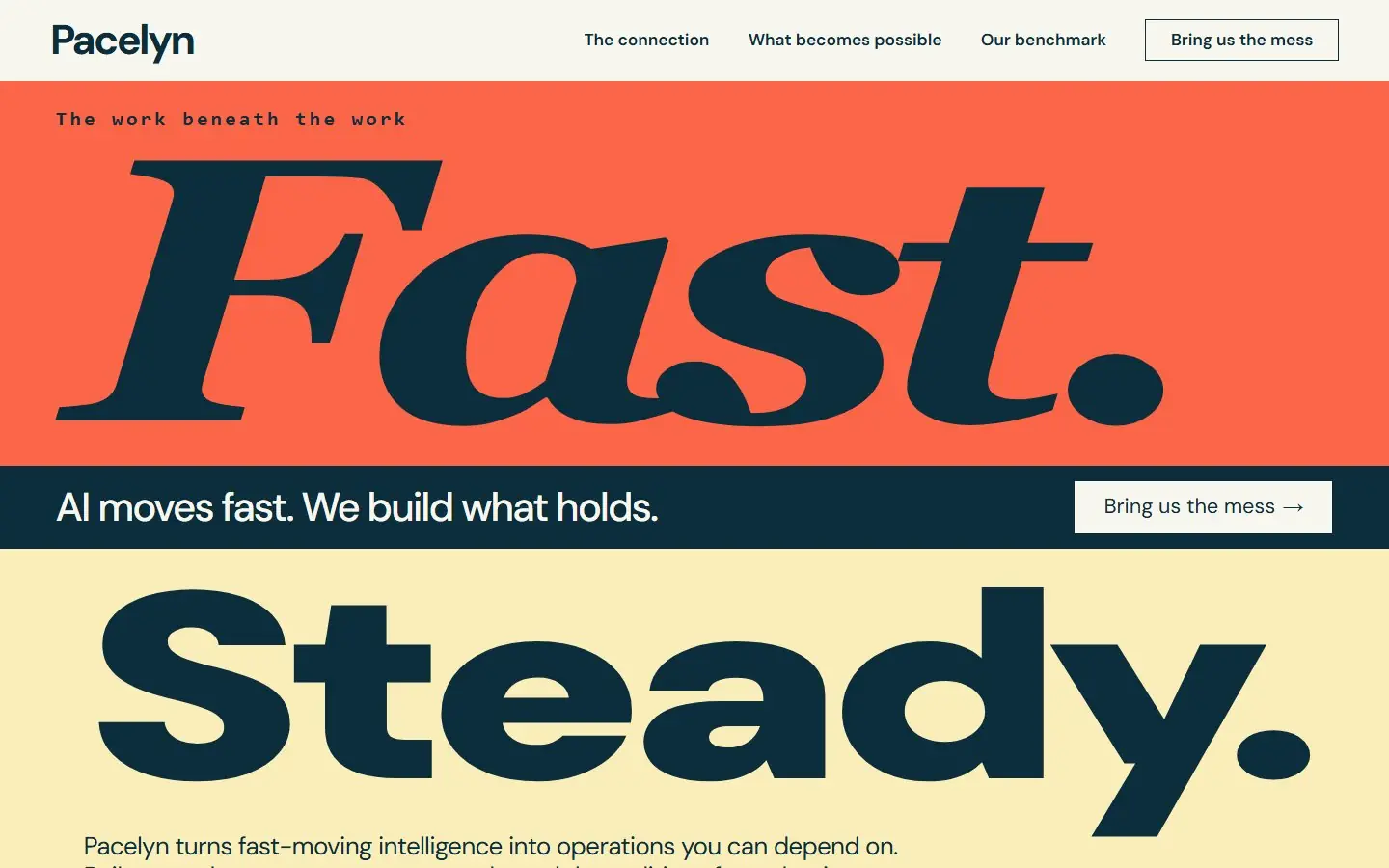
Type-only poster page: a huge italic "Fast." on coral over a heavy "Steady." on butter, split by a navy band.
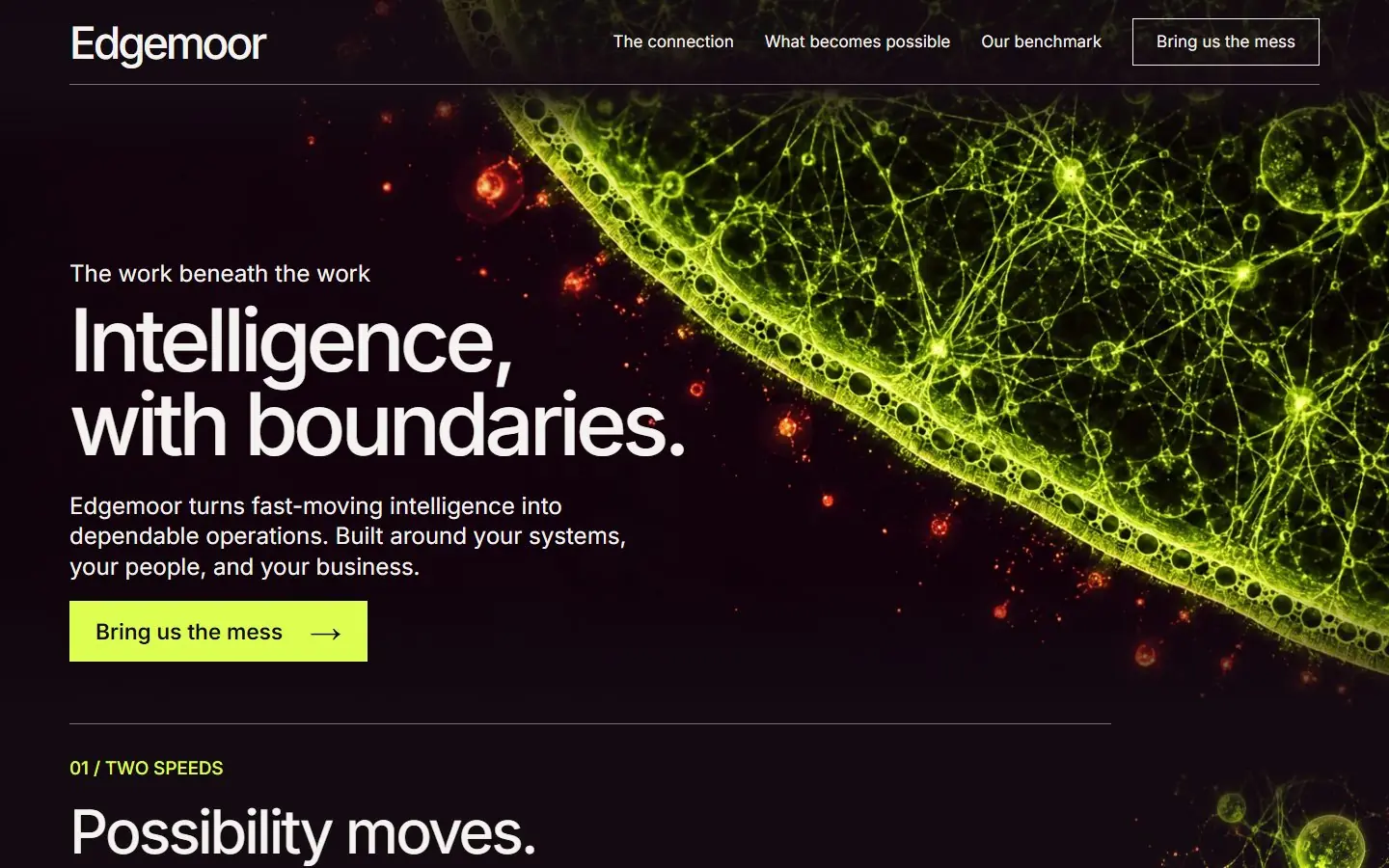
Near-black plum page with a glowing acid-lime cell membrane in the hero and fluorescent cell networks down the right edge.
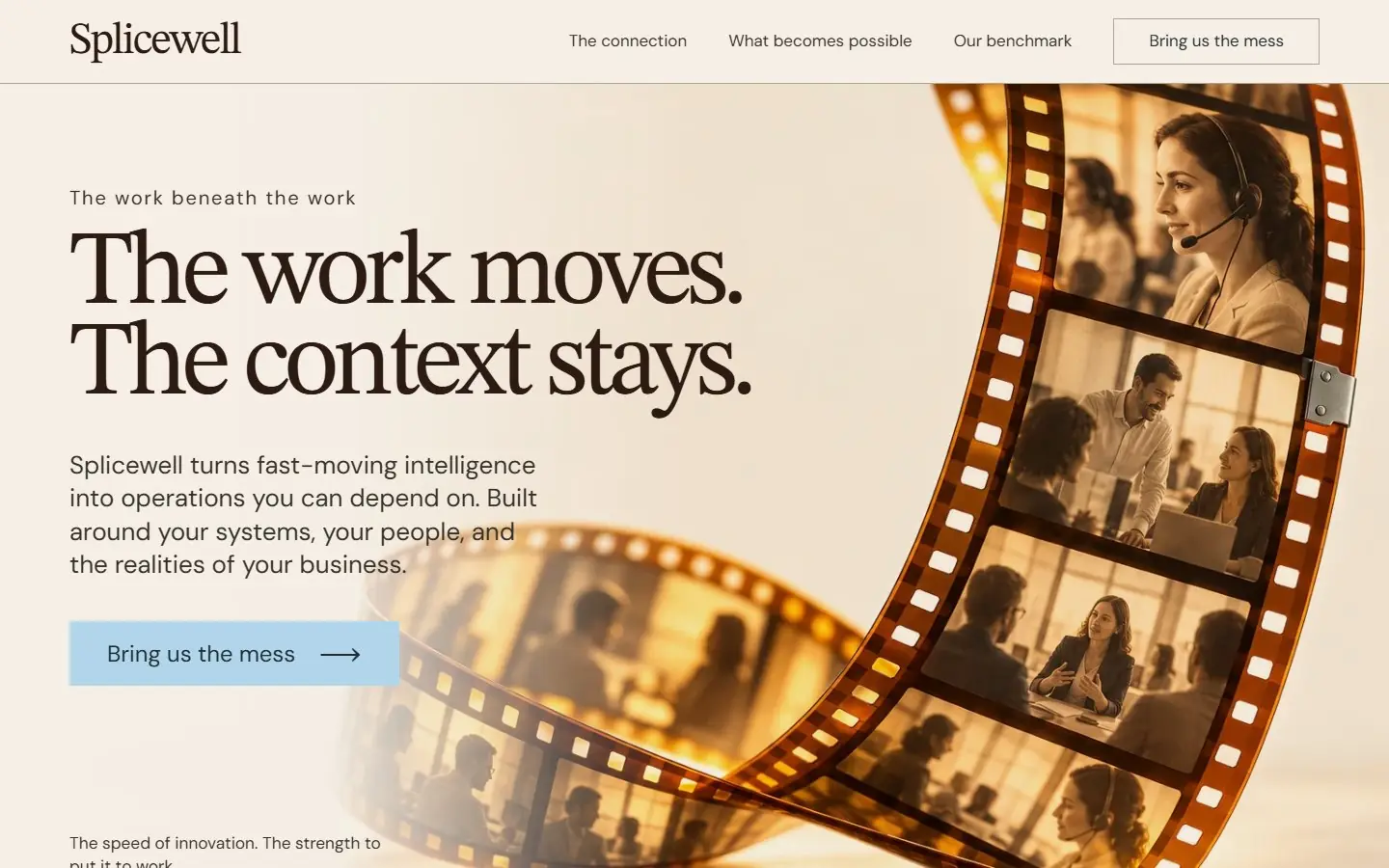
Warm ivory page with a looping amber film strip of workplace frames, chocolate serif headings and powder-blue buttons.
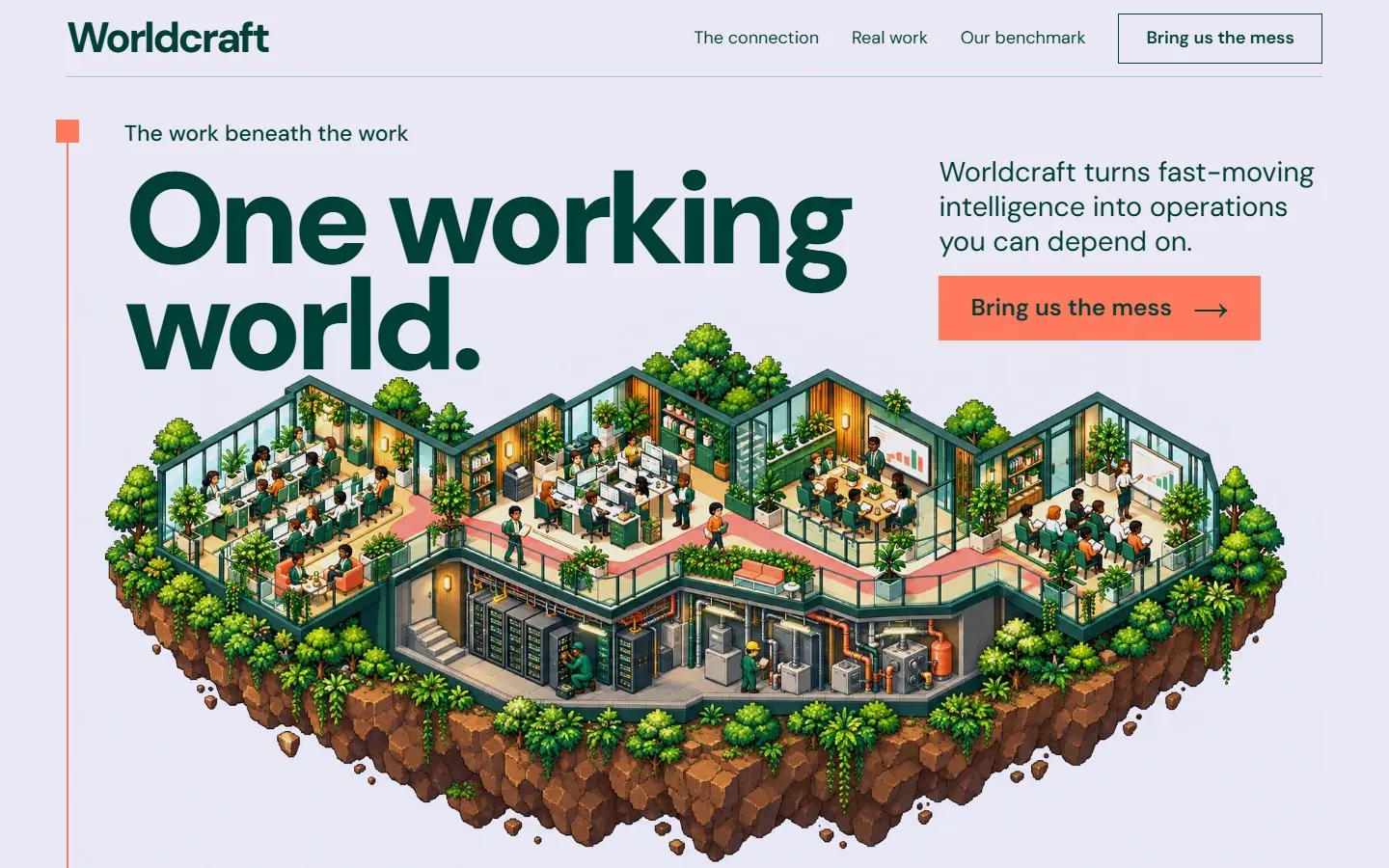
Pale lavender page with an isometric pixel-art office island, forest green type and a coral route line down the left.
No template matches these filters. Choose another look or type.
Editable fields are the fields of the HubSpot modules and WordPress blocks, where words, links and images change without code. The sizes are the download links.
| Template | Type | Look | Sections | Editable fields | Typefaces | Palette | Image files | Astro zip | HubSpot zip | WordPress zip |
|---|---|---|---|---|---|---|---|---|---|---|
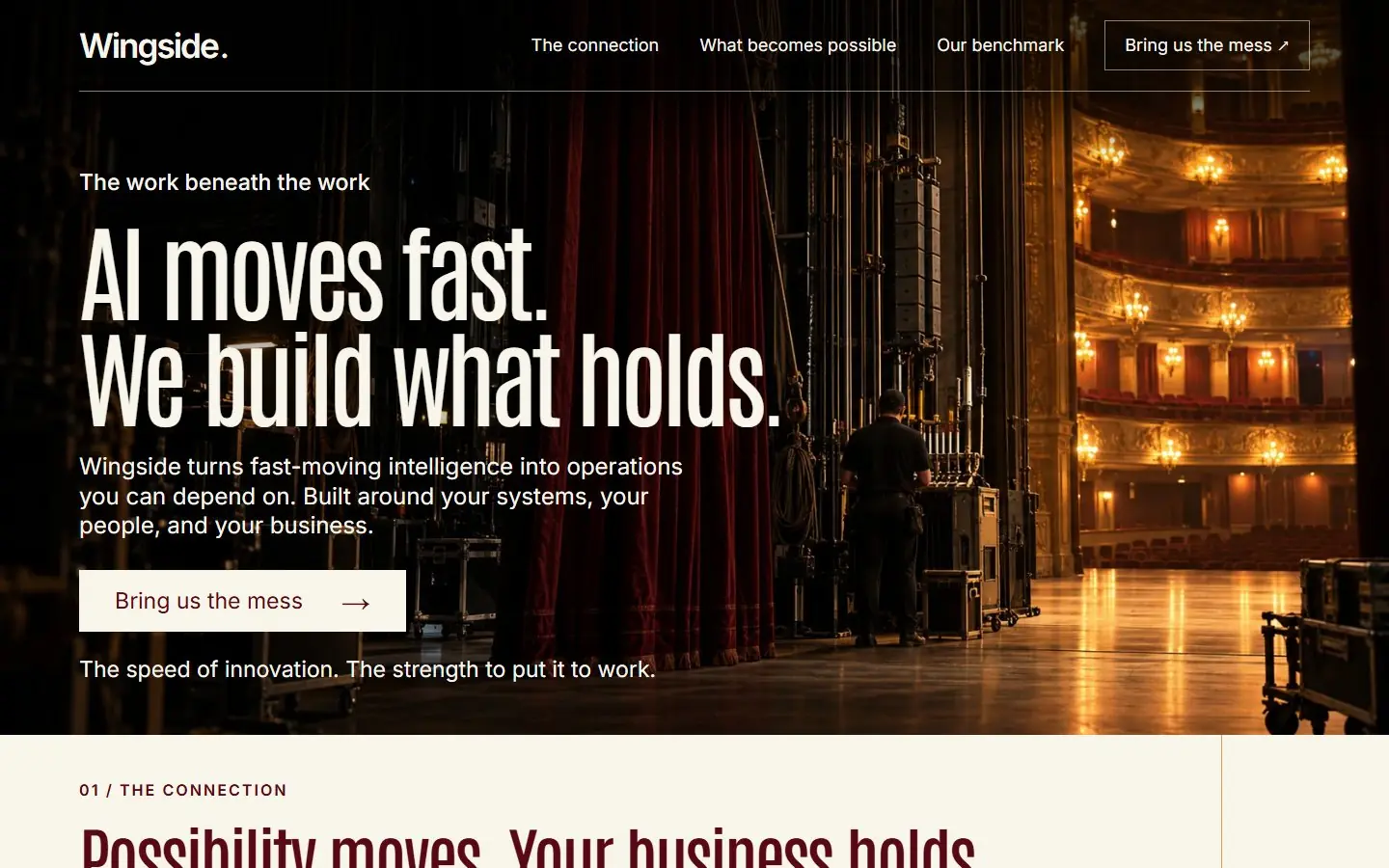
| Conversation Circle | SaaS | Light | 13 | 257 | Fraunces, Manrope | 2 | 51 KB | 220 KB | 164 KB | |
| A Fine Balance | SaaS | Light | 13 | 266 | Urbanist, Space Mono | 6 | 123 KB | 694 KB | 351 KB | |
| Answer Garden | SaaS | Light | 13 | 291 | Young Serif, Karla | 8 | 623 KB | 3.5 MB | 972 KB | |
| Quiet Current | SaaS | Dark | 11 | 226 | Cormorant Garamond, DM Sans | 6 | 606 KB | 2.2 MB | 1.6 MB | |
| Living Atlas | Real estate | Light | 12 | 434 | Plus Jakarta Sans, DM Sans | 23 | 3.9 MB | 6.8 MB | 4.7 MB | |
| Rooms for Living | Real estate | Dark and light | 12 | 342 | Barlow Condensed, Manrope | 16 | 2.5 MB | 3.7 MB | 3.7 MB | |
| In the Round | Real estate | Light | 13 | 364 | Bodoni Moda, DM Sans | 12 | 1.5 MB | 2.9 MB | 1.9 MB | |
| Across the Waterline | Real estate | Dark and light | 13 | 337 | Anybody, Figtree, Libre Baskerville | 13 | 3.0 MB | 6.2 MB | 3.7 MB | |
| The Loom | AI services | DarkCobalt editorial | 9 | 100 | Inter | 2 | 313 KB | 1.3 MB | 1.1 MB | |
| Stable Axis | AI services | LightSignal yellow industrial | 9 | 107 | Inter | 3 | 261 KB | 946 KB | 654 KB | |
| Operating Score | AI services | LightIvory editorial serif | 8 | 90 | Bodoni Moda, Inter | 1 | 147 KB | 518 KB | 397 KB | |
| Switchyard | AI services | Dark and lightForest green model railway | 9 | 105 | Inter | 4 | 403 KB | 1.3 MB | 990 KB | |
| Living Graft | AI services | LightLilac botanical | 7 | 82 | Inter | 2 | 400 KB | 1.2 MB | 1.0 MB | |
| Backstage | AI services | Dark and lightTheatrical oxblood | 9 | 91 | Antonio, Inter | 3 | 567 KB | 2.1 MB | 1.5 MB | |
| Breakwater | AI services | Dark and lightPetrol coastal editorial | 8 | 94 | Libre Caslon Text, DM Sans | 2 | 382 KB | 1.9 MB | 1.6 MB | |
| Human Handoff | AI services | LightTangerine campaign editorial | 8 | 116 | Bodoni Moda, DM Sans | 8 | 221 KB | 836 KB | 551 KB | |
| Geological Folio | AI services | LightIce blue scientific engraving | 8 | 92 | Inter | 2 | 603 KB | 2.0 MB | 1.6 MB | |
| Operating Certificate | AI services | LightFuchsia bold typographic | 8 | 126 | Barlow Condensed, Inter | 2 | 202 KB | 1.6 MB | 594 KB | |
| Operating Atlas | AI services | LightMint swiss cartographic | 8 | 116 | Anton, Barlow Condensed, Inter | 1 | 322 KB | 1.4 MB | 1.3 MB | |
| Possibility Shelter | AI services | LightCoral cobalt illustrated | 8 | 93 | Roboto | 7 | 513 KB | 1.3 MB | 876 KB | |
| Continuity Board | AI services | LightBlack and ivory industrial | 9 | 97 | Inter, Anton | 3 | 387 KB | 1.0 MB | 744 KB | |
| Built for Continuity | AI services | LightApricot ceramic editorial | 9 | 106 | Inter | 2 | 372 KB | 1.1 MB | 869 KB | |
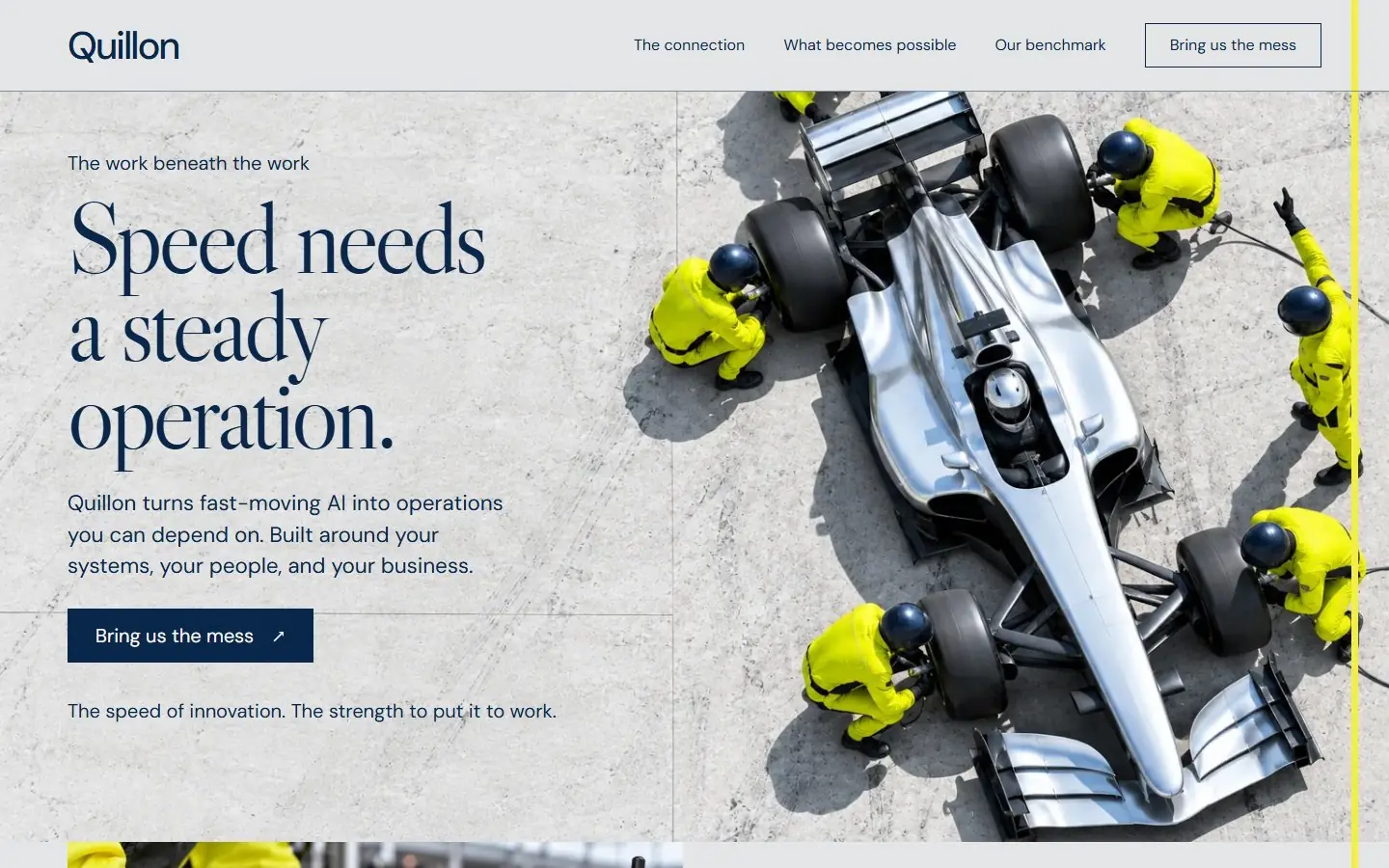
| Pit Stop | AI services | LightMotorsport navy editorial | 8 | 103 | Libre Caslon Display, DM Sans | 3 | 474 KB | 2.1 MB | 1.7 MB | |
| Still Point | AI services | LightViolet lavender minimalist | 8 | 97 | Inter | 2 | 275 KB | 996 KB | 868 KB | |
| Working Day | AI services | DarkGraphite citron documentary | 8 | 118 | Inter | 7 | 385 KB | 1.2 MB | 835 KB | |
| Human Horizon | AI services | DarkDark cinematic portrait | 10 | 110 | Libre Caslon Display, DM Sans | 2 | 163 KB | 955 KB | 845 KB | |
| Load Bearing | AI services | LightArchitectural ivory editorial | 9 | 106 | Libre Caslon Display, DM Sans | 2 | 321 KB | 1.6 MB | 1.3 MB | |
| Optical Connection | AI services | DarkDark cinematic optical | 9 | 104 | Inter | 4 | 285 KB | 1.4 MB | 1.1 MB | |
| Listening Infrastructure | AI services | LightCandy pink editorial | 9 | 95 | Libre Caslon Display, DM Sans | 2 | 322 KB | 1.4 MB | 1.1 MB | |
| Control Tower | AI services | DarkDark navy aviation | 9 | 98 | Libre Caslon Display, DM Sans | 3 | 301 KB | 1.7 MB | 1.3 MB | |
| Laminar Layer | AI services | LightScientific alabaster teal | 8 | 103 | Libre Caslon Text, DM Sans | 2 | 194 KB | 909 KB | 732 KB | |
| Harnessed Wind | AI services | LightBold burgundy editorial | 8 | 105 | DM Serif Display, DM Sans | 4 | 221 KB | 1.3 MB | 1.0 MB | |
| Expansion Joint | AI services | LightUltramarine industrial macro | 8 | 116 | Inter | 2 | 354 KB | 1.6 MB | 1.5 MB | |
| Structure of Flight | AI services | DarkEmerald radiograph | 8 | 92 | Roboto Condensed, Inter | 3 | 376 KB | 1.5 MB | 1.4 MB | |
| Fast Steady | AI services | LightBold typographic poster | 9 | 106 | DM Sans, Libre Caslon Text | 0 | 17 KB | 116 KB | 114 KB | |
| Living Boundary | AI services | DarkDark fluorescent microscopy | 9 | 95 | Inter | 3 | 300 KB | 1.4 MB | 1.2 MB | |
| Continuity Splice | AI services | LightWarm ivory cinematic serif | 8 | 98 | STIX Two Text, DM Sans | 4 | 295 KB | 1.4 MB | 1.1 MB | |
| Working World | AI services | LightIsometric pixel art | 9 | 125 | DM Sans | 9 | 877 KB | 2.1 MB | 1.7 MB |
The themes share one structure, so choose by design and by what the page has to do.
The SaaS themes have pricing with a monthly and annual switch, features and security.
The real estate themes have property search, listings, agents and a valuation form.
The AI services themes have a method, examples and a contact form, in thirty designs.
Any Home template is one page with one action. Remove the rows you do not need; each module stands alone.
People often say template when they mean theme. In these downloads:
| Part | What it is | In each theme here |
|---|---|---|
| Theme | The package: templates, modules, styles and scripts, set as the active theme of the account | One folder you upload with hs cms upload |
| Template | One layout for a type of page | templates/home.html (the homepage) and templates/page.html (a plain page with the same header and footer) |
| Module | One reusable section with its own fields | One module per section, from header to footer, under modules/ |
| Fields | The inputs an editor fills in | fields.json in each module: words, links and images |
| Global content | Content shared by every page | The header and footer: edit them once, they change everywhere |
From the README in each zip. A free HubSpot account is enough; your computer needs Node.js 20 or newer.
npm install -g @hubspot/cli
Run hs account auth, create a personal access key with Design Manager ticked and paste it.
Unzip the download and, from the folder that holds it, run hs cms upload <slug> <slug>.
Content > Website Pages > Create > Website page, click the theme name under the search box, find the theme and click Set as active theme.
Choose the template "<Name> - Home" and edit each module in the left panel.
In HubSpot, landing pages and website pages are separate tools, and which plan includes landing pages is set by HubSpot’s pricing, so check your account. The READMEs here walk through website pages.
Each Home template is already shaped like a landing page: one headline, the case for it and one action at the end. Clone the page, delete the rows you do not need and, for a campaign page, empty the header link fields so only the button remains.
The forms in the templates are HTML demonstrations that send nothing. To capture contacts in HubSpot, put HubSpot’s own form module in that row.
A fourth plan or a seventh question needs an edit in the module’s module.html and fields.json. Colors, fonts and spacing are variables at the top of css/styles.css.
The READMEs note that a Marketplace listing asks for more than these themes have: theme fields for colors and fonts, blog templates, saved sections and module icons.
A package of templates, modules, styles and scripts that defines how a HubSpot site looks and is built. You upload it, set it as the active theme and create pages from its templates. Each theme here has a Home template, a Page template and one module per section.
The theme is the whole package; a template is one page layout inside it. Here each theme holds a Home template for the homepage and a Page template with the same header and footer, and the sections of both are modules with fields.
HubSpot’s own marketplace lists free and paid themes that install inside your portal. The 38 here are free HubSpot website templates you download as zips and upload with the HubSpot CLI, each with a live demo first.
All 38 are free to download as zips, with no account or payment. Free to use and adapt for personal and commercial sites.
The theme READMEs say a free HubSpot account is enough to upload the theme and build a website page from it. Landing pages and some features depend on your HubSpot plan, so check what your account includes.
HubSpot accepts no WebP file in a theme, so the HubSpot versions carry PNG and JPEG images. That is why the HubSpot zips are larger than the Astro ones.
Words, links and images are fields in the page editor. Uploading the theme the first time needs the HubSpot command line tool, and adding more items than a section has needs an edit to its module files.
 30 templates
 4 templates
 4 templates 38 templates 34 templates
 10 templates 13 templates 10 templates
 8 templates 4 templates 13 templates 38 templates
Want the whole site built around your buyers instead? Growigami's website service builds the home, about, product, blog, resources and contact pages and moves your old content over.
All website templatesWe learn the business and build your first go-to-market process on us this month.