


























Best electrician website templates
The best electrician website templates are whole sites, not single pages. Each one here is a ready-made site for an electrical company: a home page that says what you do, a page for electrical repairs, panel upgrades, lighting and EV charging installation, an about page and a way to request a service. These 10 are free, each a whole three-page site (Home, Services and About) with a live demo and downloads for Astro, HubSpot and WordPress, with no account or payment.
- Free, no account
- Home, Services and About pages
- A Request a service form on each
- Commercial use allowed
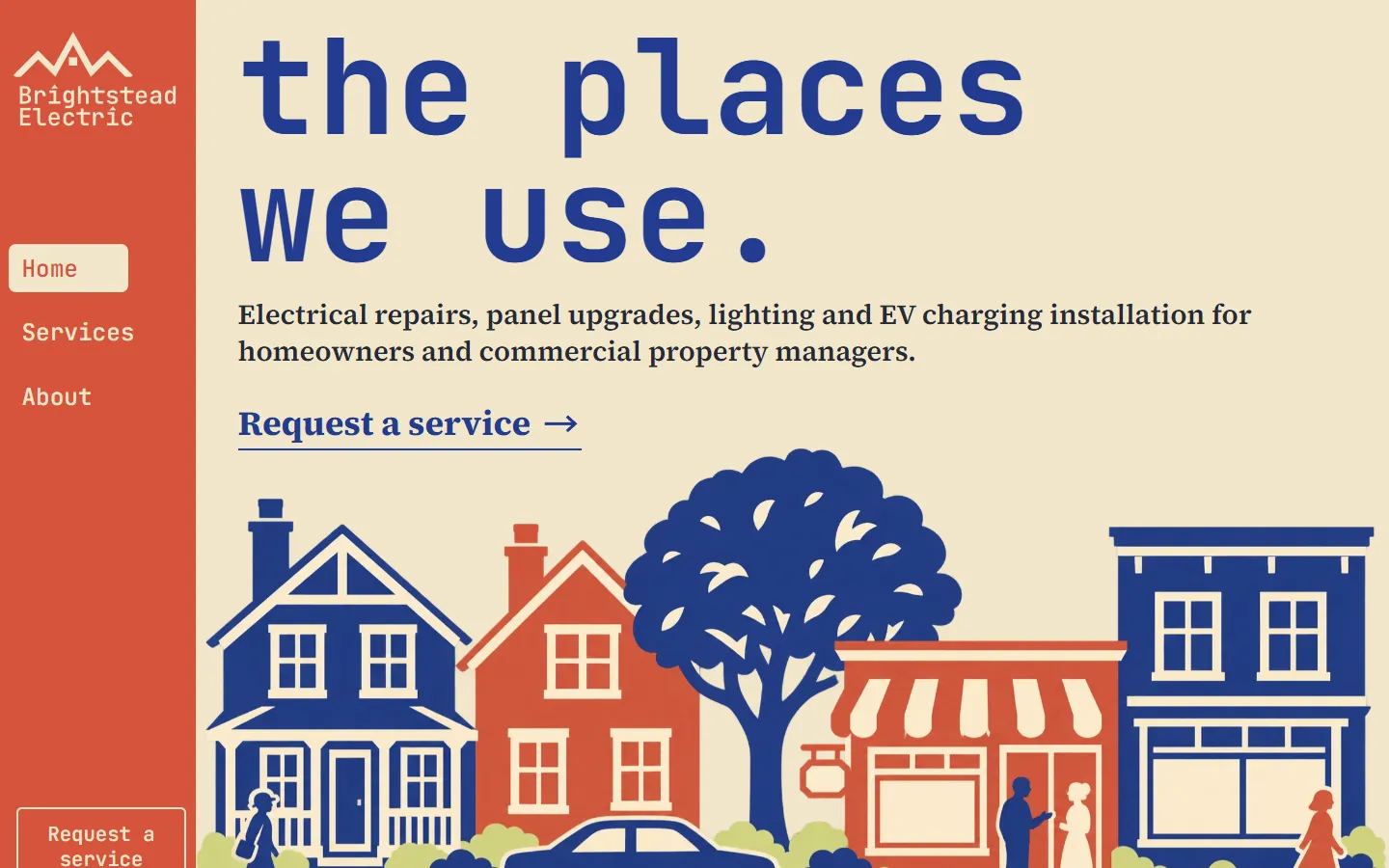
Streetscape
Printed cobalt and red streets of houses, shops and trees on cream, lime and red, with monospace lowercase headings.
- Astro
- HubSpot
- WordPress
- Framer soon
No template matches these filters. Clear them or try another word.
The 10 electrician website templates compared
Editable fields are the fields of the HubSpot modules and WordPress blocks, where words, links and images change without code. The sizes are the download links.
| Template | Look | Sections | Editable fields | Typefaces | Palette | Image files | Astro zip | HubSpot zip | WordPress zip |
|---|---|---|---|---|---|---|---|---|---|
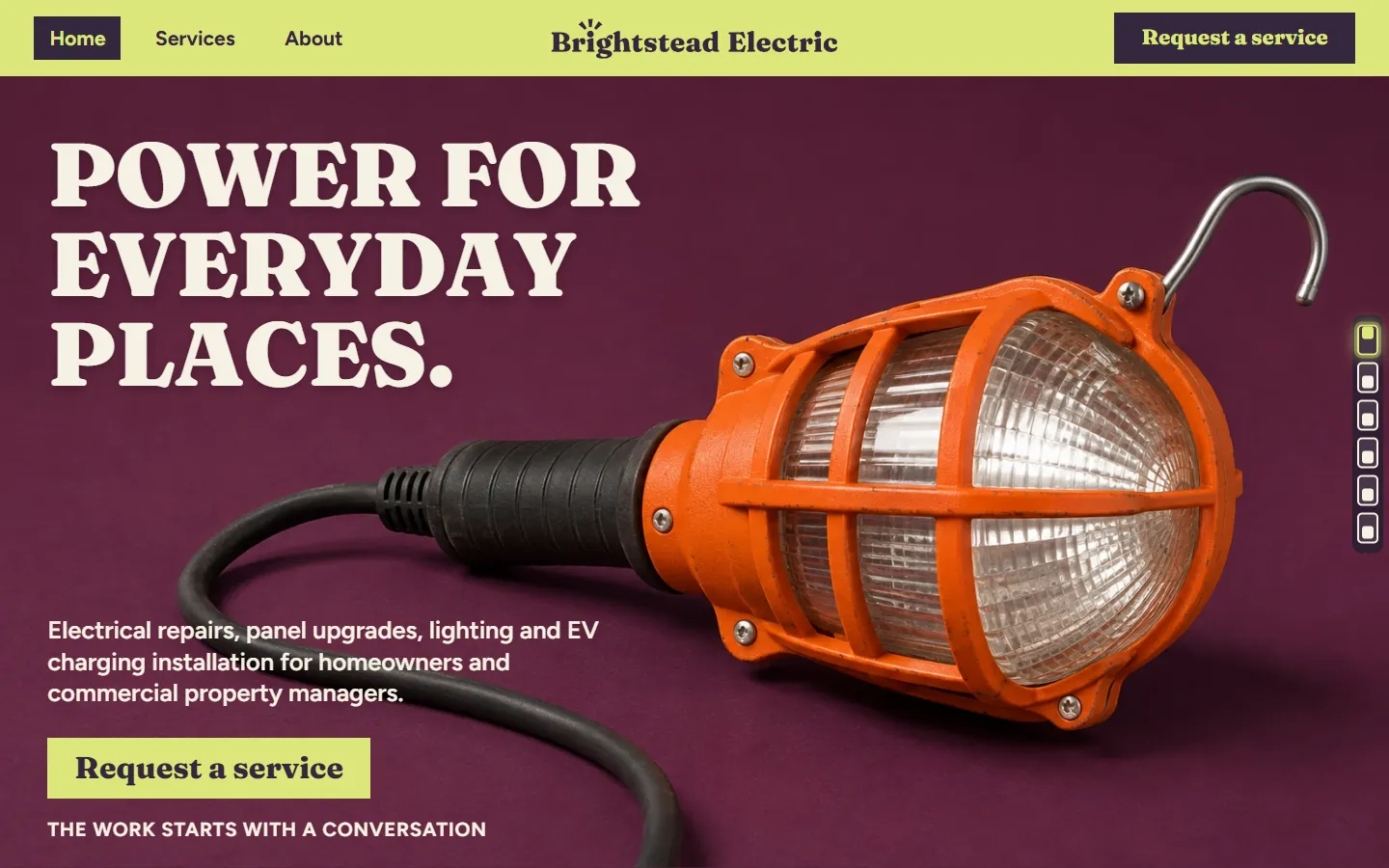
| Cassis | Dark and lightWork lamp photo | 10 | 283 | Fraunces, Figtree Light | 7 | 1.2 MB | 2.4 MB | 2.0 MB | |
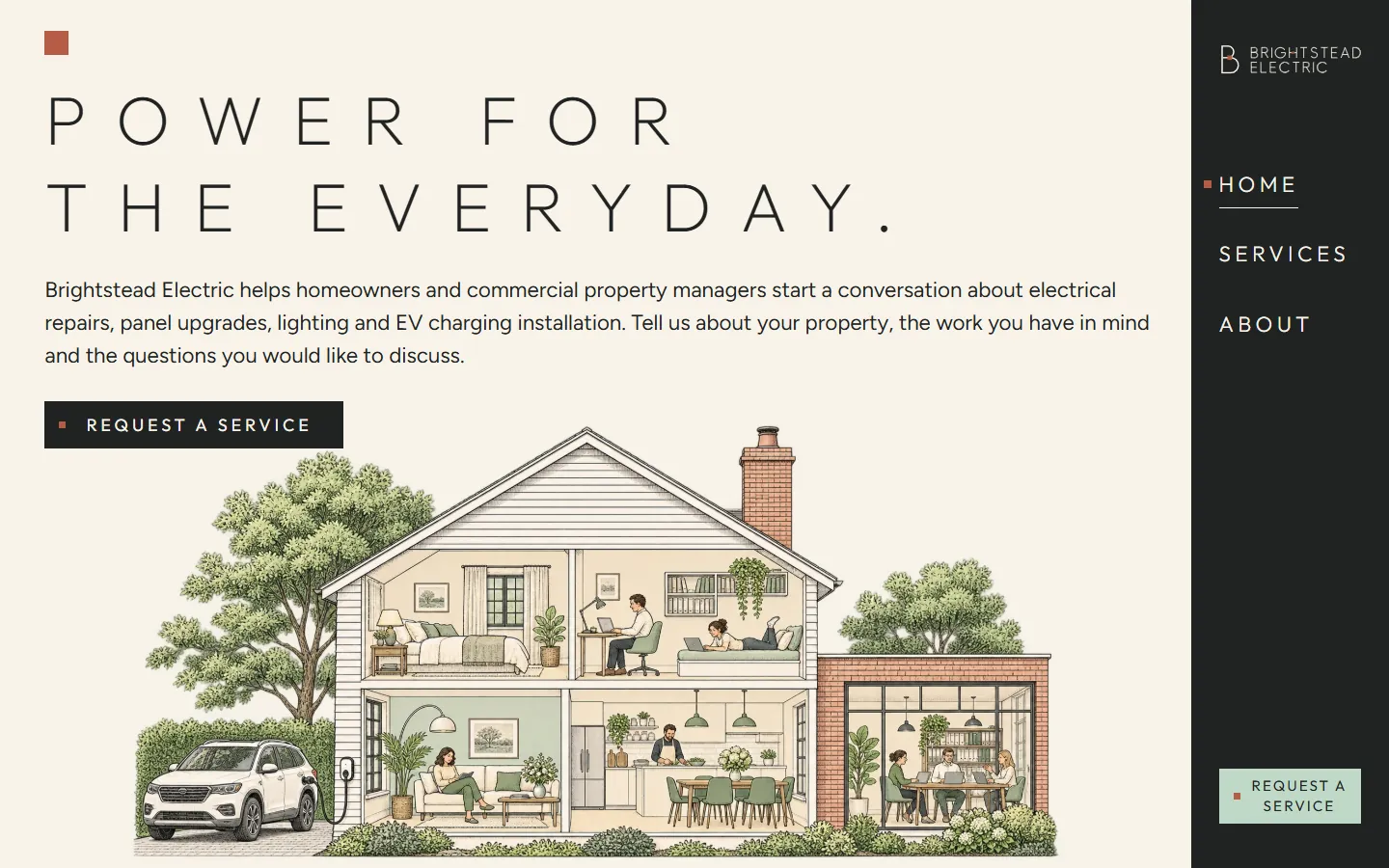
| Cutaway | LightHouse cutaway drawing | 8 | 256 | Outfit, Figtree | 10 | 6.4 MB | 27.3 MB | 6.7 MB | |
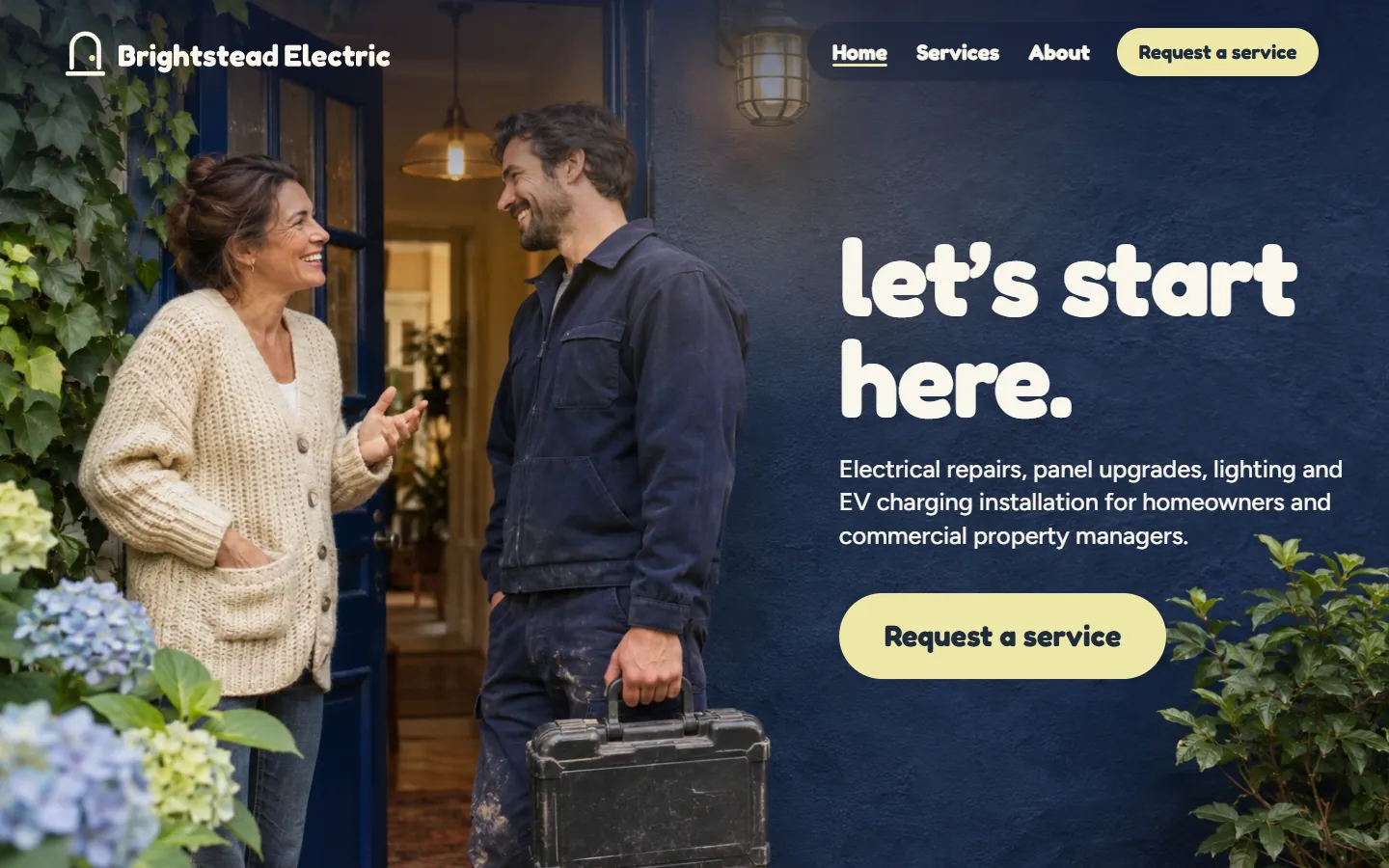
| Lantern | Dark and lightDoorstep photo | 9 | 265 | Fredoka, Figtree | 13 | 4.4 MB | 6.5 MB | 5.7 MB | |
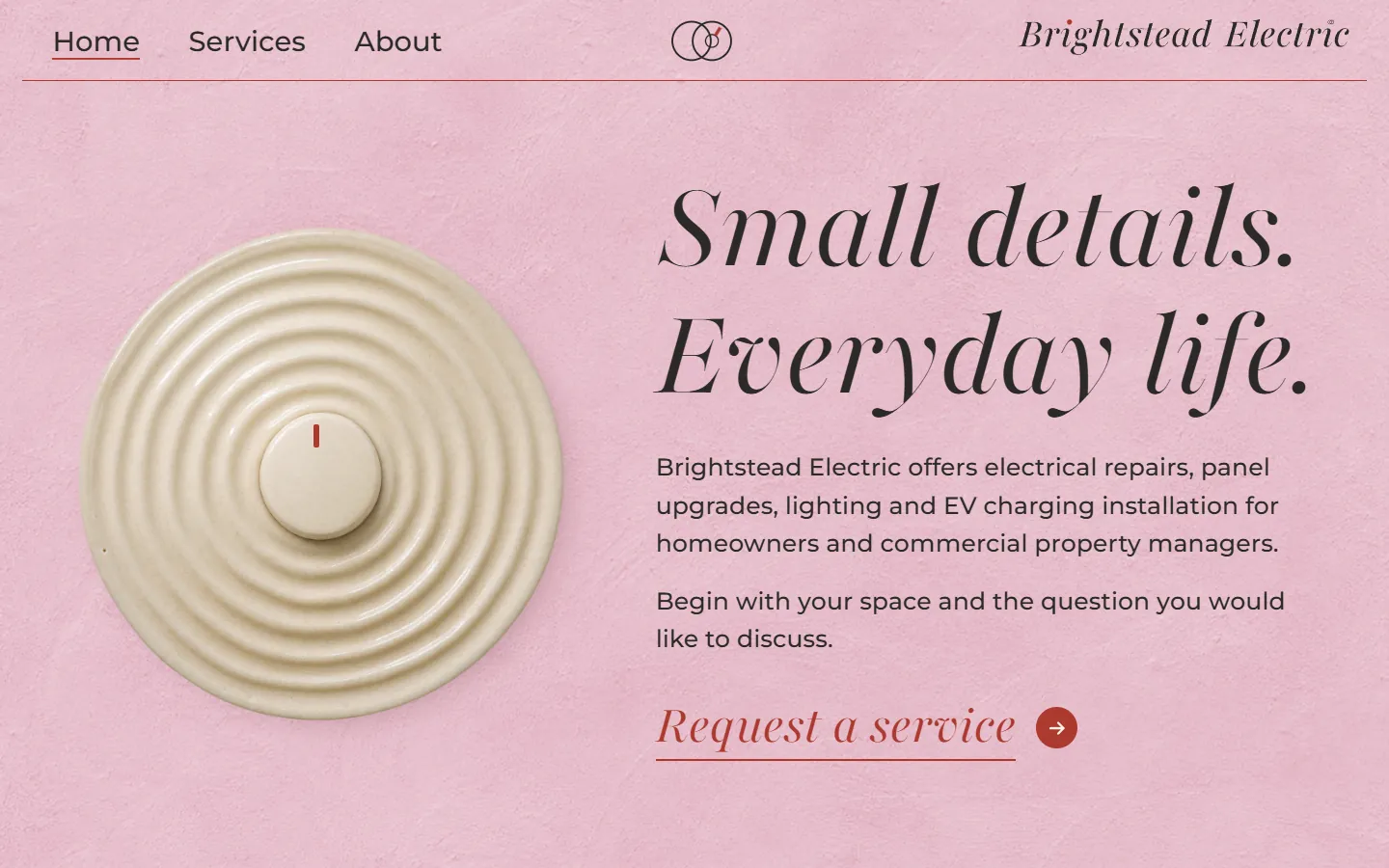
| Rosette | LightCeramic dial | 10 | 240 | Playfair 5pt SemiExpanded Light, Montserrat Thin | 3 | 1.1 MB | 4.0 MB | 1.3 MB | |
| Streetscape | Dark and lightPrinted street | 9 | 300 | JetBrains Mono, Source Serif 4 | 14 | 2.3 MB | 9.2 MB | 2.6 MB | |
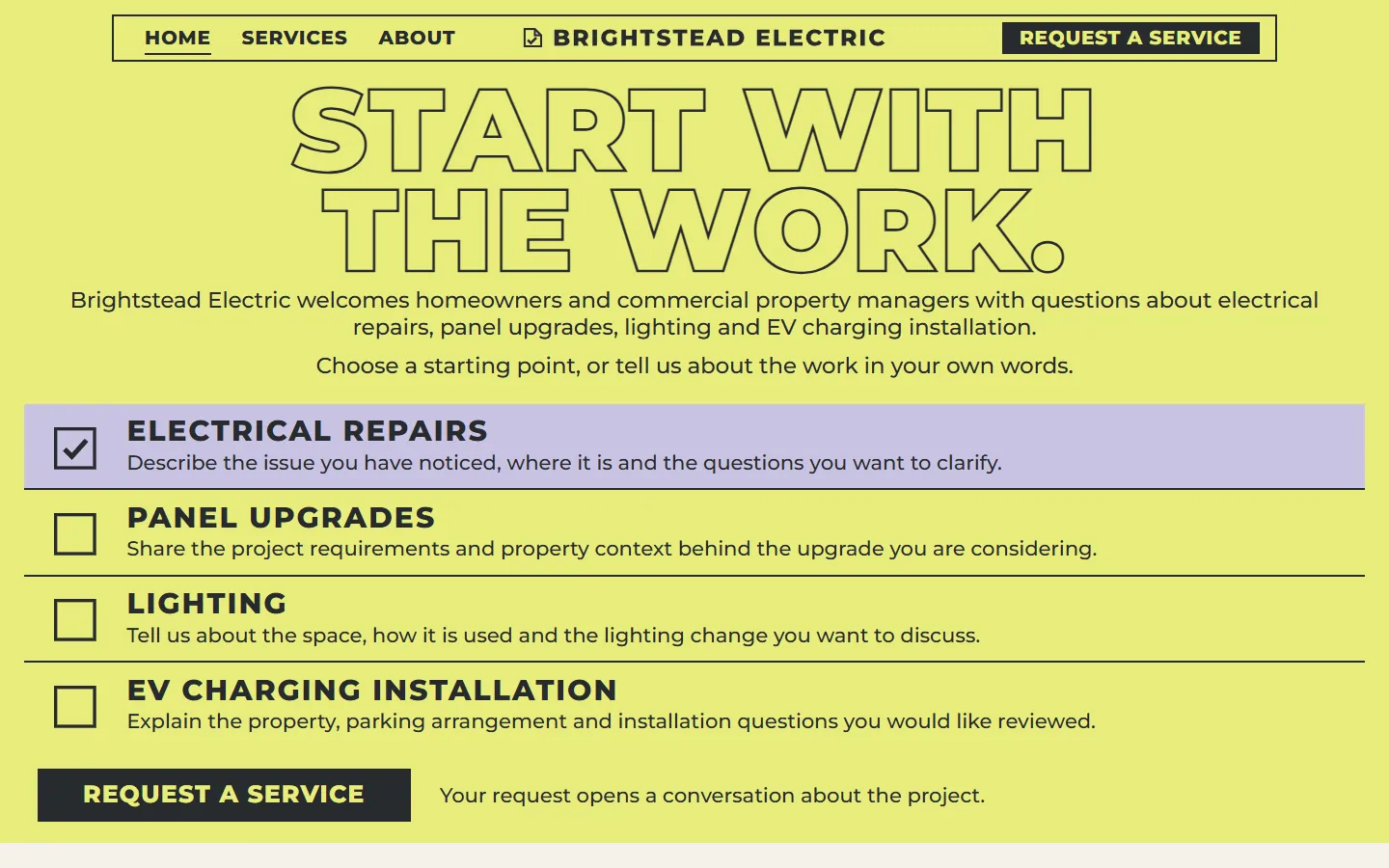
| Clipboard | LightLime checklist | 10 | 321 | Montserrat Thin | 125 KB | 310 KB | 288 KB | ||
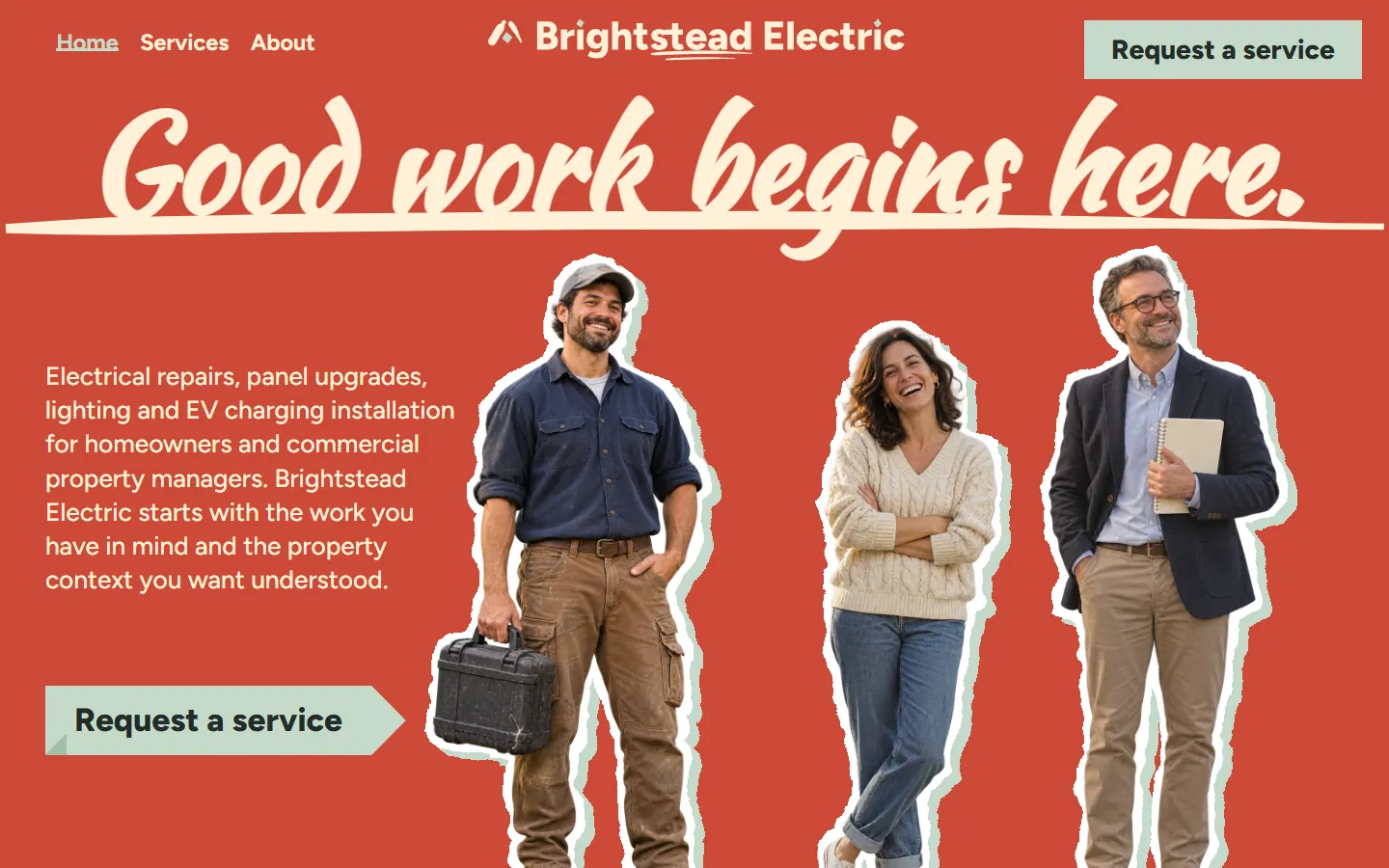
| Geranium | Dark and lightCrew cutout photo | 8 | 301 | Kaushan Script, Figtree | 13 | 4.1 MB | 8.3 MB | 4.3 MB | |
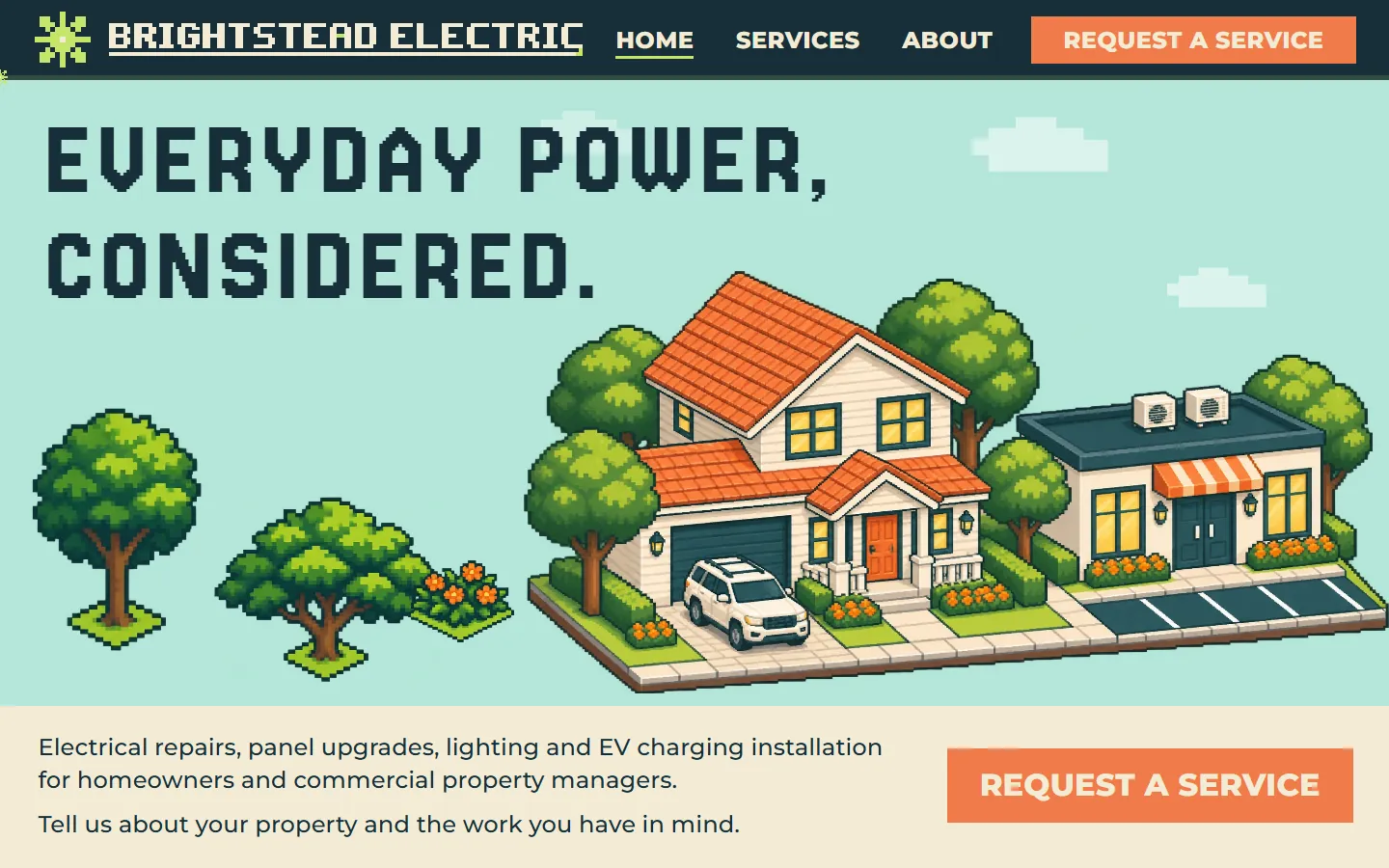
| Overworld | Dark and lightPixel art house | 9 | 136 | Jersey 20, Montserrat Thin | 3 | 1.0 MB | 4.6 MB | 1.5 MB | |
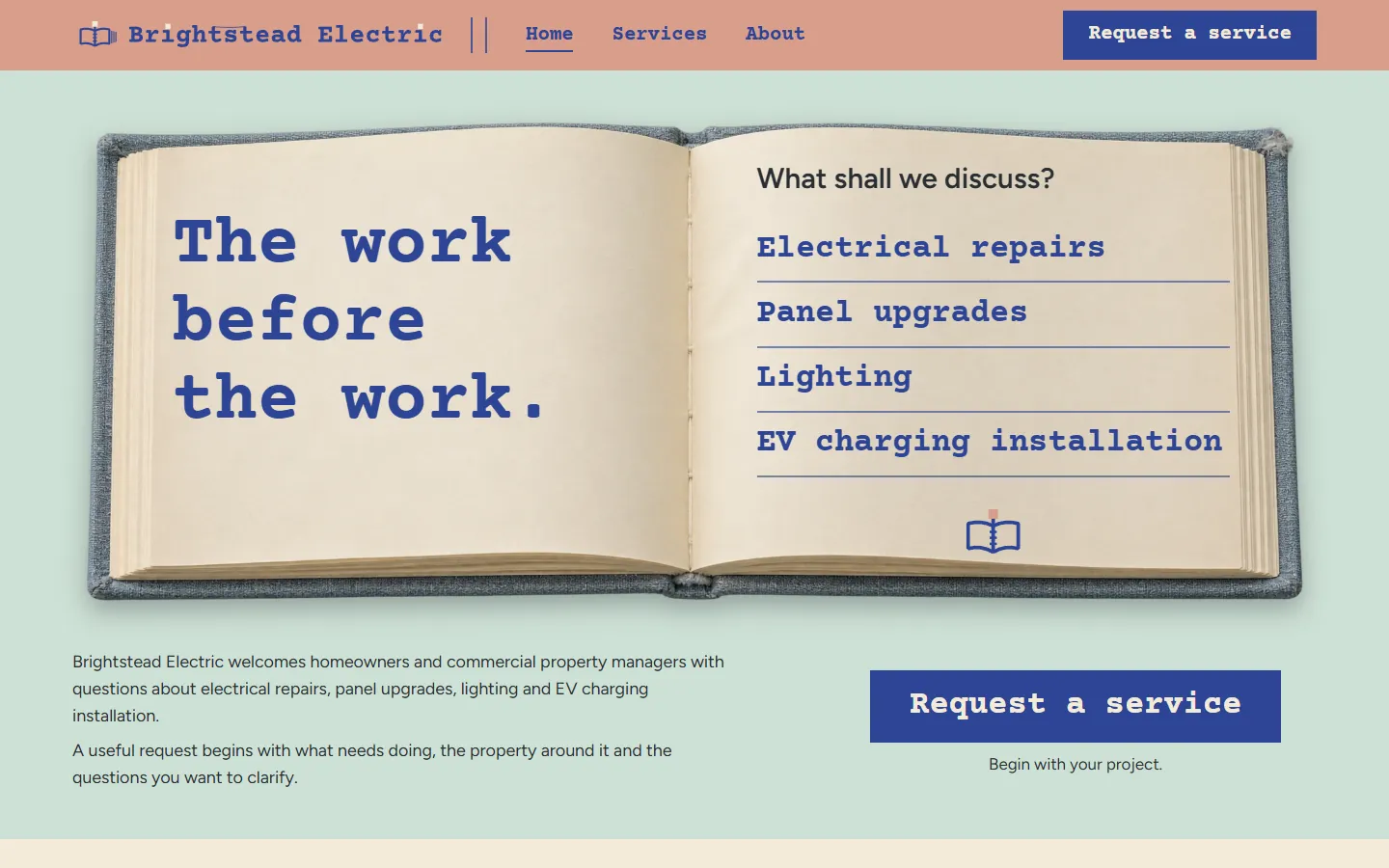
| Hardback | Dark and lightOpen notebook photo | 10 | 337 | Courier Prime, Figtree Light | 5 | 1.4 MB | 8.2 MB | 2.0 MB | |
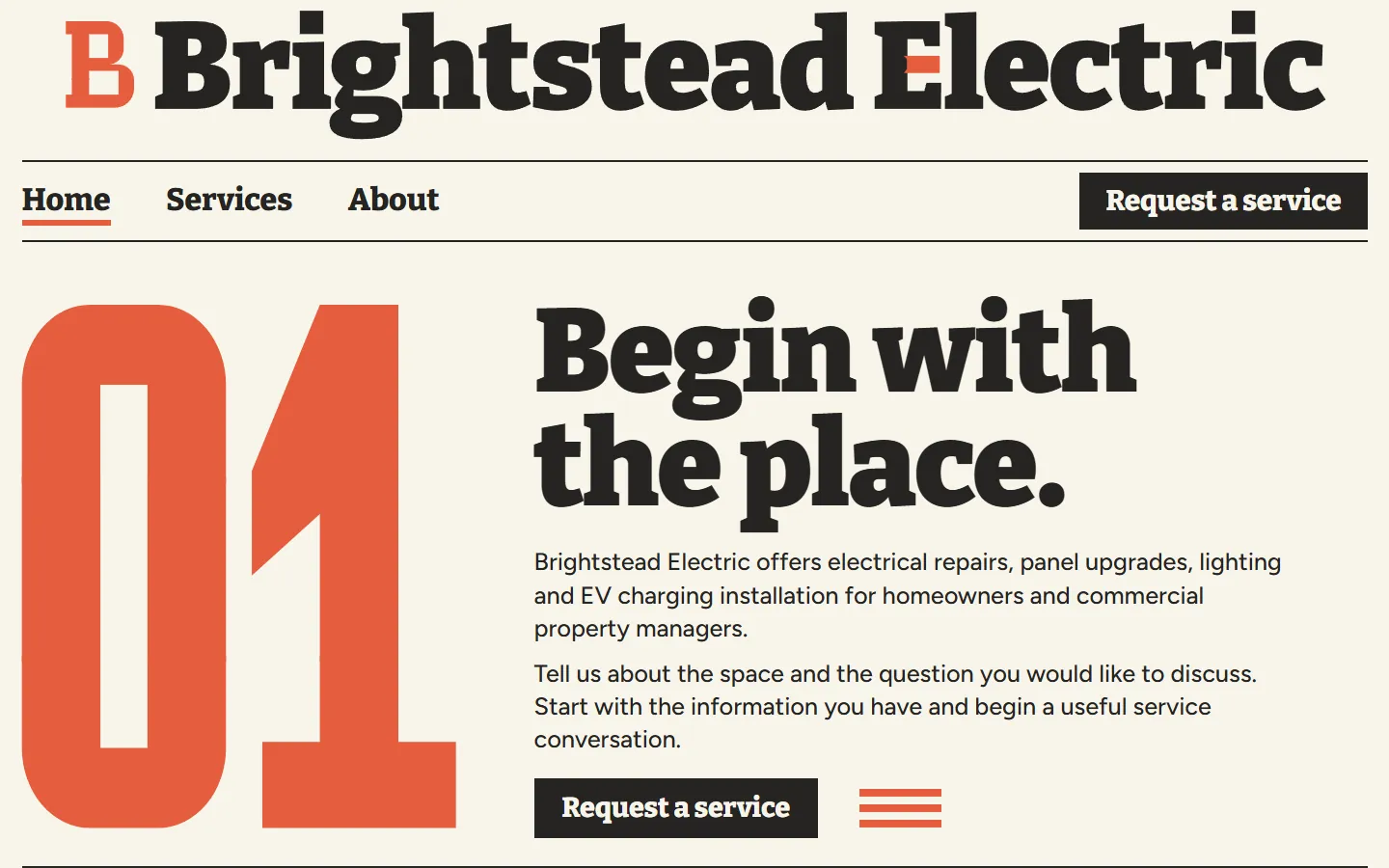
| Numeral | LightGiant numeral | 9 | 283 | Bitter Thin, Figtree Light | 124 KB | 224 KB | 204 KB |
How to choose an electrician website template
All 10 carry the same placeholder company, Brightstead Electric, and the same four services, so choose by the look that suits your crew and your customers first, then by platform.
Photos, drawings or type alone
Four designs use photos (a work lamp, an electrician at a front door, a ceramic dial, an open notebook) and one uses cutout photos of a crew; three use drawings, prints or pixel art you can keep while you collect job photos; two (Clipboard and Numeral) use no images at all.
Homes, commercial property or both
Every design speaks to homeowners and commercial property managers. Some give the two their own band on the home page (Rosette, Streetscape, Numeral); others fold them into one section.
How loud the brand is
Heavy type and strong color (Cassis, Geranium, Numeral) stand out next to other local companies; quieter designs (Cutaway, Rosette) keep the page calm.
Who will edit it
WordPress if you or an office manager will change the words, HubSpot if your leads already live there, Astro if a developer hosts static files.
CassisAn electrician whose work is mostly repairs and troubleshooting. CutawayAn electrician who rewires, renovates or fits out whole homes. LanternA residential electrician whose customers are mostly homeowners. RosetteAn electrician known for lighting, dimmers and interior work. StreetscapeA local electrician who works the same towns and streets. ClipboardA new electrical business with no job photos yet. GeraniumA family-owned electrical business that wants to show its people. OverworldAn electrician who installs EV chargers at homes and businesses. HardbackAn electrical contractor who plans and quotes jobs carefully. NumeralA commercial electrician whose clients want to see each step. What an electrician website needs, and where it is in these templates
The checklist the ranking electrician template pages give, mapped to the pages and sections every template here already has, and the parts you add yourself.
| An electrician site needs | Where it is | What to do there |
|---|---|---|
| Your services, one by one | Services page | Electrical repairs, panel upgrades, lighting and EV charging installation each have their own section, linked from the home page. Rename or remove the ones you do not offer, or add wiring, inspections or generators. |
| A way to request a service | Request a service form | Name, email, the property type, the service and what the customer wants to discuss; two designs also ask for a phone number and postcode. Connect it to your inbox, CRM, scheduling tool or HubSpot form before you publish. |
| Homes and commercial property | Home page and form | The copy speaks to homeowners and commercial property managers, and every form asks which kind of property it is. |
| What happens after they ask | Steps or questions on the home page | Most designs lay out three steps (describe the work, add the context, discuss the arrangements) or a few short questions such as "Is a request a confirmed visit?". Rewrite them to match how your team works. |
| Who you are | About page | How you work and who people will talk to. Add your electricians, years in business and license details here. |
| Use on a phone | Phone menu and request button | Every design keeps the Home, Services and About links in reach on a phone, and all ten show a "Request a service" button or bar at the bottom of the screen as the visitor scrolls. |
| Phone number, service areas, proof, license, pricing | Not included | Add your phone number as a tap-to-call link, the towns you serve, reviews, your license and insurance numbers, and hours or prices if you publish them. The placeholder copy leaves them out on purpose. |
Ten designs for the same electrical company
These ten show one company, Brightstead Electric, in ten designs: an orange work lamp on aubergine, pencil drawings of a house cut open, an electrician at a front door at dusk, a ceramic dial on pink plaster, a printed street of houses and shops, a lime checklist, cutout photos of a crew on poppy red, a pixel art house and shop, an open notebook on mint and giant red numerals.
The words, pages and sections stay close to each other, so you are comparing design, not content. Open two live demos side by side on your phone, then pick the one your customers would call.
- Every live demo has all three pages: use the Home, Services and About links in its header.
- The preview on this page shows each design at desktop and at a real phone width.
Built for the electrical company itself
The copy is written for an electrical company talking to homeowners and commercial property managers. It suits a residential electrician, a small electrical contractor or a team that also installs EV chargers.
More than a website
A template gives you the site. If you want search pages, ads and replies to service requests run for you each week, see Growigami's electrician marketing: search pages, ads and lead follow-up.
What to replace before you publish
Everything about Brightstead Electric is placeholder. These are the parts to change first.
Name and logo
The wordmark sits in the header, phone menu and footer of each page. Replace it on all three pages.
Photos and art
Swap the images for photos of your own electricians, vans and jobs, or keep the drawings. Keep the file names, or update the image tags with the new width, height and alt text.
The form
Point the Request a service form at your email, CRM, scheduling tool or HubSpot form, then send a test request.
Contact and trust details
Add your phone number, service areas, hours, reviews and license number. Customers look for them before they call.
Astro, HubSpot or WordPress
Every template here comes in all three versions, built from the same page, so the design and copy match on each platform. See the HubSpot themes and the WordPress block themes for the install steps.
Astro · 124 KB to 6.4 MB
An Astro project: one page file each for Home, Services and About, one component per section, the CSS, scripts, fonts and images in public/.
Needs Node 22.12 or newer.
HubSpot · 224 KB to 27.3 MB
A HubSpot CMS theme: Home, Services and About templates plus a Page template, one module per section, each with its own fields.
Needs a free HubSpot account and Node.js 20 or newer for the HubSpot CLI.
WordPress · 204 KB to 6.7 MB
A WordPress block theme: Home, Services and About with one block per section, plus page, post, blog and 404 templates.
Needs WordPress 6.6 or newer and PHP 7.4 or newer.
Questions about electrician website templates
What should an electrician website include?
A clear line on what you do, a section for each service (repairs, panels, lighting, EV chargers), a short way to request a service, an about page, your phone number and service areas, and proof such as reviews. These templates have the services, the request form and the about page; add your phone number, areas and proof.
Are these electrician website templates free?
Yes. Free to use and adapt for personal and commercial sites. Each download asks for your first name and work email once, with no account or payment.
How many pages does each electrician template have?
Three: Home, Services and About. The Services page has a section for electrical repairs, panel upgrades, lighting and EV charging installation. In WordPress the theme creates the Services and About pages when you activate it.
Can I add my phone number, license number and the towns I serve?
Yes. In WordPress and HubSpot, type them into the fields of the header, footer or any text section, and use a link that starts with tel: so phone visitors can call in one tap. In Astro, edit the component files. For a list of service areas, add a short section to the home or about page.
Do the request forms send messages?
No. They check the fields in the browser and confirm on the page, and they send nothing. Connect them to your form service, CRM, scheduling tool or a HubSpot form before you publish.
Which version should an electrical company pick?
WordPress if you or your office will edit the site, since each section is a block with its own fields. HubSpot if your contacts and forms already live there. Astro if a developer will host it as static files.
Is Brightstead Electric a real company?
No. Brightstead Electric, its people and its details are placeholders to replace with your own company, photos and copy.
More free template collections
 30 templates
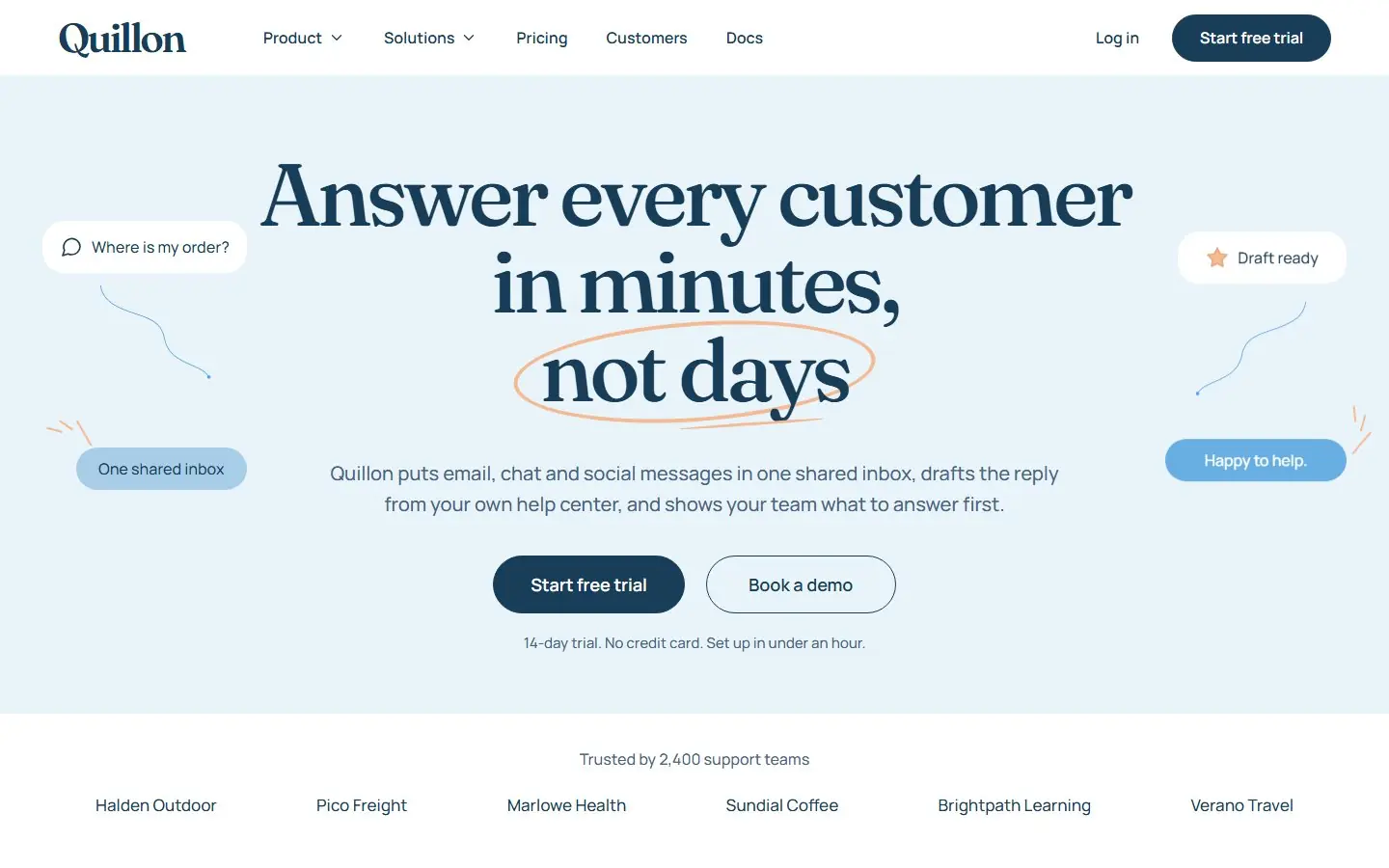
AI website templates
 4 templates
SaaS templates
 4 templates
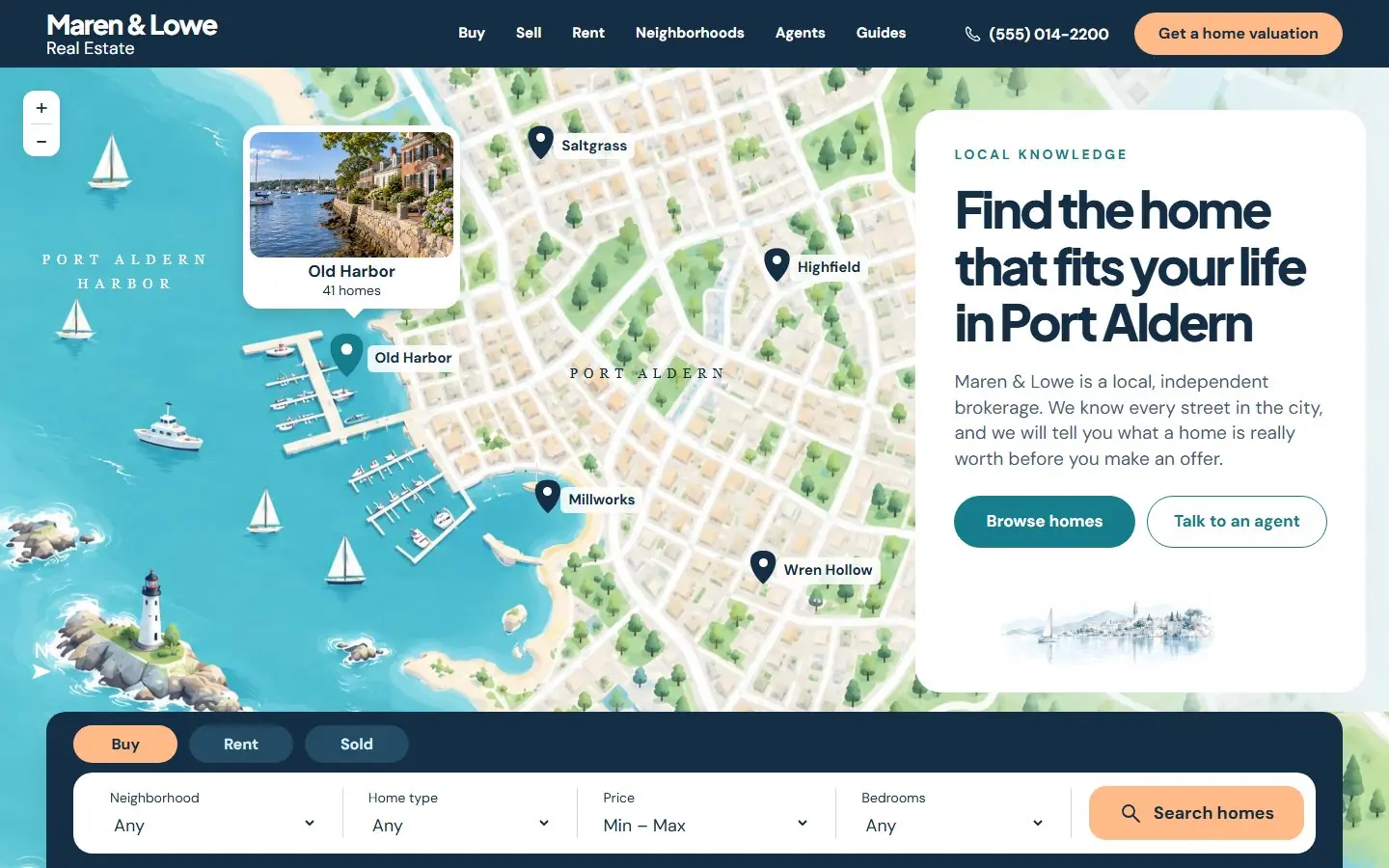
Real estate website templates
 10 templates
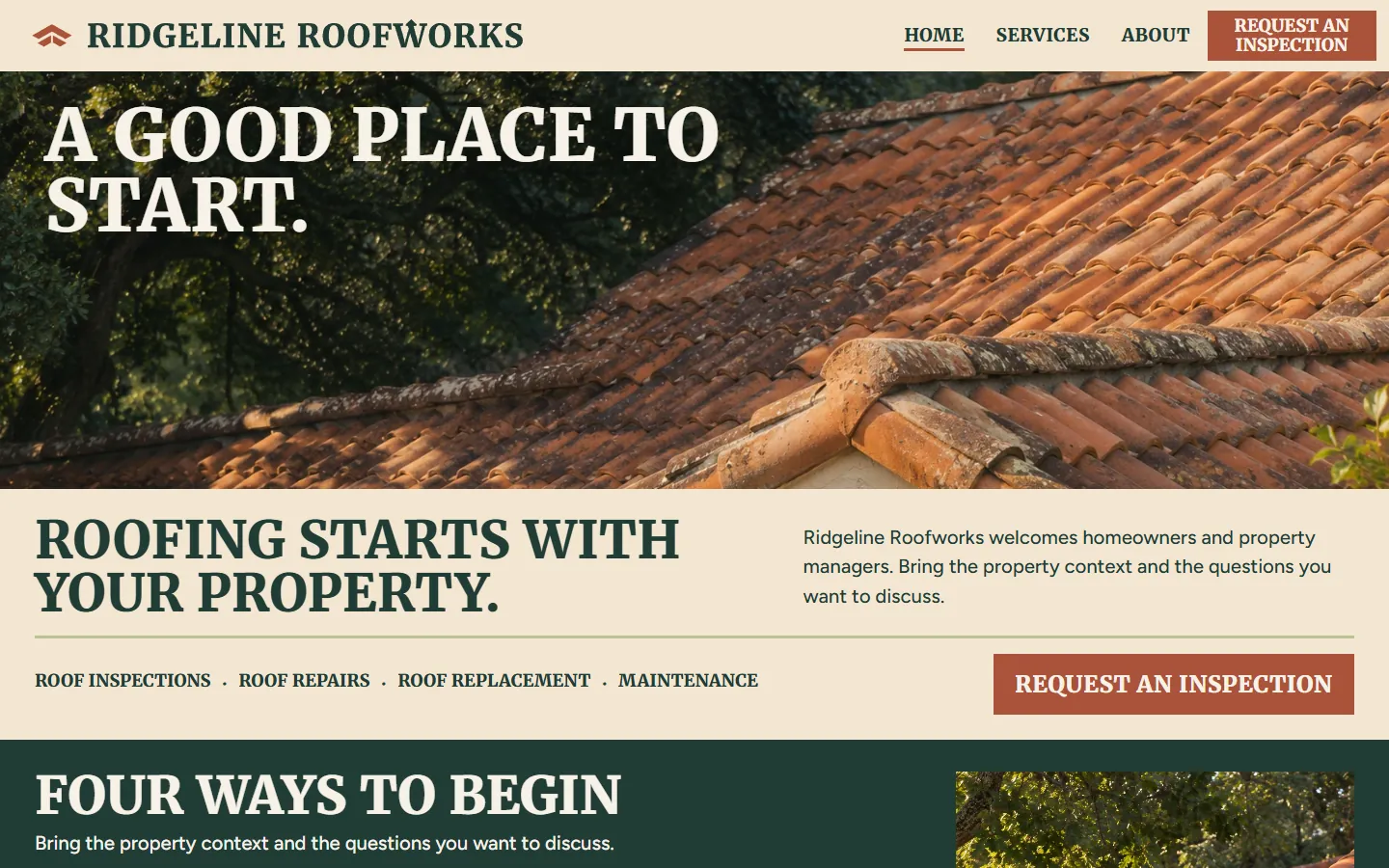
Roofing website templates
 10 templates
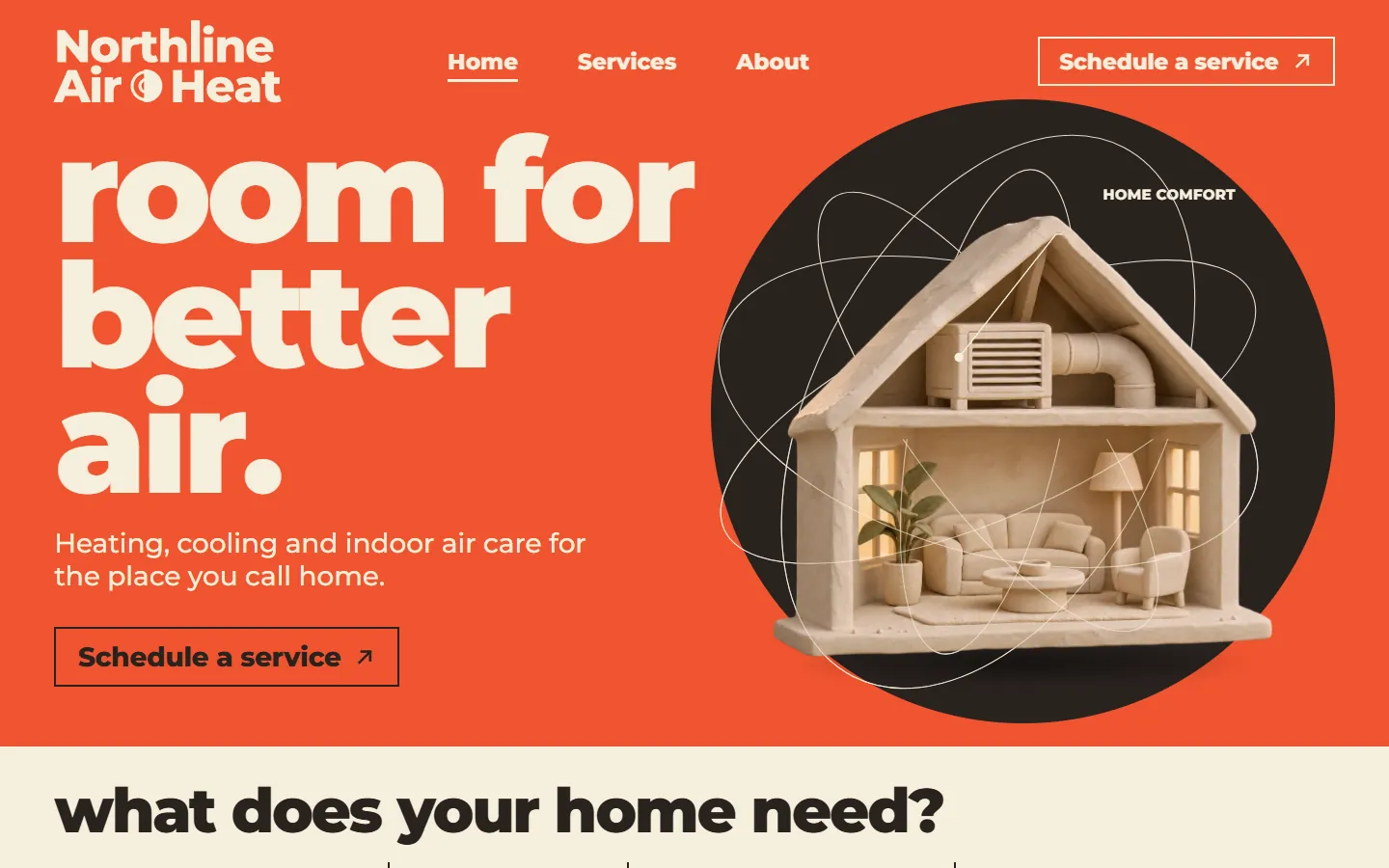
HVAC website templates
 10 templates
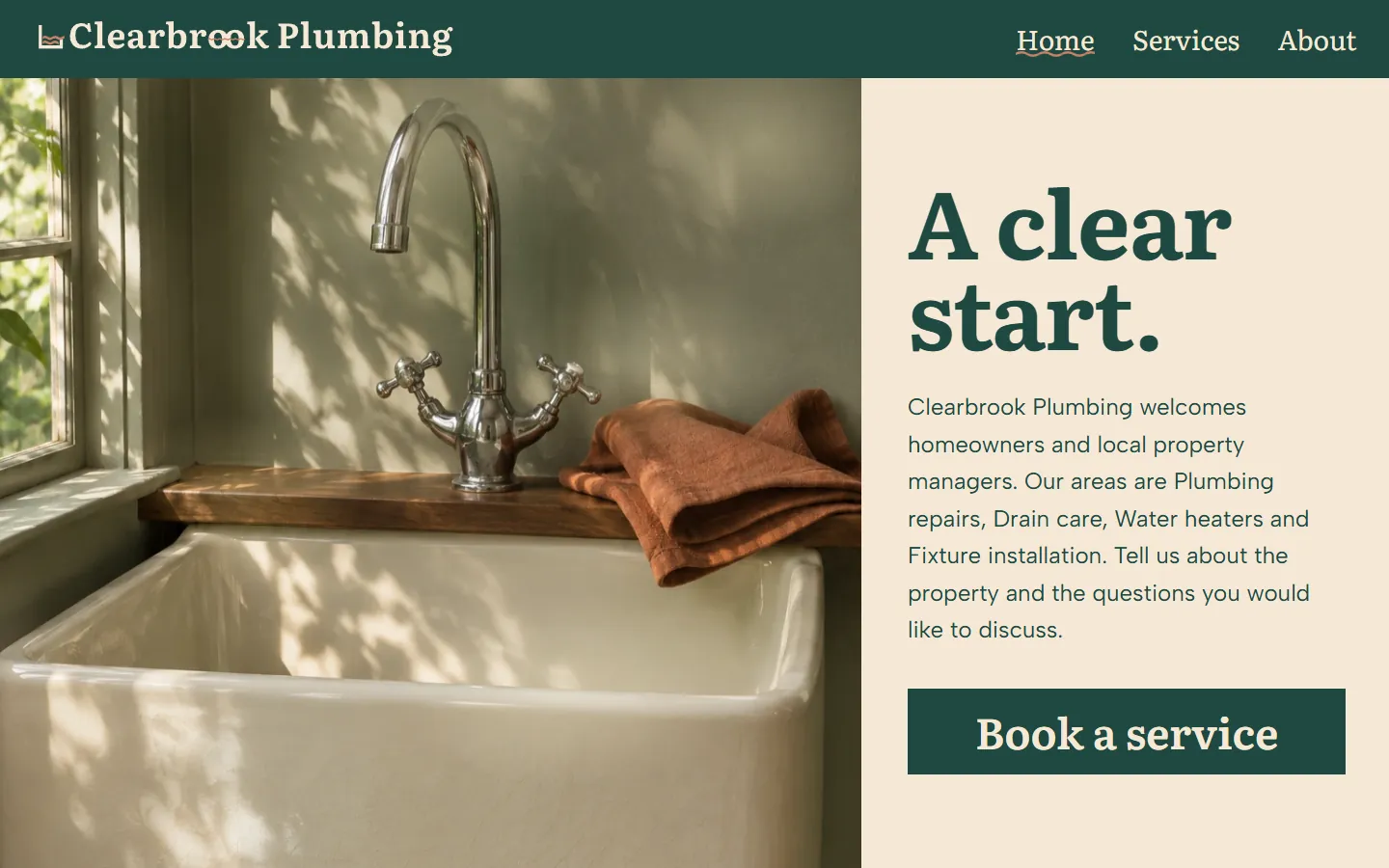
Plumber website templates
 10 templates
Manufacturing website templates
 10 templates
Fintech website templates
 10 templates
Dental website templates
 10 templates
Contractor website templates
 10 templates
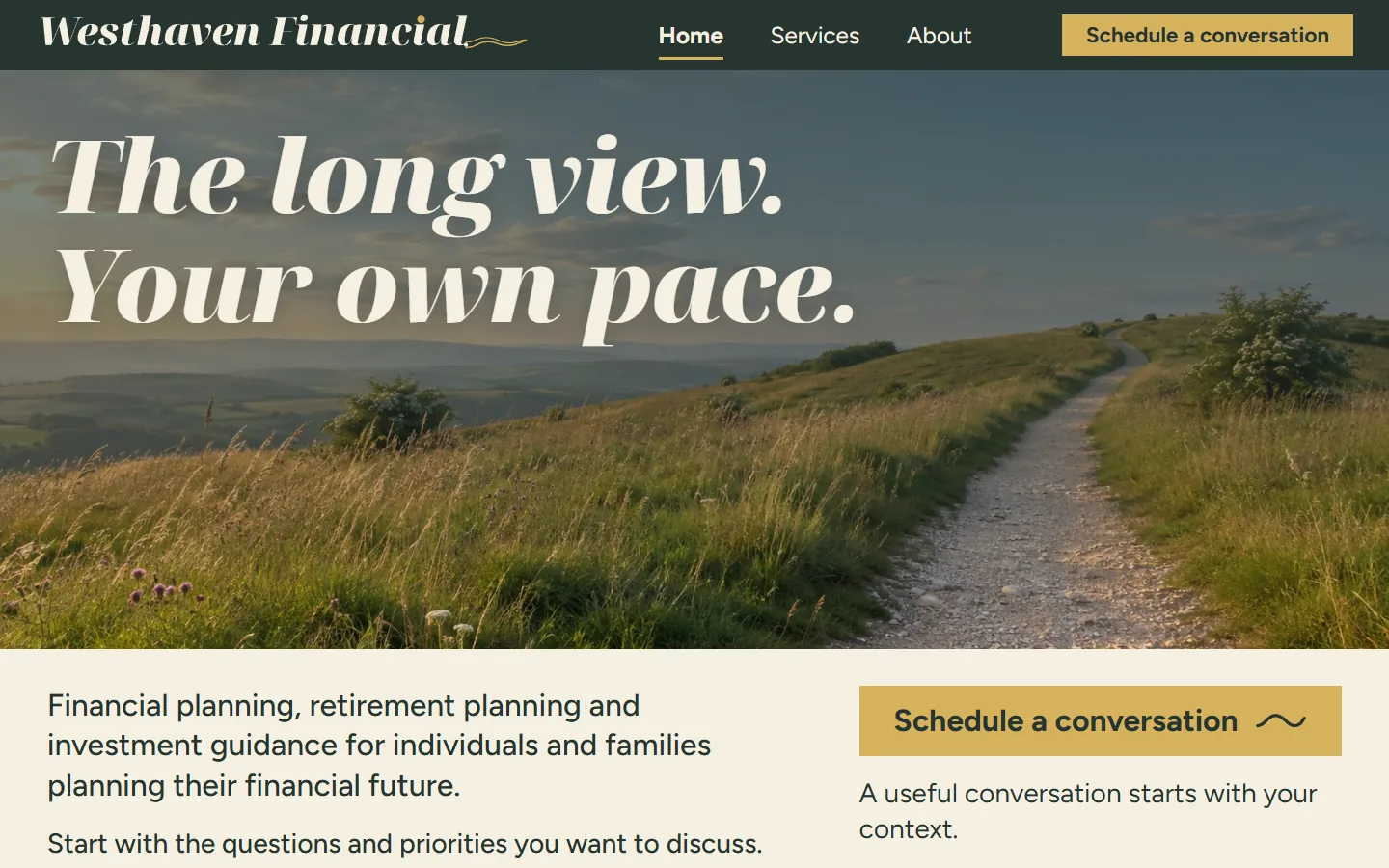
Insurance agent website templates
 10 templates
Financial advisor website templates
 10 templates
Accountant website templates
 10 templates
Chiropractor website templates
 10 templates
Pest control website templates
 10 templates
Auto dealer website templates
38 templates Homepage templates
34 templates Landing page templates
 10 templates
Consulting website templates
13 templates Agency website templates
10 templates Business homepage templates
 8 templates
One page website templates
4 templates Minimalist website templates
13 templates Tech website templates
38 templates HubSpot themes
38 templates WordPress block themes
Want the whole site built around your buyers instead? Growigami's website service builds the home, about, product, blog, resources and contact pages and moves your old content over.
All website templates
Start with one process.
We learn the business and build your first go-to-market process on us this month.
Template
growigami.com