


























Best pest control website templates
The best pest control website templates are whole sites, not single pages. Each one here is a ready-made site for a pest control company: a home page that says what you do, a page for pest inspections, residential pest care, commercial pest care and prevention plans, an about page and a way to schedule an inspection. These 10 are free, each a whole three-page site (Home, Services and About) with a live demo and downloads for Astro, HubSpot and WordPress, with no account or payment.
- Free, no account
- Home, Services and About pages
- An inspection form on each
- Commercial use allowed
No template matches these filters. Clear them or try another word.
The 10 pest control website templates compared
Editable fields are the fields of the HubSpot modules and WordPress blocks, where words, links and images change without code. The sizes are the download links.
| Template | Look | Sections | Editable fields | Typefaces | Palette | Image files | Astro zip | HubSpot zip | WordPress zip |
|---|---|---|---|---|---|---|---|---|---|
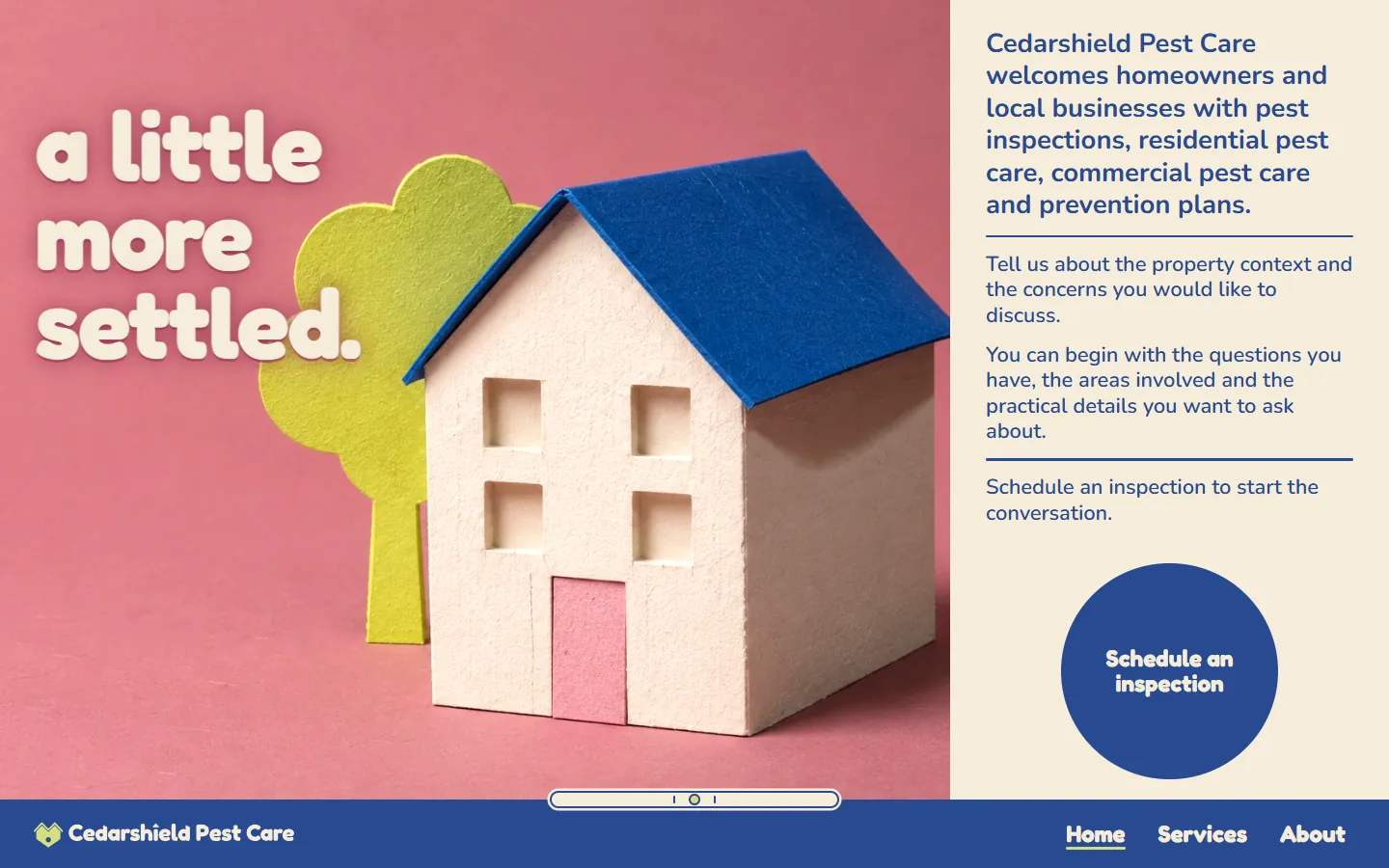
| Bubblegum | Dark and lightPaper house | 8 | 234 | Fredoka Light, Nunito ExtraLight | 5 | 1.4 MB | 6.3 MB | 2.2 MB | |
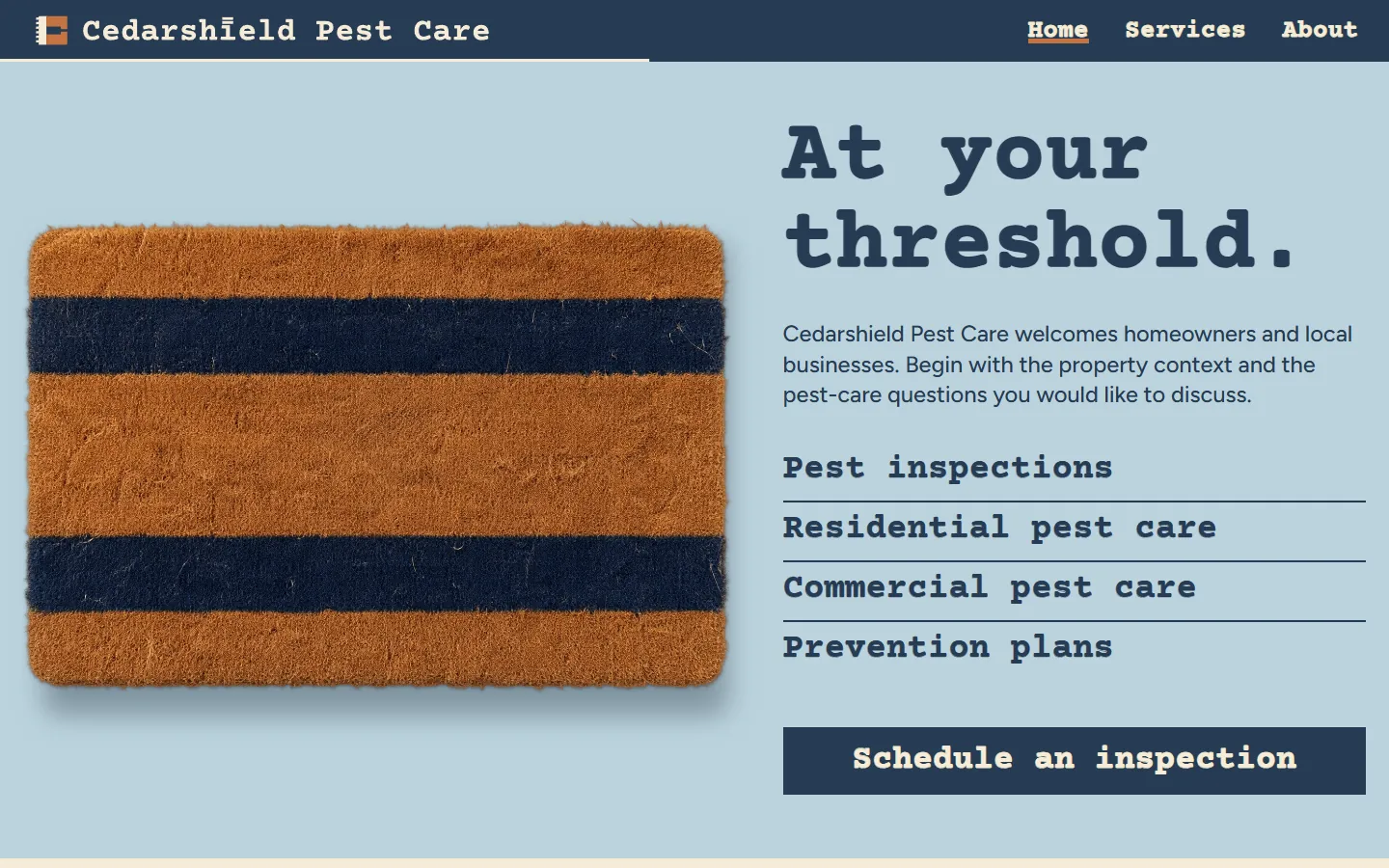
| Doormat | Dark and lightStriped doormat | 9 | 190 | Courier Prime, Figtree | 2 | 1.9 MB | 5.2 MB | 2.5 MB | |
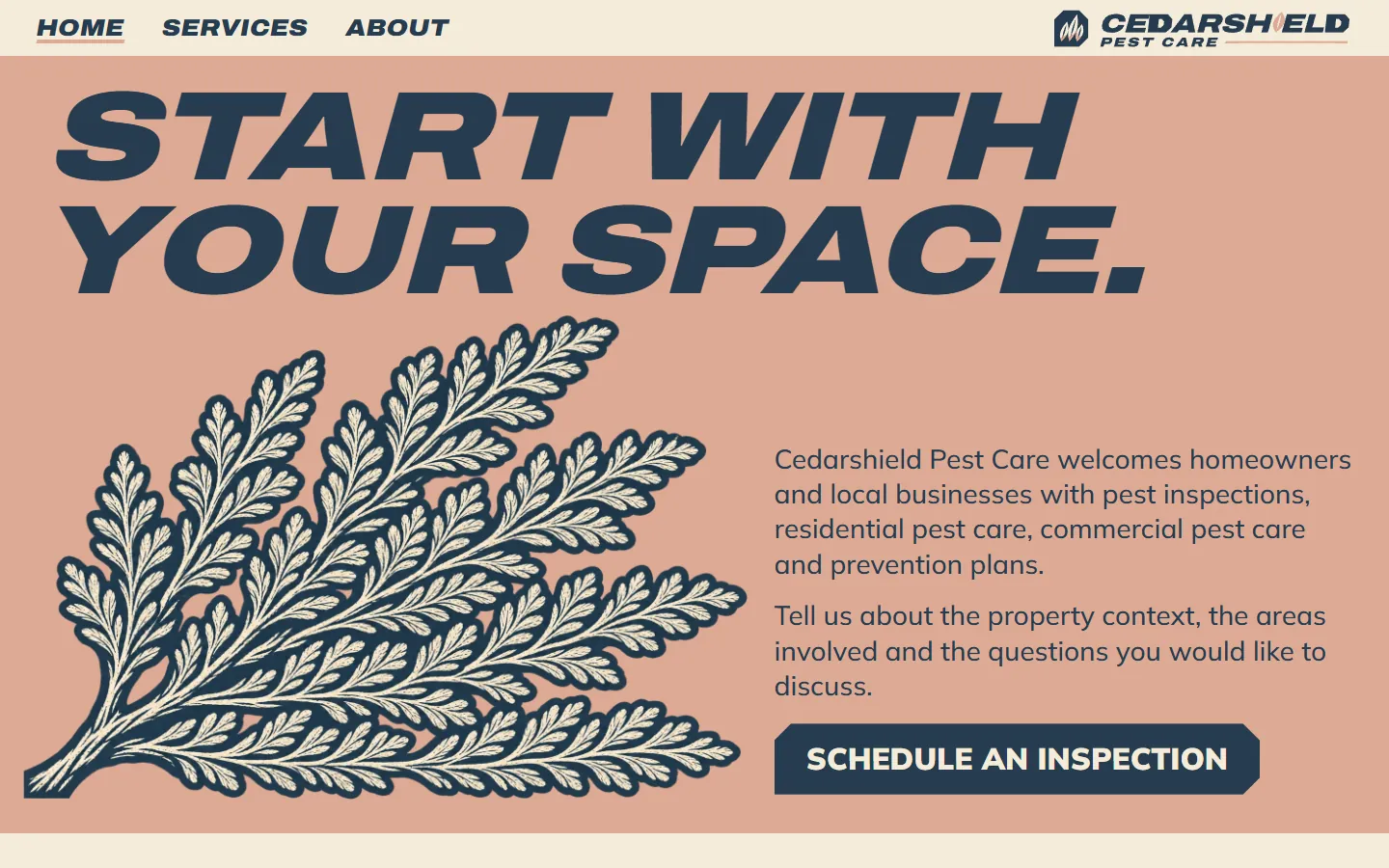
| Sprig | Dark and lightLinocut cedar frond | 10 | 217 | Archivo SemiBold, Mulish ExtraLight | 3 | 1.7 MB | 6.6 MB | 1.8 MB | |
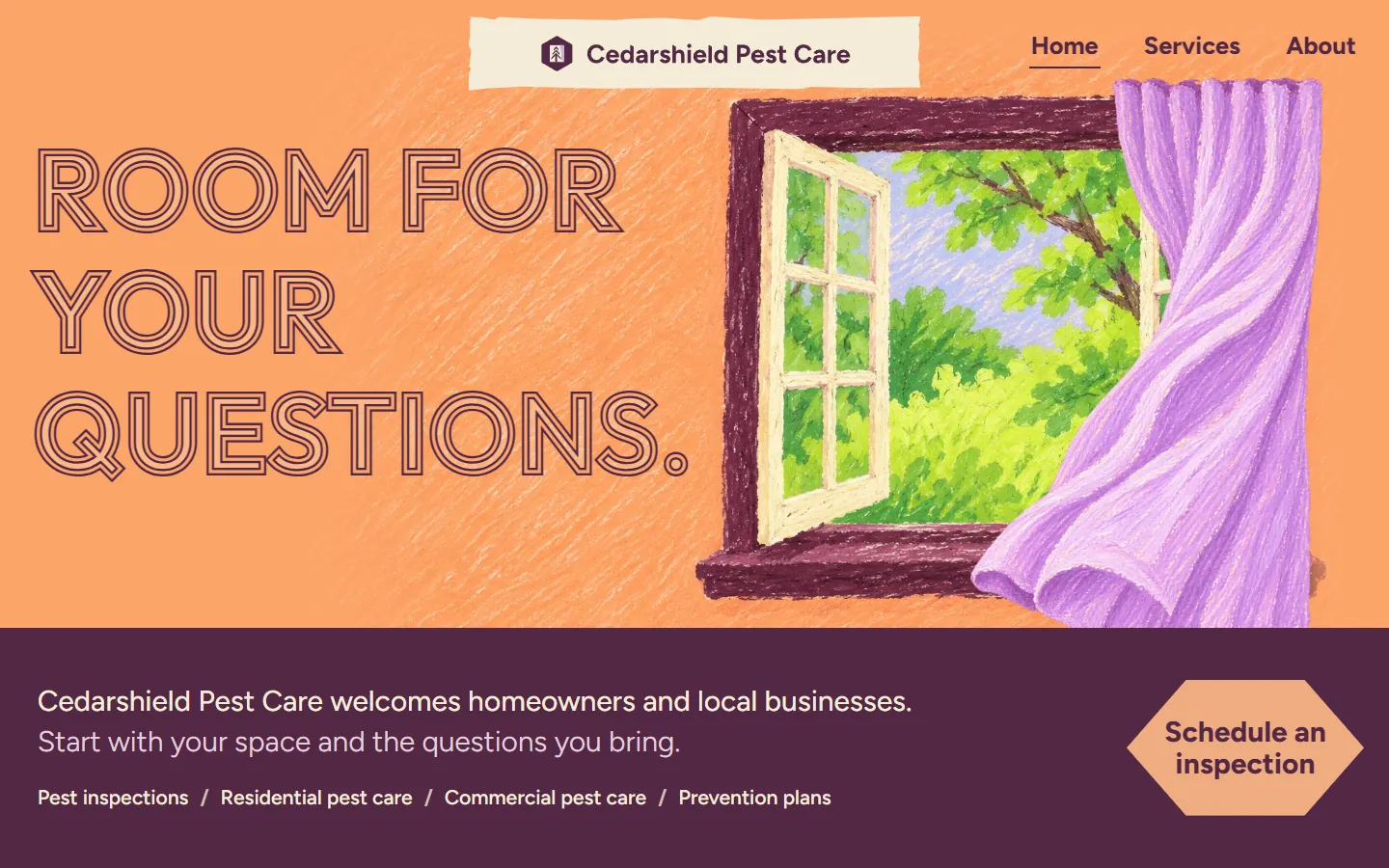
| Breeze | Dark and lightOil pastel window | 10 | 304 | Outfit, Figtree Light | 7 | 3.9 MB | 8.2 MB | 5.1 MB | |
| Prune | Dark and lightType only | 11 | 302 | Fraunces, Figtree Light | 187 KB | 292 KB | 278 KB | ||
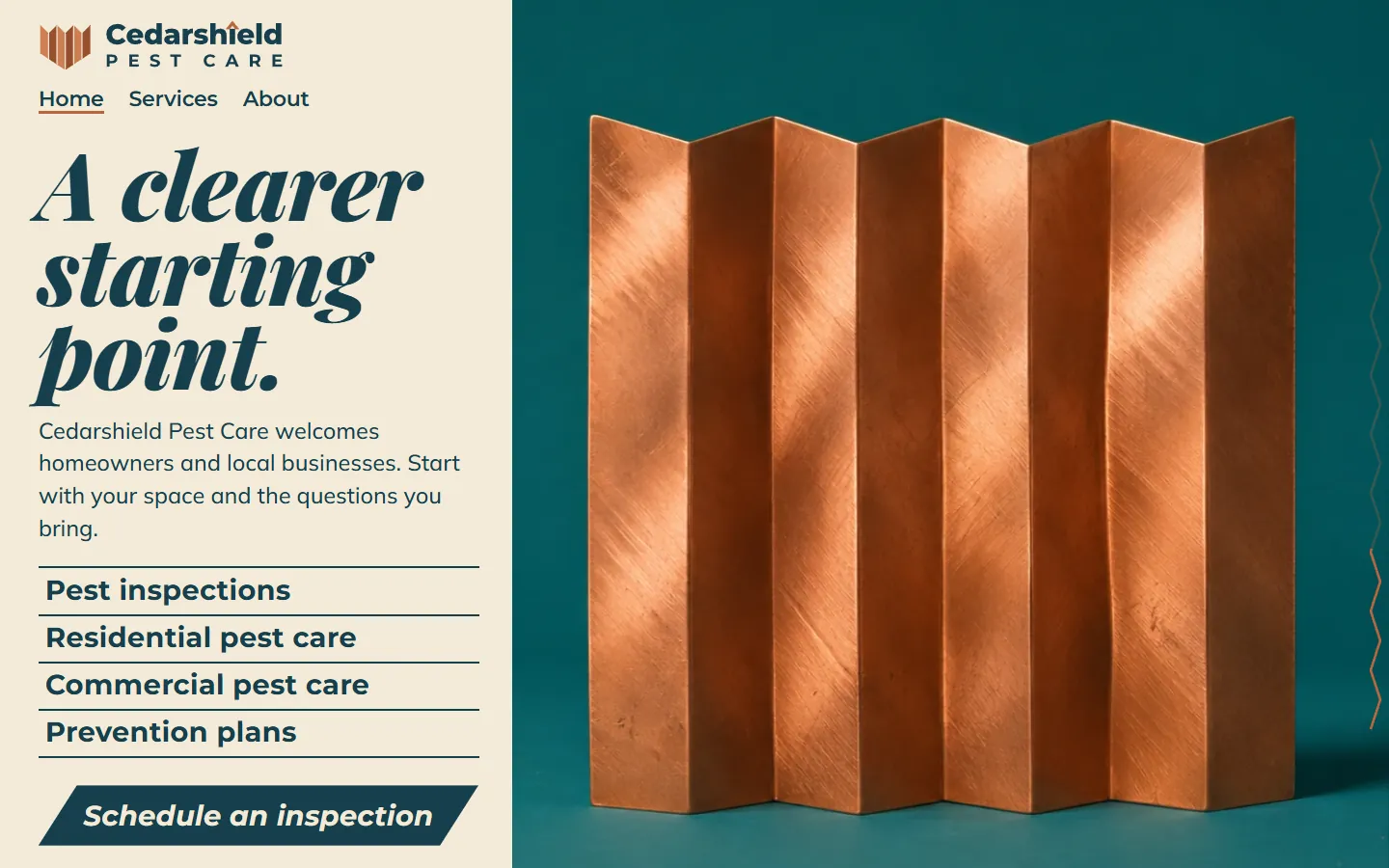
| Accordion | Dark and lightCopper folding screen | 9 | 202 | Playfair Display, Montserrat Thin, Mulish ExtraLight | 6 | 1.2 MB | 2.1 MB | 1.8 MB | |
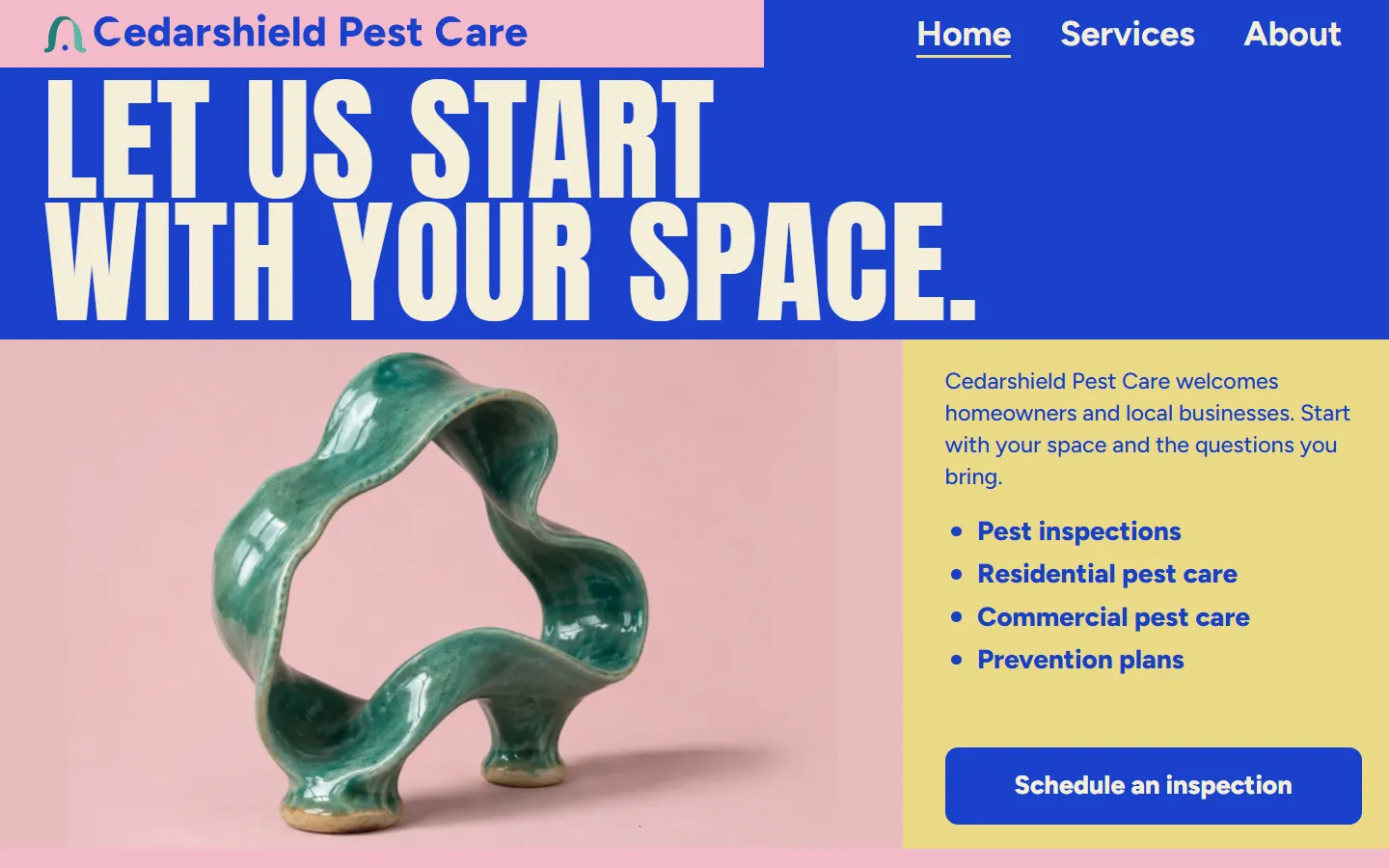
| Ceramic | Dark and lightGlazed ceramic ribbon | 10 | 253 | Anton, Figtree Light | 7 | 1.0 MB | 1.6 MB | 1.2 MB | |
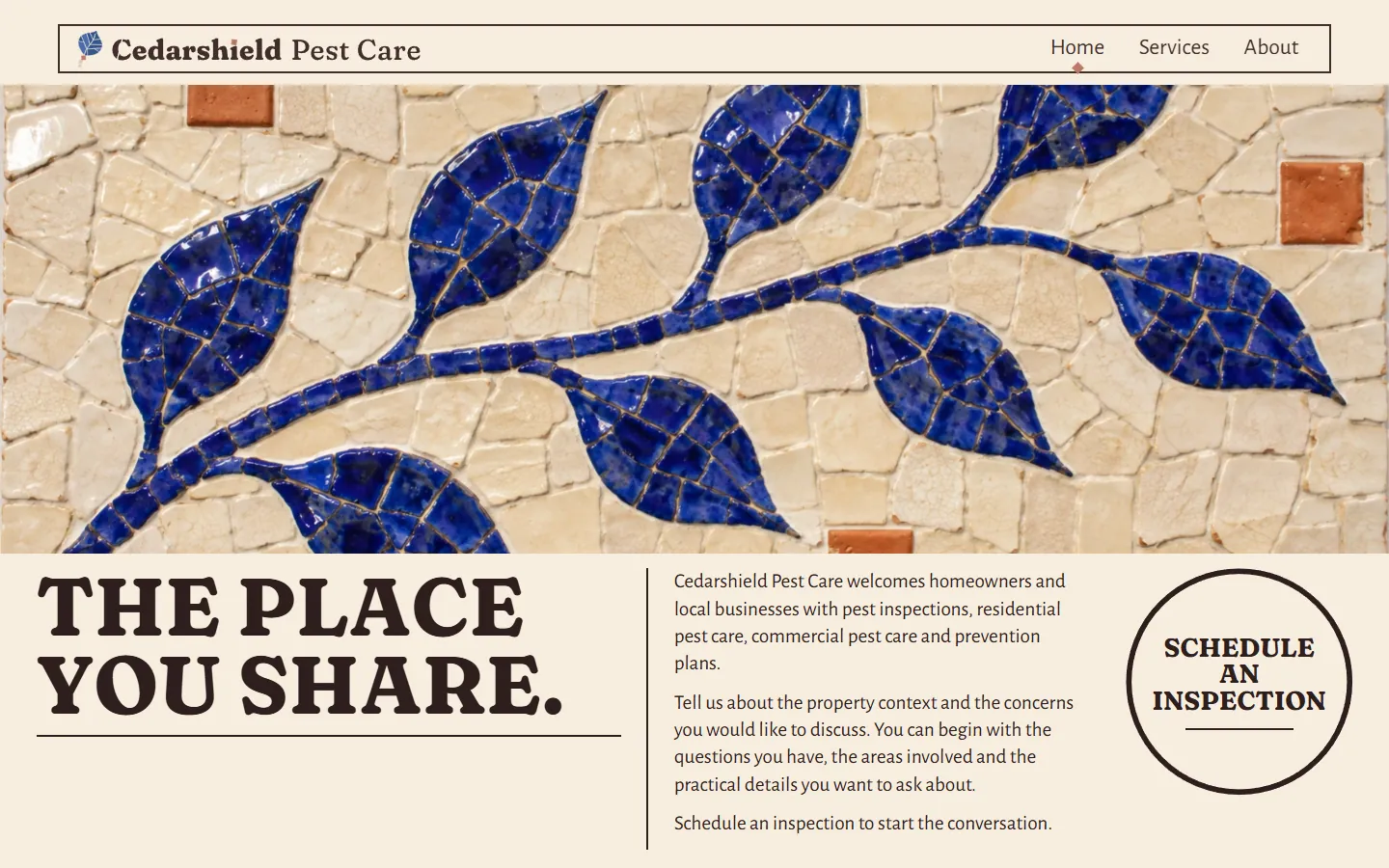
| Talavera | Dark and lightCobalt tile mosaic | 10 | 246 | Fraunces, Alegreya Sans Medium, Alegreya Sans | 8 | 3.5 MB | 4.6 MB | 4.3 MB | |
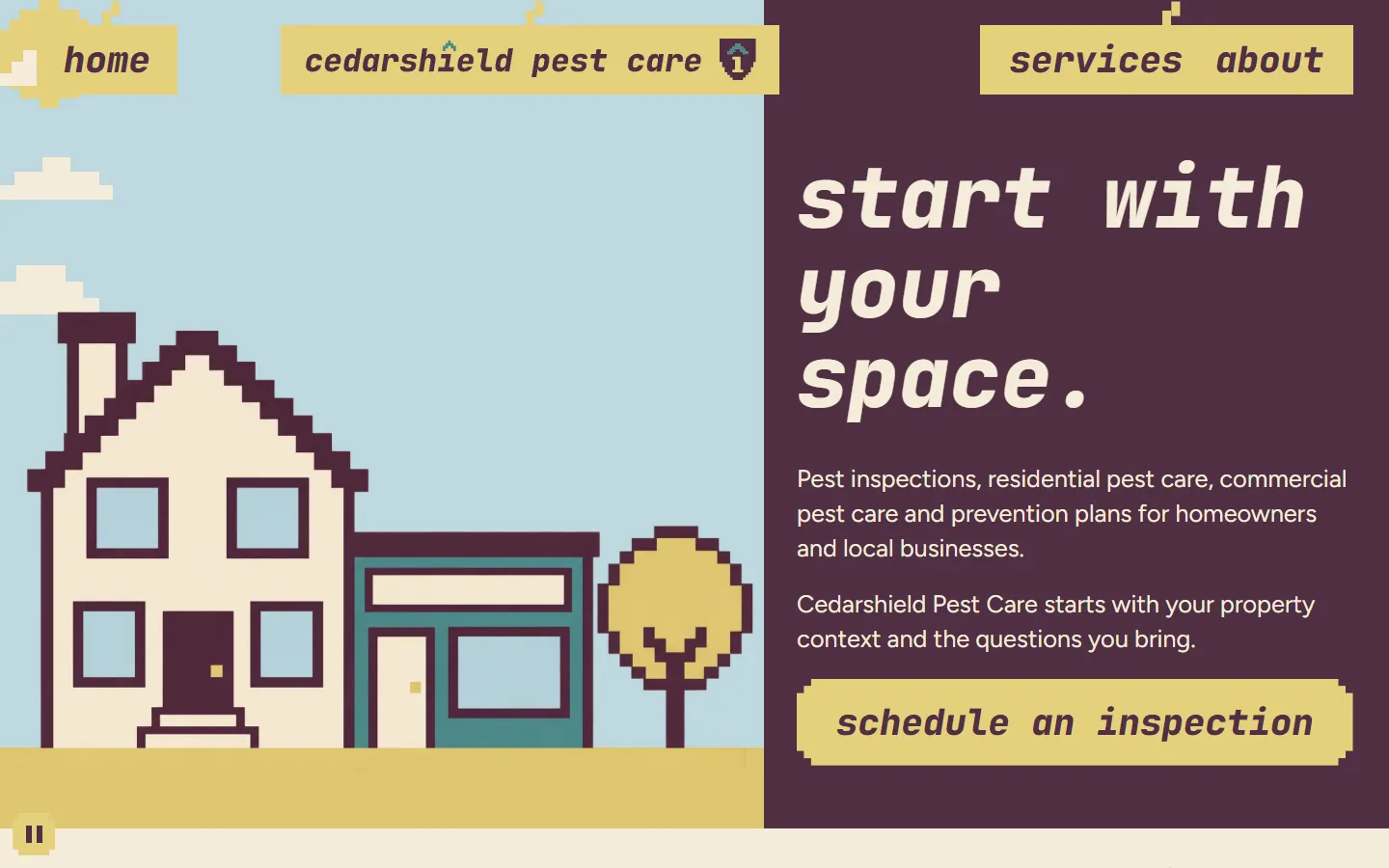
| Sunnyside | Dark and lightPixel art street | 9 | 225 | JetBrains Mono, Figtree Light | 6 | 381 KB | 1.4 MB | 581 KB | |
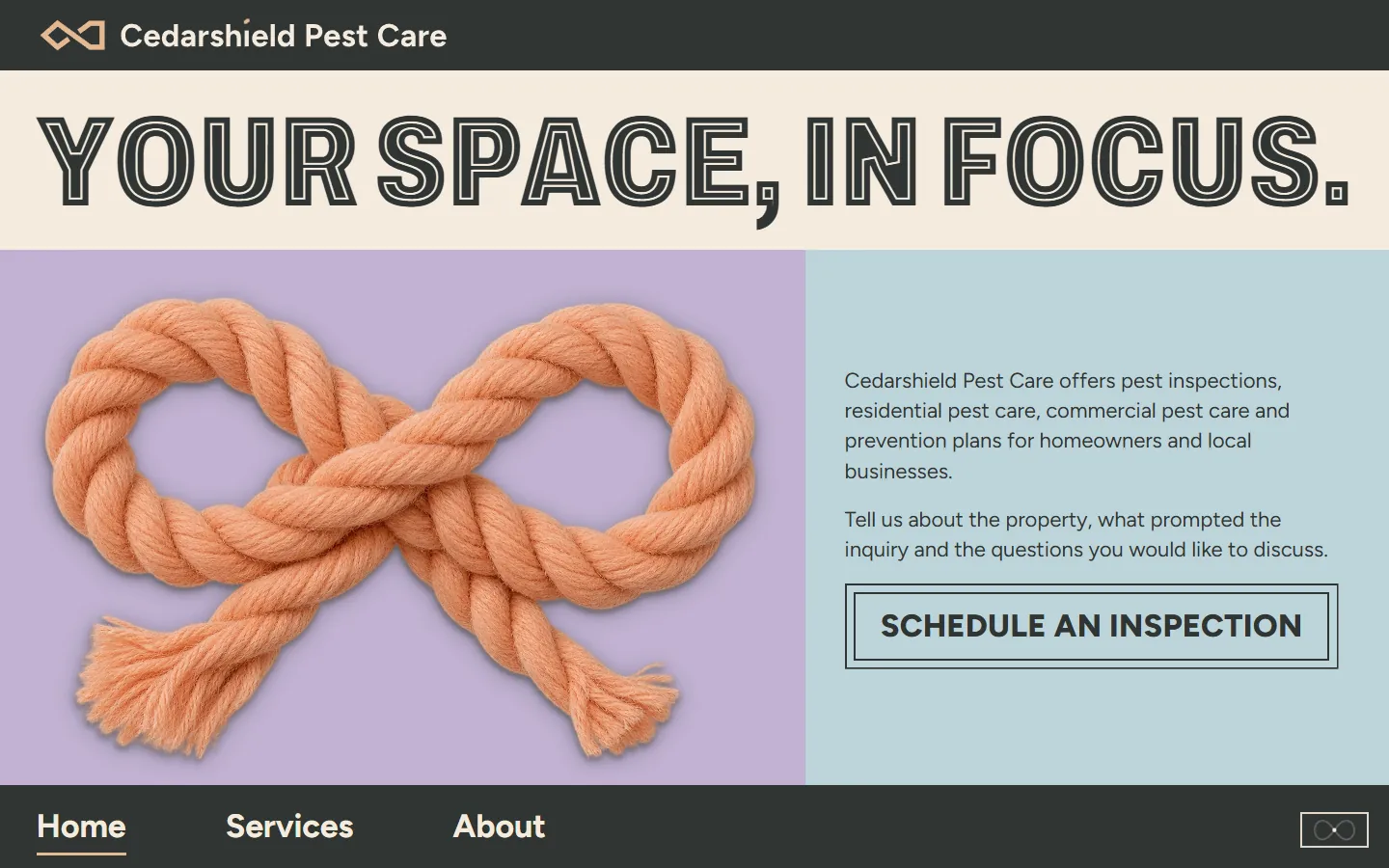
| Knot | Dark and lightRope knot | 10 | 231 | Cedarshield Inline, Figtree Light | 8 | 2.0 MB | 5.6 MB | 2.4 MB |
How to choose a pest control website template
All 10 carry the same placeholder company, Cedarshield Pest Care, and the same four service areas, so choose by the look that suits your customers and your trucks first, then by platform.
Photos, art or type alone
Five designs use photos of objects (a paper house, a doormat, a copper folding screen, glazed ceramic ribbons, a rope knot) and one photos of cobalt mosaic tiles; three use art (a linocut cedar frond, oil pastel windows, a pixel art street), and one, Prune, uses type alone. None shows insects, so none needs swapping for that reason.
A band per service, or an overview
Six designs give pest inspections, residential pest care, commercial pest care and prevention plans each their own band on the home page. Prune, Talavera, Sunnyside and Knot list the areas together, then add sections for homes and local businesses, a few steps and short questions.
How loud the brand is
Heavy type and strong color (Ceramic, Sprig, Knot) stand out on a truck wrap and a yard sign; quieter designs (Accordion, Talavera) keep the page calm for commercial clients.
Who will edit it
WordPress if you or your office staff will change the words, HubSpot if your leads already live there, Astro if a developer hosts static files.
BubblegumA pest control company whose customers are mostly homeowners. DoormatA local exterminator who wants a plain, direct site. SprigA pest control company that works mostly outdoors: yards, gardens and the outside of buildings. BreezeA pest control company that leads with inspections. PruneA new pest control business with no photos yet. AccordionA pest control company that sells to property managers, restaurants and offices. CeramicA pest control company that sells ongoing prevention plans. TalaveraA family-owned pest control company with long-standing customers. SunnysideA pest control company that serves homes and small businesses alike. KnotA small pest control team that wants a clear site without a big photo budget. What a pest control website needs, and where it is in these templates
The checklist the ranking pest control template pages give, mapped to the pages and sections every template here already has, and the parts you add yourself.
| A pest control site needs | Where it is | What to do there |
|---|---|---|
| Your services, one by one | Services page | Pest inspections, residential pest care, commercial pest care and prevention plans each have their own section, linked from the home page. Rename them for the work you do, such as termite inspections, rodent work or wildlife, or remove the ones you do not offer. |
| A way to schedule an inspection | Schedule an inspection form | Name, email, home or local business, the service area and a short outline; one design (Sprig) also asks for the property type, the areas involved and how to reply. Connect it to your inbox, CRM, field service software or HubSpot form before you publish. |
| Homes and local businesses | Home page and form | The copy speaks to homeowners and local businesses, and every form asks which kind of property it is. |
| What happens after they ask | Steps or questions | Several designs lay out three steps (describe the setting, name the concerns, bring your questions) or short questions such as "Does an inquiry confirm a visit or service scope?". Rewrite them to match how your office books visits. |
| Who you are | About page | How you work and who people will talk to. Add your technicians, years in business and the towns you cover here. |
| Use on a phone | Phone menu and inspection button | Every design keeps the Home, Services and About links in reach on a phone, and all ten keep a "Schedule an inspection" button, bar or badge on screen as the visitor scrolls. |
| License numbers, products, service area, reviews, terms | Not included | Add your phone number as a tap-to-call link, your service area and hours, your state pesticide business license and applicator numbers, the products you use with their labels and the safety information your state asks you to give, and reviews. Any guarantee, re-treatment promise or safety statement must match your own service terms and your state rules; check them with your own advisor. The placeholder copy leaves them out on purpose. |
Ten designs for the same pest control company
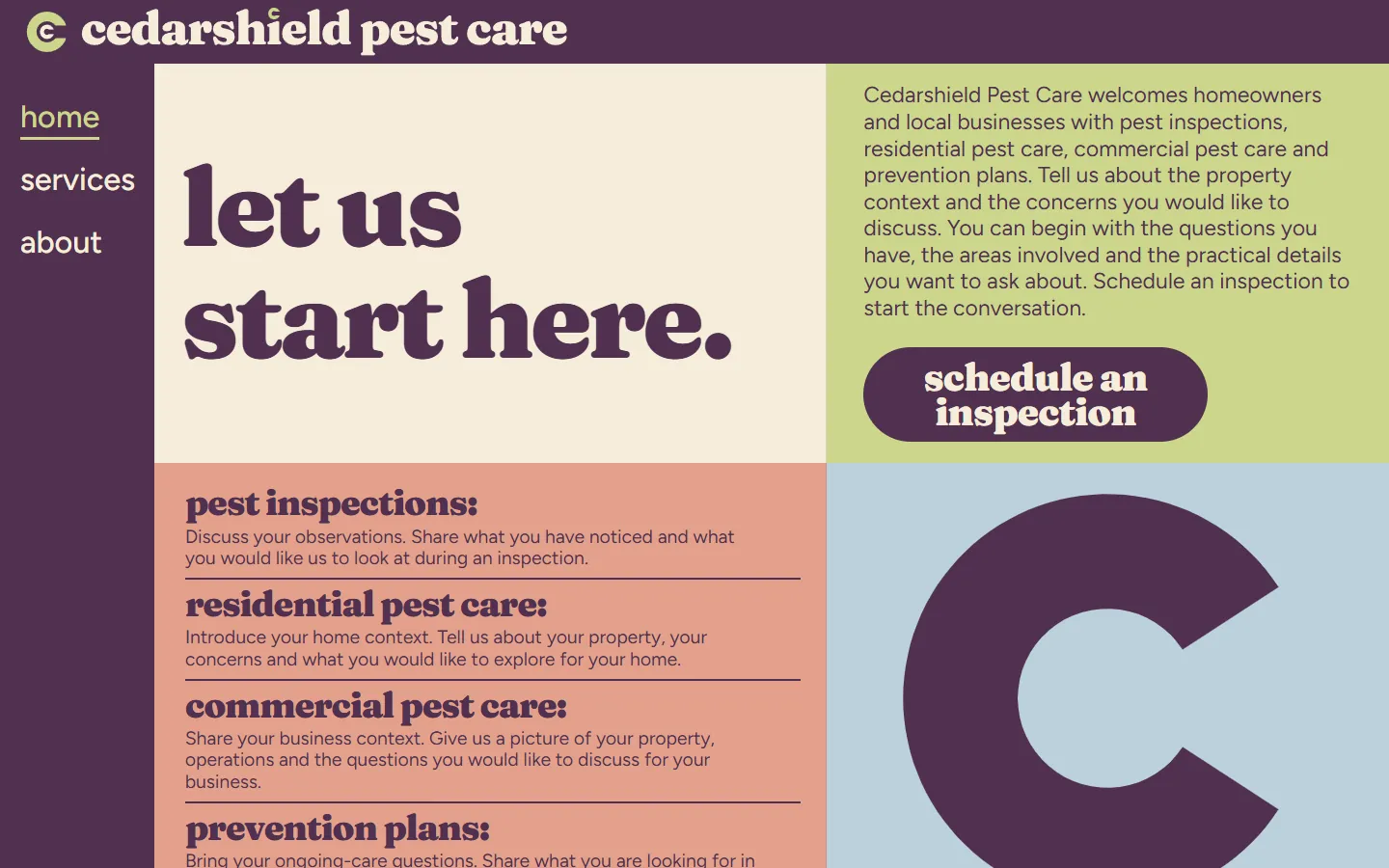
These ten show one company, Cedarshield Pest Care, in ten designs: a paper house on rose, a striped doormat on ice blue, a linocut cedar frond, oil pastel windows with a lilac curtain, a plum page of type alone, a copper folding screen on marine, glazed teal ribbons on pink and butter, a cobalt tile mosaic, a pixel art street that turns from day to night, and an apricot rope knot on lilac.
The words, pages and sections stay close to each other, so you are comparing design, not content. Open two live demos side by side on your phone, then pick the one your customers would call.
- Every live demo has all three pages: use the Home, Services and About links in its header.
- The preview on this page shows each design at desktop and at a real phone width.
Built for the pest control company itself
The copy is written for a local pest control company talking to homeowners and local businesses about inspections, home and commercial service and prevention plans. It suits an owner-operator, a small team with a few trucks or a new company building its first book of accounts.
More than a website
A template gives you the site. If you want search pages and ads for each pest and season, and a reply drafted for every inspection request, see Growigami's marketing for pest control companies: seasonal pages, ads and lead follow-up.
What to replace before you publish
Everything about Cedarshield Pest Care is placeholder. These are the parts to change first.
Name and logo
The wordmark sits in the header, phone menu and footer of each page. Replace it on all three pages.
Photos and art
Swap the images for photos of your technicians, trucks and the homes and businesses you serve, or keep the art. Keep the file names, or update the image tags with the new width, height and alt text.
The form
Point the Schedule an inspection form at your email, CRM, field service software or HubSpot form, then send a test request.
Contact and required details
Add your phone number, service area, hours, license and applicator numbers, and the product and safety information your state asks for.
Astro, HubSpot or WordPress
Every template here comes in all three versions, built from the same page, so the design and copy match on each platform. See the HubSpot themes and the WordPress block themes for the install steps.
Astro · 187 KB to 3.9 MB
An Astro project: one page file each for Home, Services and About, one component per section, the CSS, scripts, fonts and images in public/.
Needs Node 22.12 or newer.
HubSpot · 292 KB to 8.2 MB
A HubSpot CMS theme: Home, Services and About templates plus a Page template, one module per section, each with its own fields.
Needs a free HubSpot account and Node.js 20 or newer for the HubSpot CLI.
WordPress · 278 KB to 5.1 MB
A WordPress block theme: Home, Services and About with one block per section, plus page, post, blog and 404 templates.
Needs WordPress 6.6 or newer and PHP 7.4 or newer.
Questions about pest control website templates
What should a pest control website include?
A clear line on what you do, a section for each service (inspections, home, commercial, prevention plans), a short way to schedule an inspection, an about page, your phone number and service area, your license details and proof such as reviews. These templates have the service sections, the form and the about page; add your phone number, area, license details and proof.
Are these pest control website templates free?
Yes. Free to use and adapt for personal and commercial sites. Each download asks for your first name and work email once, with no account or payment.
How many pages does each pest control template have?
Three: Home, Services and About. The Services page has a section for pest inspections, residential pest care, commercial pest care and prevention plans. In WordPress the theme creates the Services and About pages when you activate it.
Can I add a page for each pest?
Yes. In WordPress, add a page with the page template, which keeps the same header and footer, and copy a service section into it; in HubSpot use the Page template; in Astro, copy a component onto a new page. A page for each pest you treat, and the season it shows up, is what searchers look for.
Do the forms send messages?
No. They check the fields in the browser and confirm on the page, and they send nothing. Connect them to your form service, CRM, field service software or a HubSpot form before you publish.
Can I add a service promise or product safety lines?
The templates make no promises about results or products, and we do not add them. Whether you may add one, and how, depends on your own service terms, the product labels and your state rules, so check it with your own advisor before you publish. This is not legal advice.
Is Cedarshield Pest Care a real company?
No. Cedarshield Pest Care, its people and its details are placeholders to replace with your own company, photos and copy.
More free template collections
 30 templates
AI website templates
 4 templates
SaaS templates
 4 templates
Real estate website templates
 10 templates
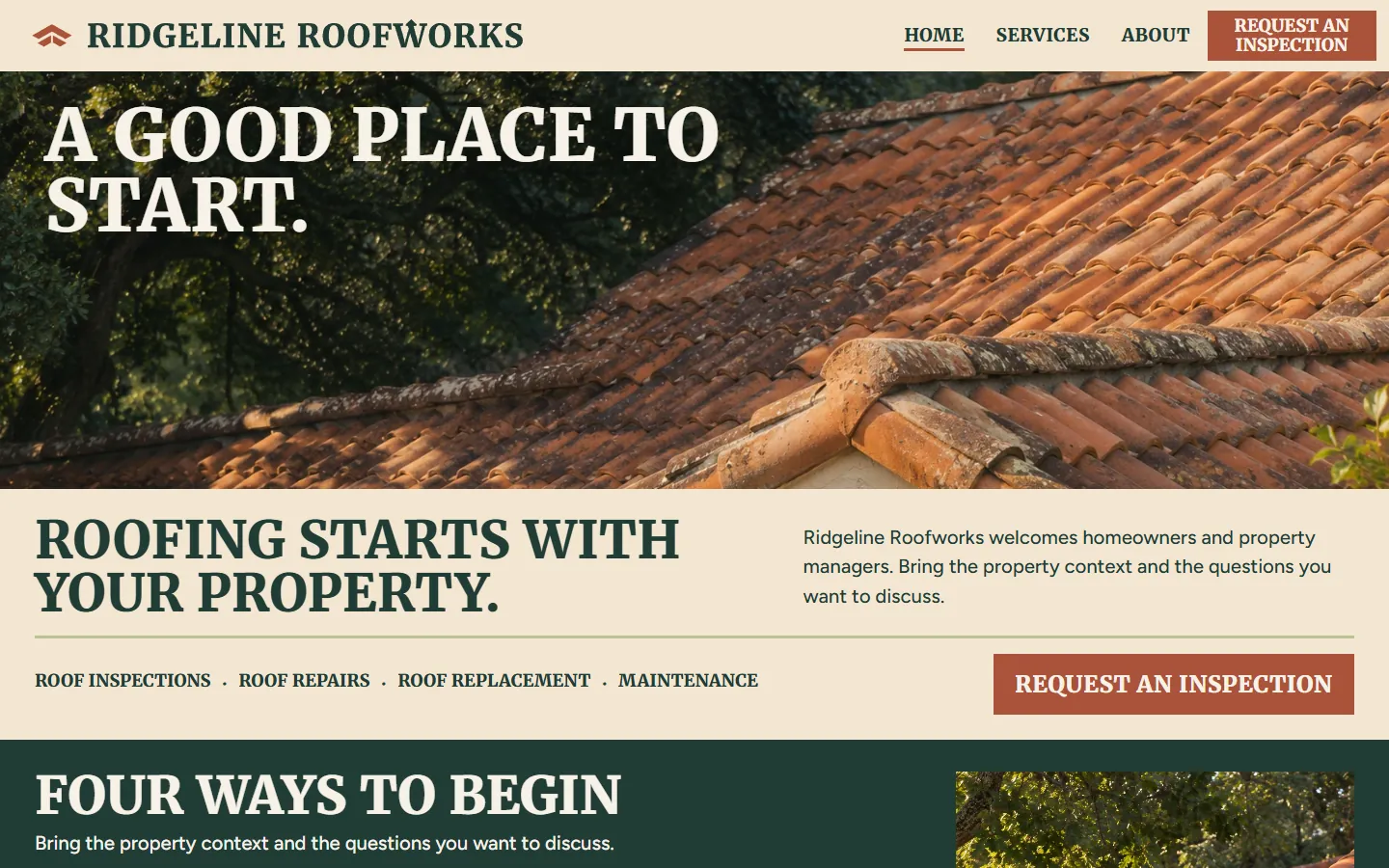
Roofing website templates
 10 templates
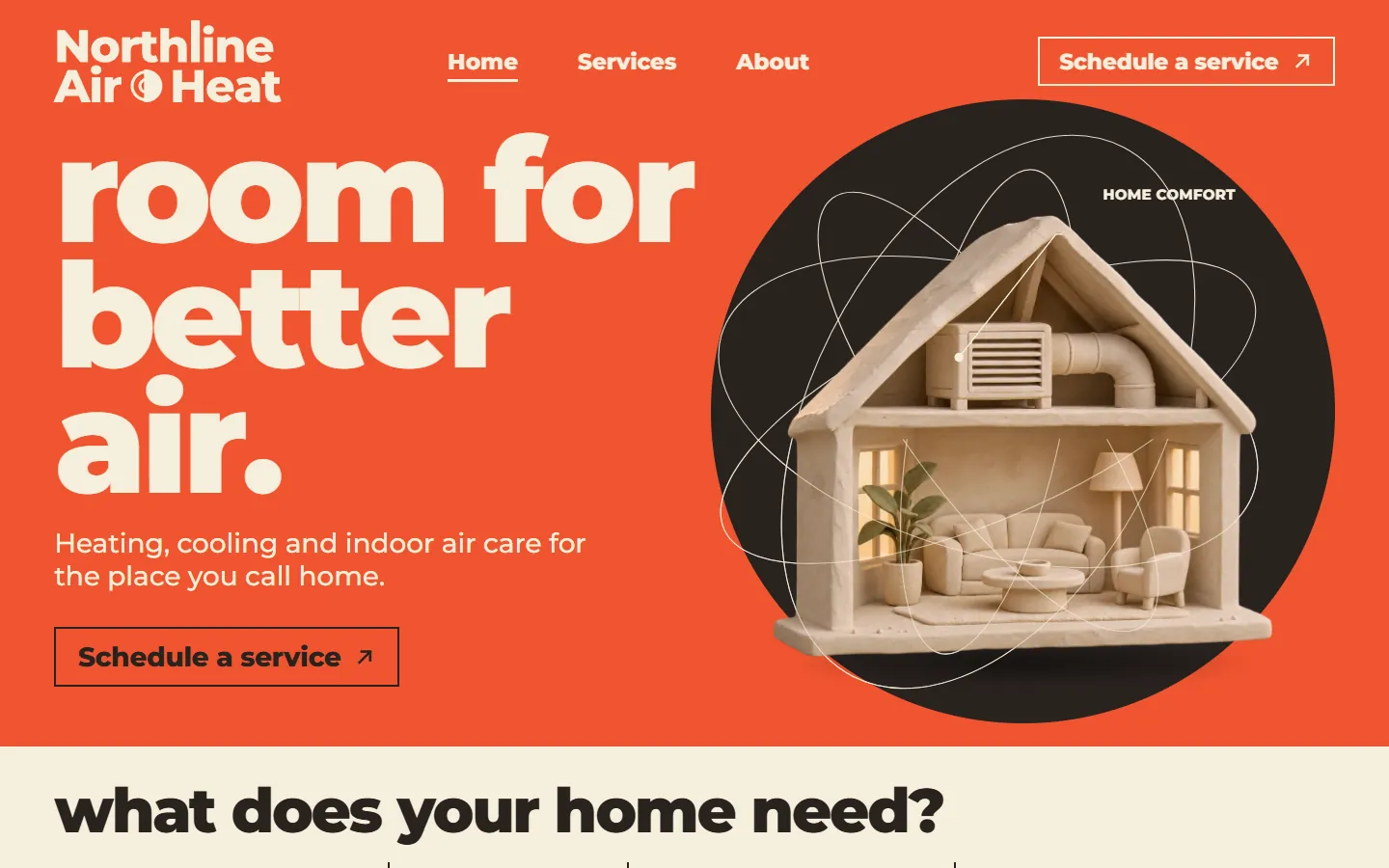
HVAC website templates
 10 templates
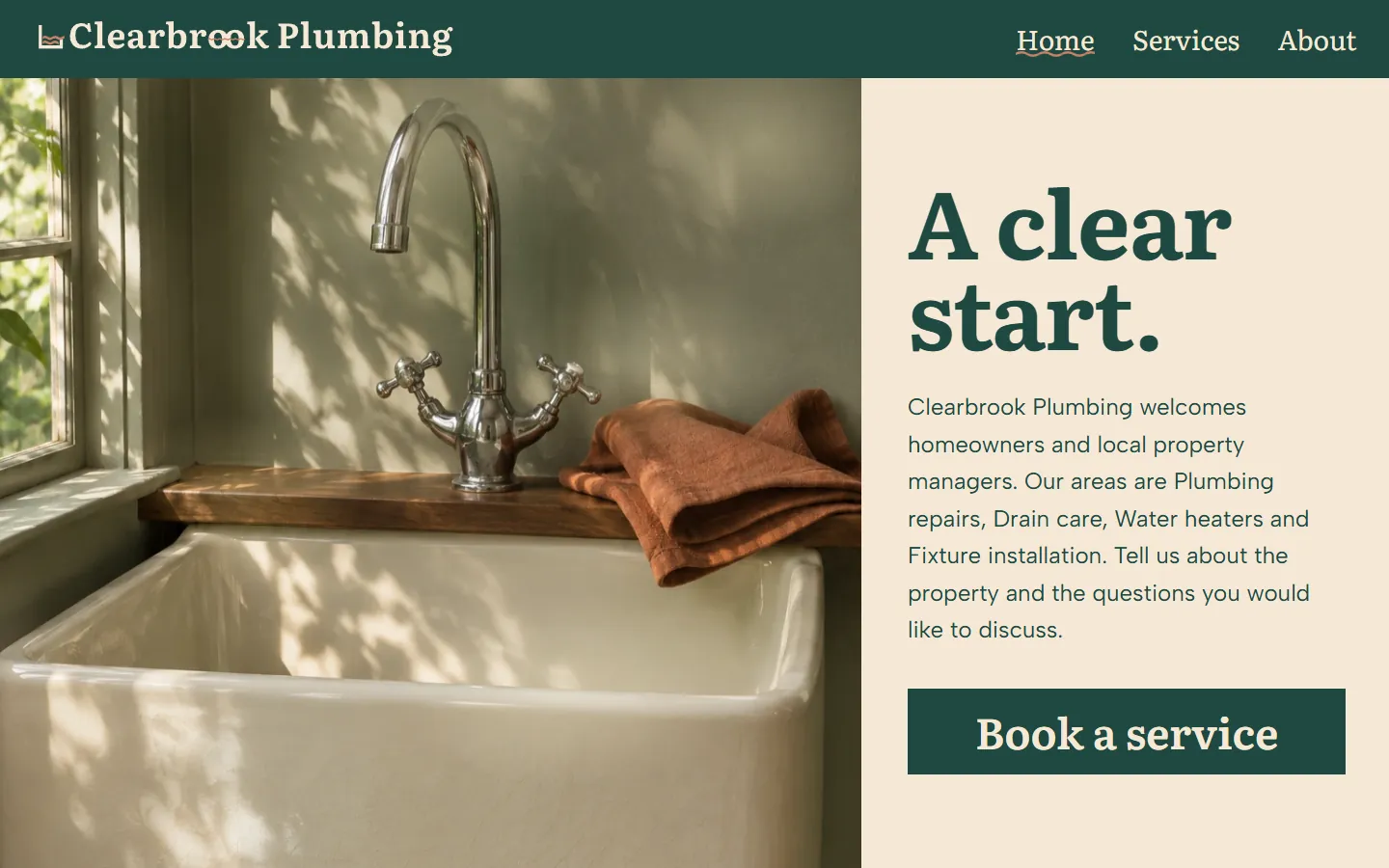
Plumber website templates
 10 templates
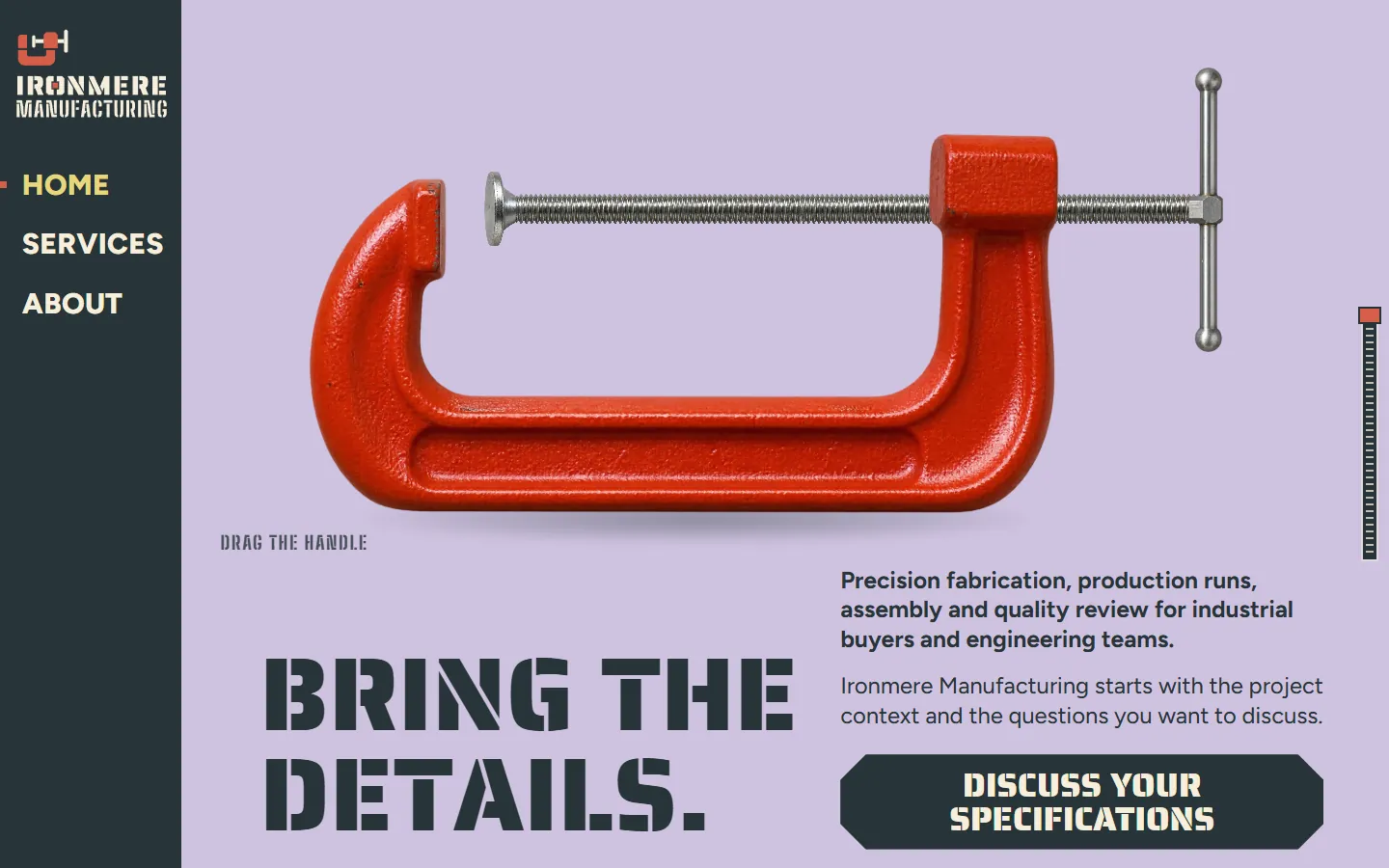
Manufacturing website templates
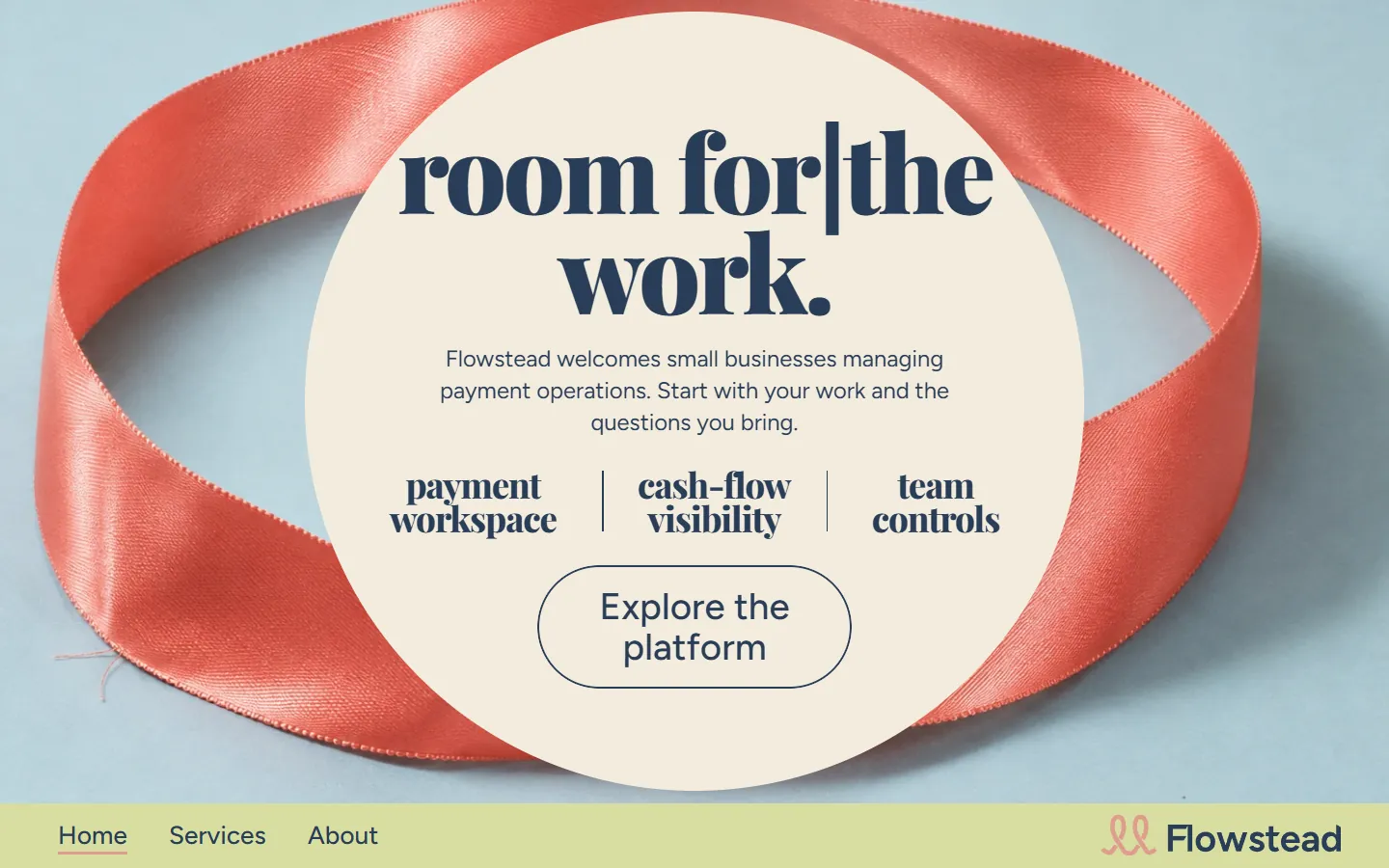 10 templates
Fintech website templates
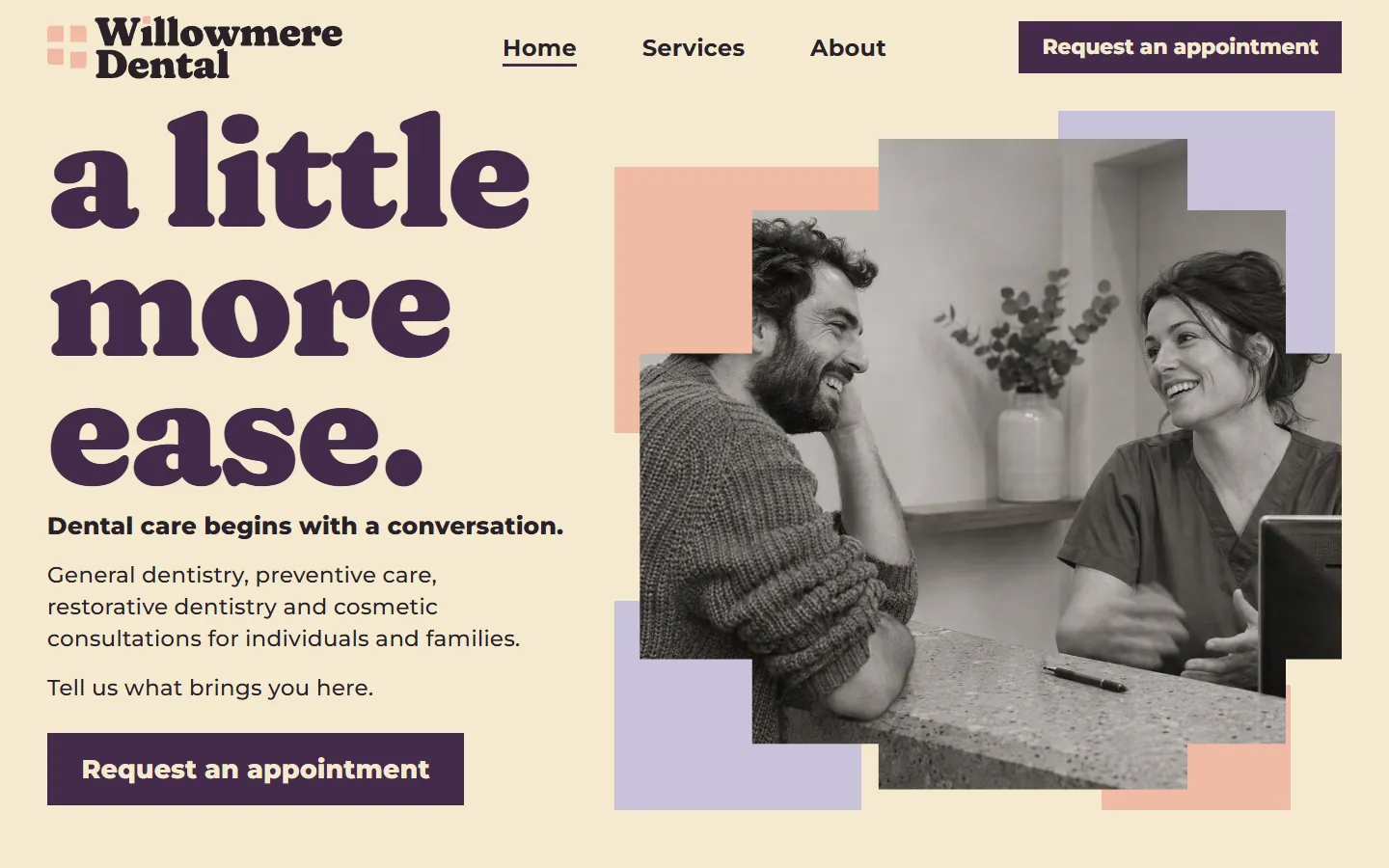 10 templates
Dental website templates
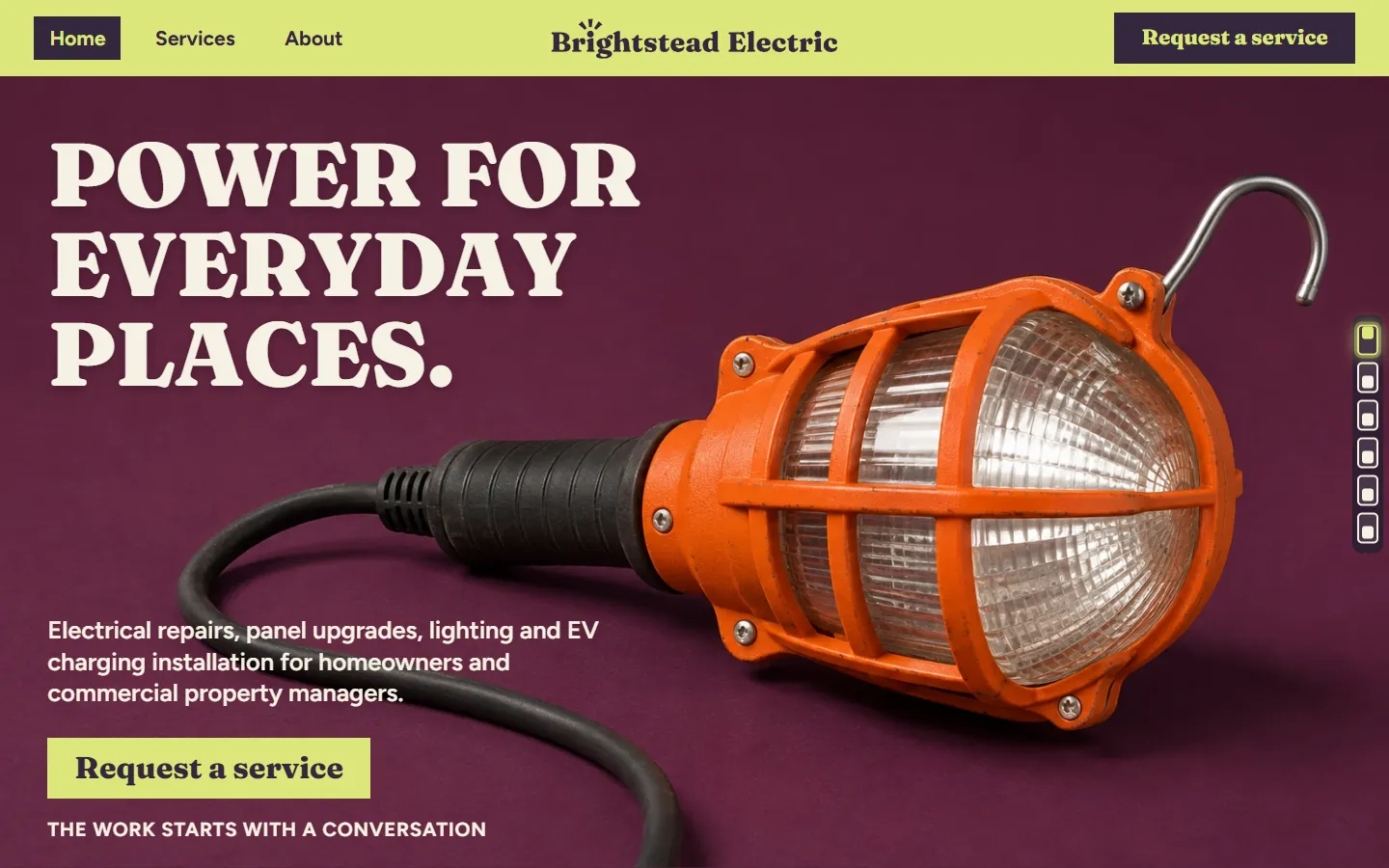 10 templates
Electrician website templates
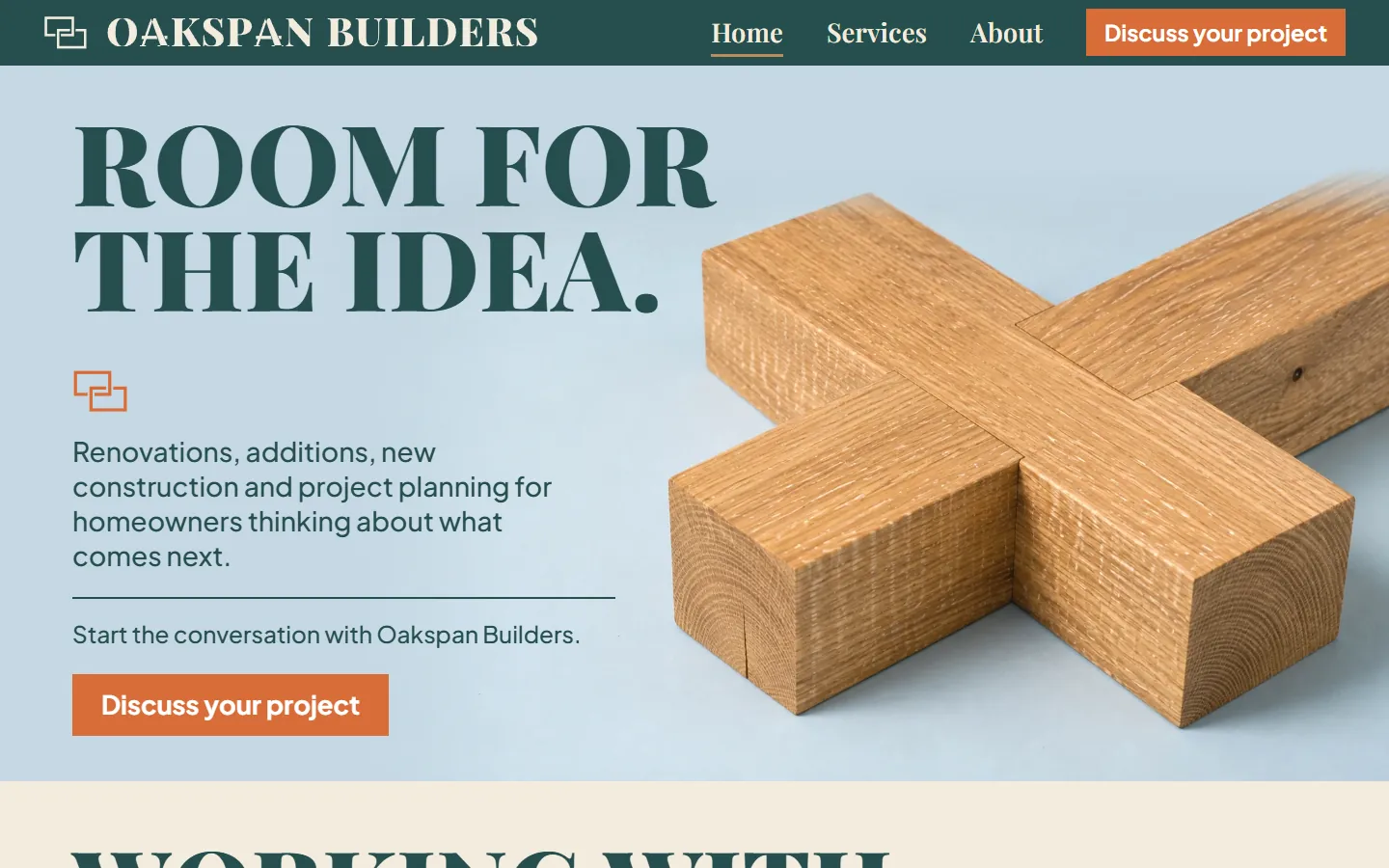 10 templates
Contractor website templates
 10 templates
Insurance agent website templates
 10 templates
Financial advisor website templates
 10 templates
Accountant website templates
 10 templates
Chiropractor website templates
 10 templates
Auto dealer website templates
38 templates Homepage templates
34 templates Landing page templates
 10 templates
Consulting website templates
13 templates Agency website templates
10 templates Business homepage templates
 8 templates
One page website templates
4 templates Minimalist website templates
13 templates Tech website templates
38 templates HubSpot themes
38 templates WordPress block themes
Want the whole site built around your buyers instead? Growigami's website service builds the home, about, product, blog, resources and contact pages and moves your old content over.
All website templates
Start with one process.
We learn the business and build your first go-to-market process on us this month.
Template
growigami.com